FILE MANAGER
CLCK
3.4.3.2 COMMAND
EXPLANATION
EXAMPLES
REMARKS
VER.V09F
SECTION 3.4
CLCK
Set the internal calendar clock to the desired
date and time.
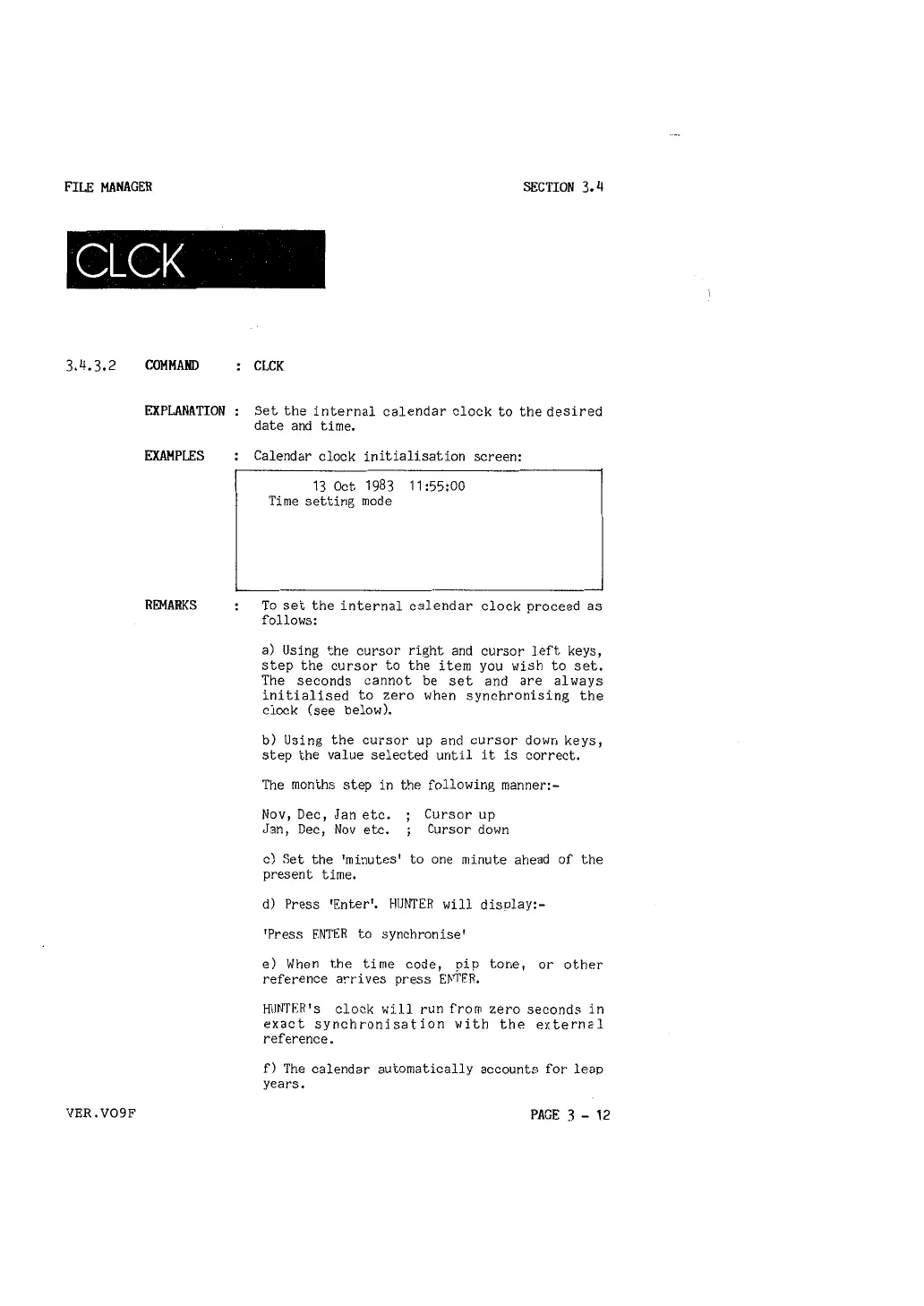
Calendar clock initialisation screen:
13 Oct 1983 11:55:00
Time setting mode
To set the internal calendar clock proceed as
follows:
a) Using the cursor right and cursor left keys,
step the cursor to the item you wish to set.
The seconds cannot be set and are al ways
initialised to zero when synchronising the
clock ( see below).
b) Using the cursor up and cursor down keys,
step the value selected until it is correct.
The months step in the following manner:-
Nov, Dec, Jan etc.
Jan, Dec, Nov etc.
Cursor up
Cursor down
c) Set the 'minutes' to one minute ahead of the
present time.
d) Press 'Enter'. HUNTER will display:-
'Press FNTER to synchronise'
e) When the time code, pip tone, or other
reference arrives press E~!'f'ER,
HUNTER's clock wi.11 run from zero seconds in
exact synchronisation with the external
reference.
f) The calendar automatically accounts for leap
years.
PAGE 3 - 12



 To Next Page