English – 40
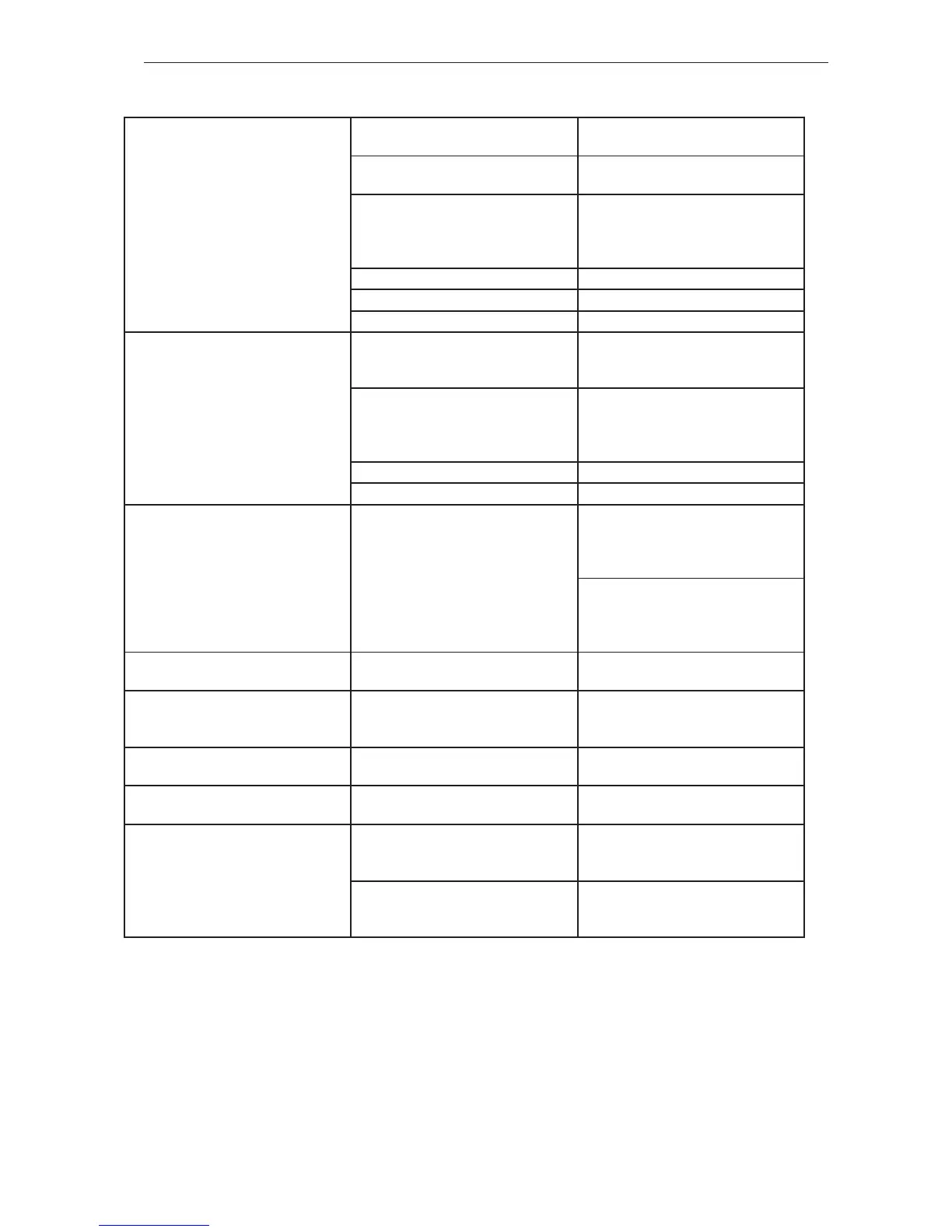
Troubleshooting
Warning triangle ashes continually
on keypad.
Temperature too high. 1. Wait for the product to cool down
(max. 5 minutes).
Temperature of control unit or bat-
tery too low.
2. Make sure neither the product nor
the battery is colder than -10C
Water in breaker signal connector. 3. Dismantle and dry the breaker
signal connector and then reas-
semble it. See gure 2 in the
annex.
Short circuit in keypad. 4. Replace the cabling.
Short circuit in breaker. 5. Replace the breaker.
Defective control unit. 6. Replace the control unit.
A warning triangle on the keypad
ashes briey after activation. The
product then shuts down.
The breaker is pressed in during
activation.
1. Activate the product without
pressing the breaker at the same
time.
Water in breaker signal connector. 2. Dismantle and dry the breaker
signal connector and then reas-
semble it. See gure 2 in the
appendix.
Short circuit in keypad. 3. Replace the cabling.
Short circuit in breaker. 4. Replace the breaker.
A warning triangle on the keypad
ashes briey after activation. The
product subsequently hangs while
the green LED is on.
Bad communication signal between
battery and product.
1. Make sure the power connectors
between the battery and the prod-
uct are not dirty or damaged. See
gure 1 in the appendix.
2. Make sure the small cables be-
tween connector and the control
unit are not loose or damaged.
See gure 4 in the annex.
Product is activated but LED on
keypad does not come on.
Defective keypad. Replace the cabling.
The product is activated directly
when the battery is inserted without
pressing the keypad.
Short circuit in keypad. Replace the cabling.
A warning triangle on the keypad
lights up solid red.
Defective control unit. Replace the control unit.
The product is not activated after
installing a new control unit.
Spare parts are delivered without
software.
Use the diagnostic tool to install new
software.
The product can not be coupled to
Common Service Tool (CST).
Old diagnostic tool. 1. Use Common Service Tool. Make
sure the Internet connection is in
order to download auto-updates.
The communication cable may be
faulty or not connected to the diag-
nostic tool.
2. Repair or replace the cable.





 To Next Page