-32-
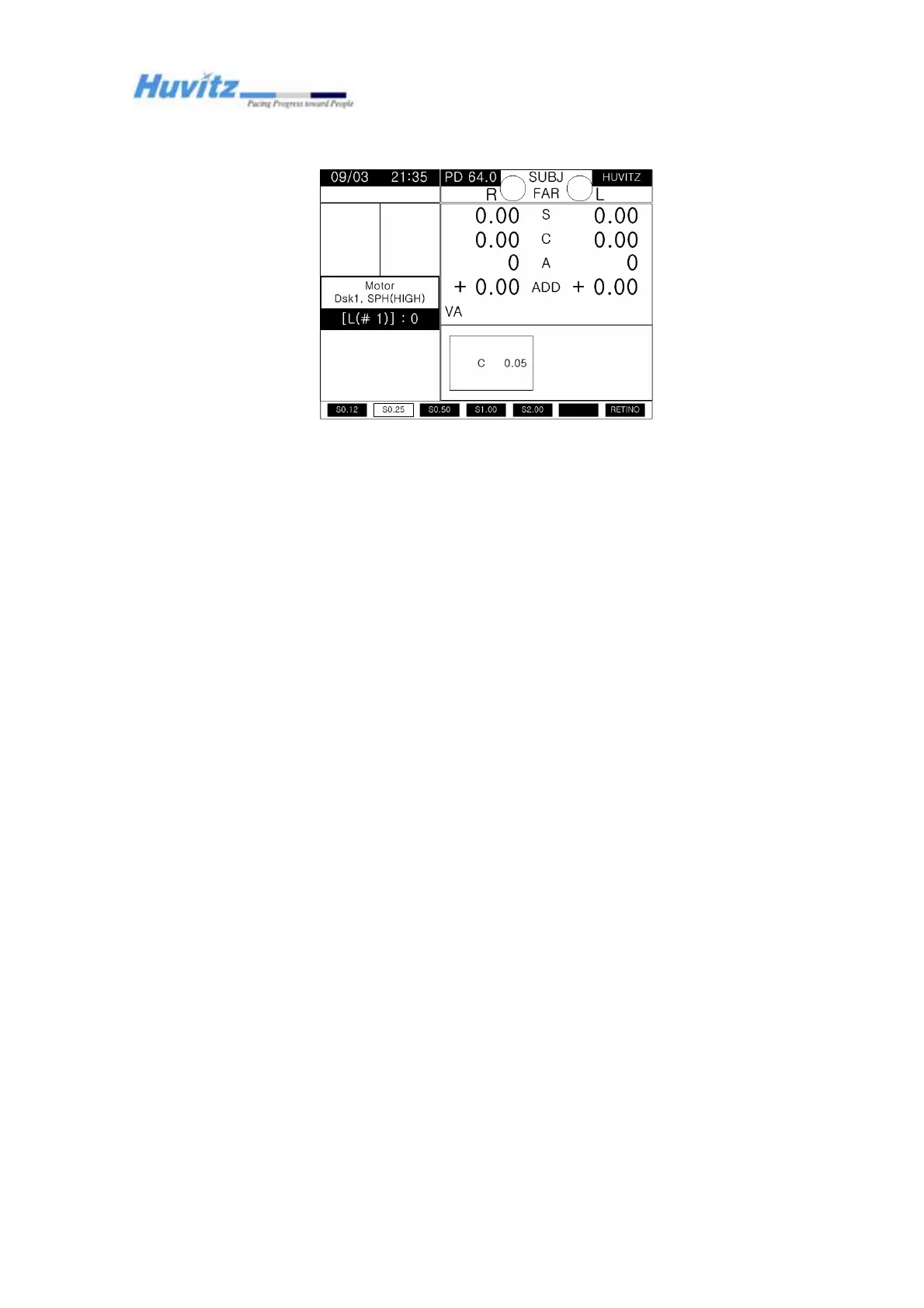
- Refractor selection keys
‘R’ for the right
‘L’ for the left
- Disk, or the motor, number selection keys
‘+’ or ‘-‘
- Changing disk position keys
Dial (turn it clockwise or counter clockwise)
- Saving changes and exiting the calibration mode
ALT + SET
(*) There is no way to cancel the result of calibration and abort the calibration mode. In
case it is not desired saving the changes, just reset the power instead of trying to revert
the offset counter to zero. It is much safer and more recommended to reset the power
unless the calibration result is trustworthy.
(*) The offset counter is displayed as ‘0’ always at the beginning of calibration. It’s just a
relative referencing position where the calibration is started.
(*) After calibration, reset the power and check the disk position when the refractor is
finished with its initialization sequence.



 To Next Page