EXCELON
Trouble shooting manual
I
-6
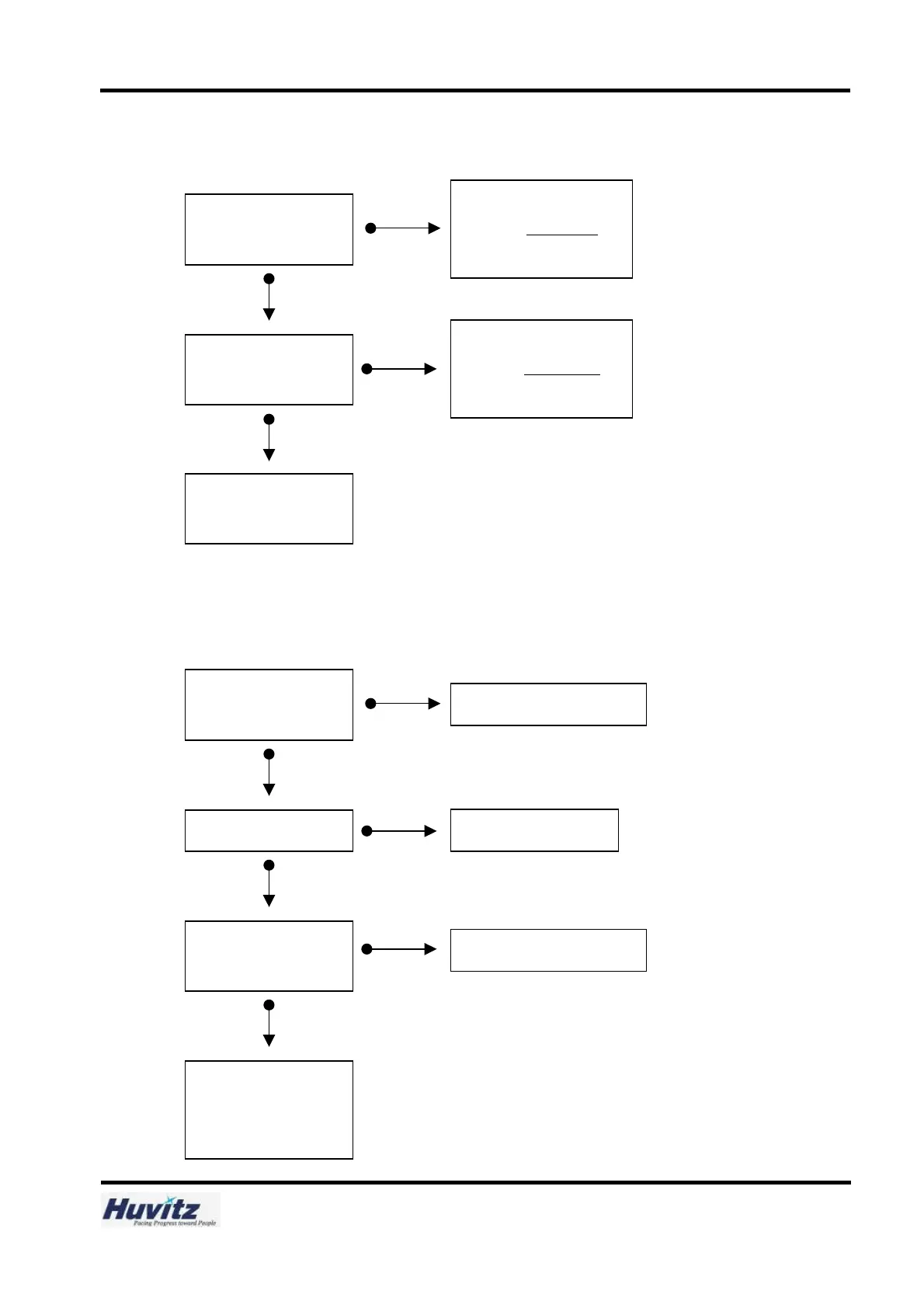
5.4 Stylus falls off a frame during reading.
5.5 After reading frame, “transmitting” message appears, but the data isn’t transmitted to the edging
body.
Yes
No
Is the R-direction movement
smooth?
No
Clean the slide with compressed
air or adjust R-Motor Ass
’
y gap
referring to page 15.
Yes
Is the Z-direction movement
smooth?
No
Adjust Frame force or set
value.
Yes
Clean the slide with compressed
air or adjust Z Updown Ass’y
gap
referring to Maintenance book.
Is the cable connected
properly?
No
Connect again to the proper port.
Yes
Is the cable broken?
No
Is the port Configuration
correct?
Yes
Replace the RS-232C cable.
Set the port Configuration properly.
Replace the Main Board of
Frame Reader referring to
page 43



 To Next Page