User Manual
Rev 9.0 Page 41 HV Diagnostics
Step Procedure (Reporting) Example
R 8:
Station
(Extended only)
Specify station name
R 9:
Line Length
(Extended only)
Specify line length
• Units correspond to “Distance Unit” set in
“Instrument Settings”
(see 4.3-Instrument Set-up)
R 10:
DUT size
(Extended only)
Specify DUT size
Typical entries include:
• Conductor size for cable test
• Horsepower or kW for motor test
R 11:
Manufacturer
(Extended only)
Specify manufacturer name
R 12:
Work Order
(Extended only)
Specify work order name
R 13:
Operator
(Extended only)
Specify operator name
End of reporting
procedure
Select Test Mode
To continue in Manual Test Mode : See 5.2
Steps MS 1-MS 5 - set test parameters
Steps MR 1-MR 6 - run test
• To continue in Automatic Test Mode: See 5.3
Steps AS 1-AS 15 - configure sequence
Steps AR 1-AR 9 - run test
Viewing Report
Reports can be viewed directly on the HVA display screen. In “Reports &
Setup” the number of reports saved appears in parentheses following
Start New / Report Details
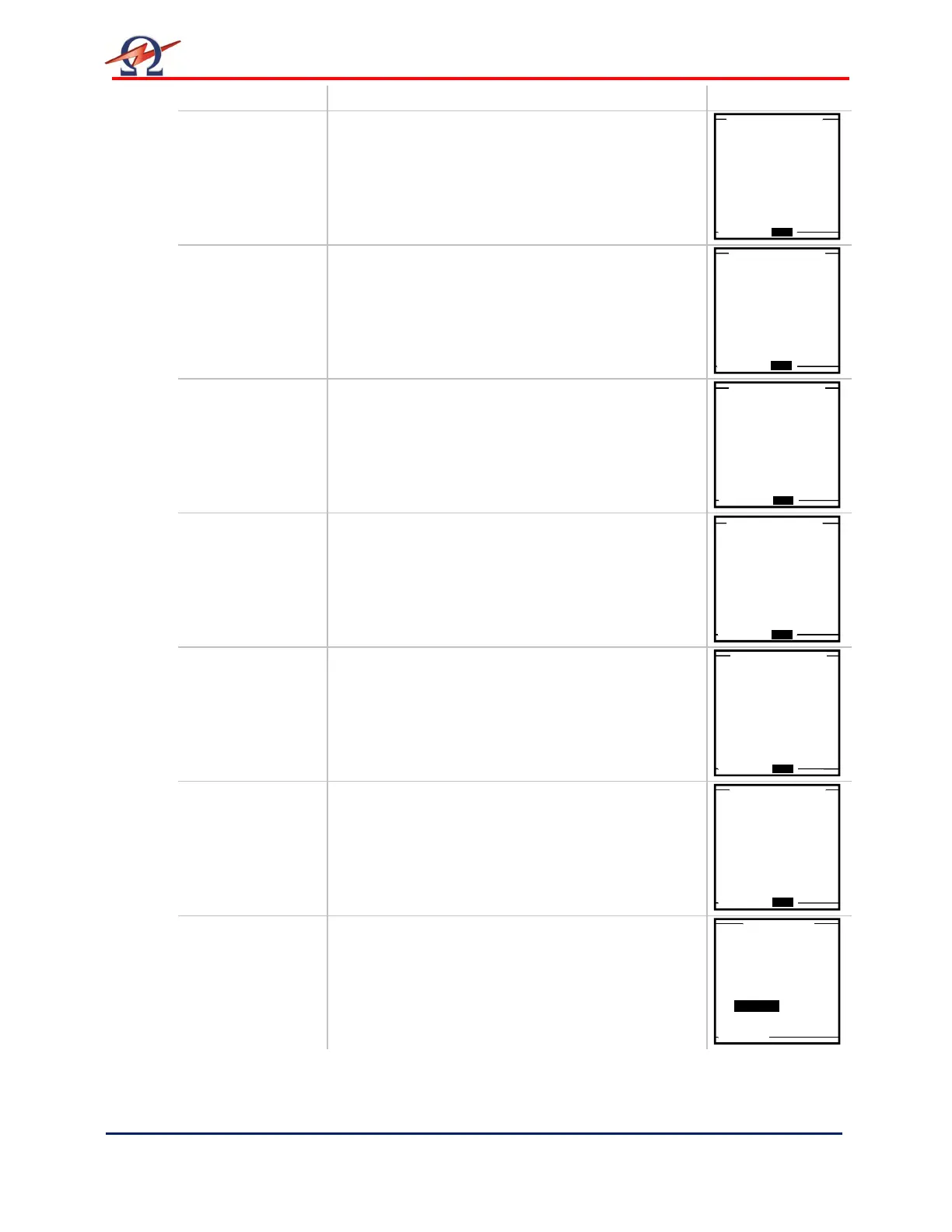
Station Name?
station BETA1
DUT: 1.0kV Cable XLPE
Start New / Report Details
Line Length?
linelen 200 meter
DUT: 1.0kV Cable XLPE
Start New / Report Details
Size of DUT?
size 4/0
DUT: 1.0kV Cable XLPE
Start New / Report Details
Manufacturer Name?
manufacturer ABC
DUT: 1.0kV Cable XLPE
Start New / Report Details
Work Order?
W.Order: WOO9A
DUT: 1.0kV Cable XLPE
Start New / Report Details
Operator Name?
operator J.SMITH
DUT: 1.0kV Cable XLPE
Auto Test Sequence
or use Manual Mode?
Auto Seq. Manual


 To Next Page