HW group
20
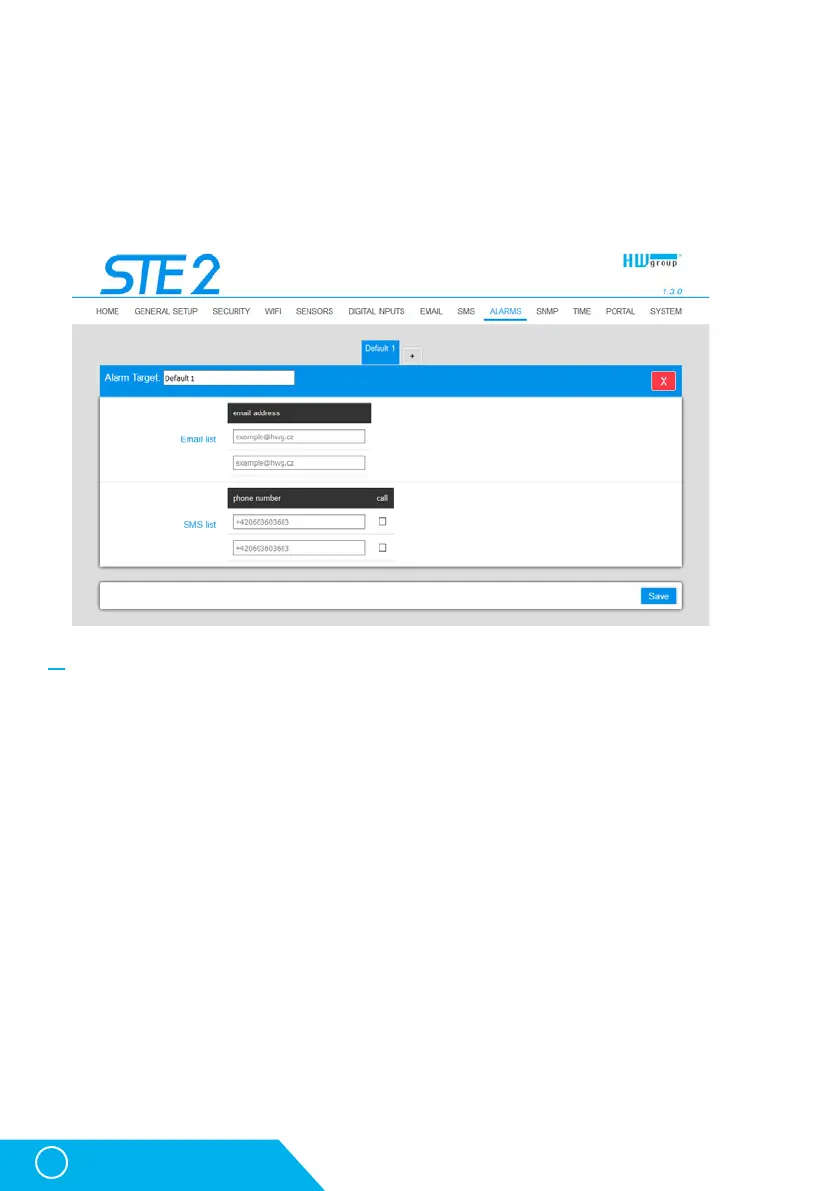
Alarms tab
Alarm targets are defined at this tab. Up to 2 sets of targets can be created; each set can contain
up to 2 addresses for e-mail alerts and 2 phone numbers for text message alerts andcalls. These
sets are then assigned to individual sensors and digital inputs. To create aset, click the + button
at the Alarms tab, or select Add new... when editing a sensor oradigital input.
Alarm Target
Set of targets. For clarity, the set can be given a custom name.
• Email list – E-mail addresses of alarm alert recipients. To send e-mails, the SMTP server must
be properly configured at the Email tab.
• Email address – Each field may contain only one e-mail address.
• SMS list – Phone numbers for text message alarm alerts. To send a message, the SMS gateway
must be properly configured at the SMS tab.
• Phone number – Each field may contain only one phone number.
• Call – When checked, the phone number is dialed after the text message is sent (anincoming
text alone can be easy to overlook).
STE2 – User Manual



 To Next Page