STE2
21
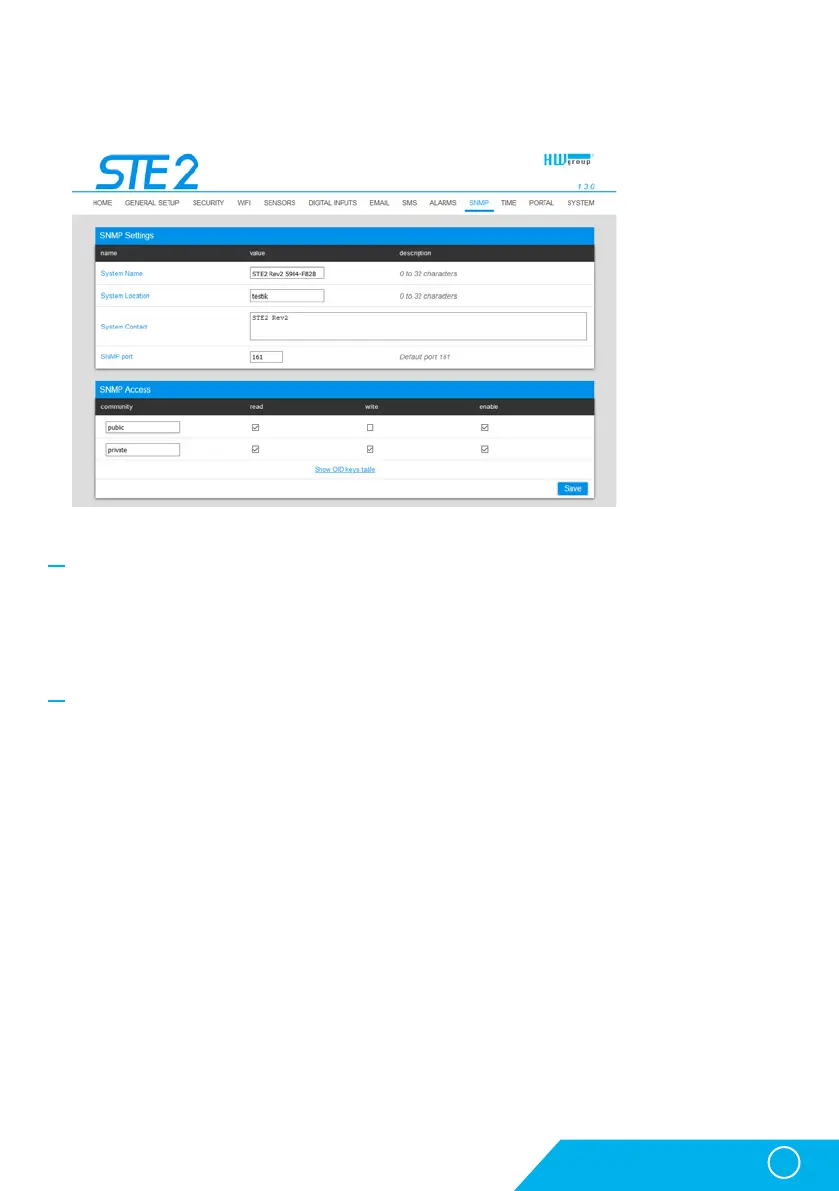
General SNMP Settings section
• System Name – Device name within SNMP.
• System Location – Device location within SNMP.
• System Contact – Contact of the device administrator within SNMP.
• SNMP port – Port number on which communication via SNMP is possible – 161 by standard.
SNMP Access section
• Community – Name of SNMP community for access to the device via SNMP. 2 communities can
be defined. For each Community you can define whether it has rights for:
• Read
• Write
SNMP tab
The SNMP tab sets the parameters for communication via SNMP protocol.
WWW interface



 To Next Page