The address field will need to be entered as an IPV4 address, or as a domain name.
Note: Some SIM cards supplied by HWM-Water require the server IP address to be
whitelisted. Contact HWM support if in doubt or if this is required and has not been
done. (Each server address is required to be whitelisted).
Enter the required port number.
The ‘DNP3 (M,S)’ entry indicates the address of the master (WITS Master Station) and the
slave (this logger) separated with a comma.
3.5.2. CALL-IN FREQUENCY
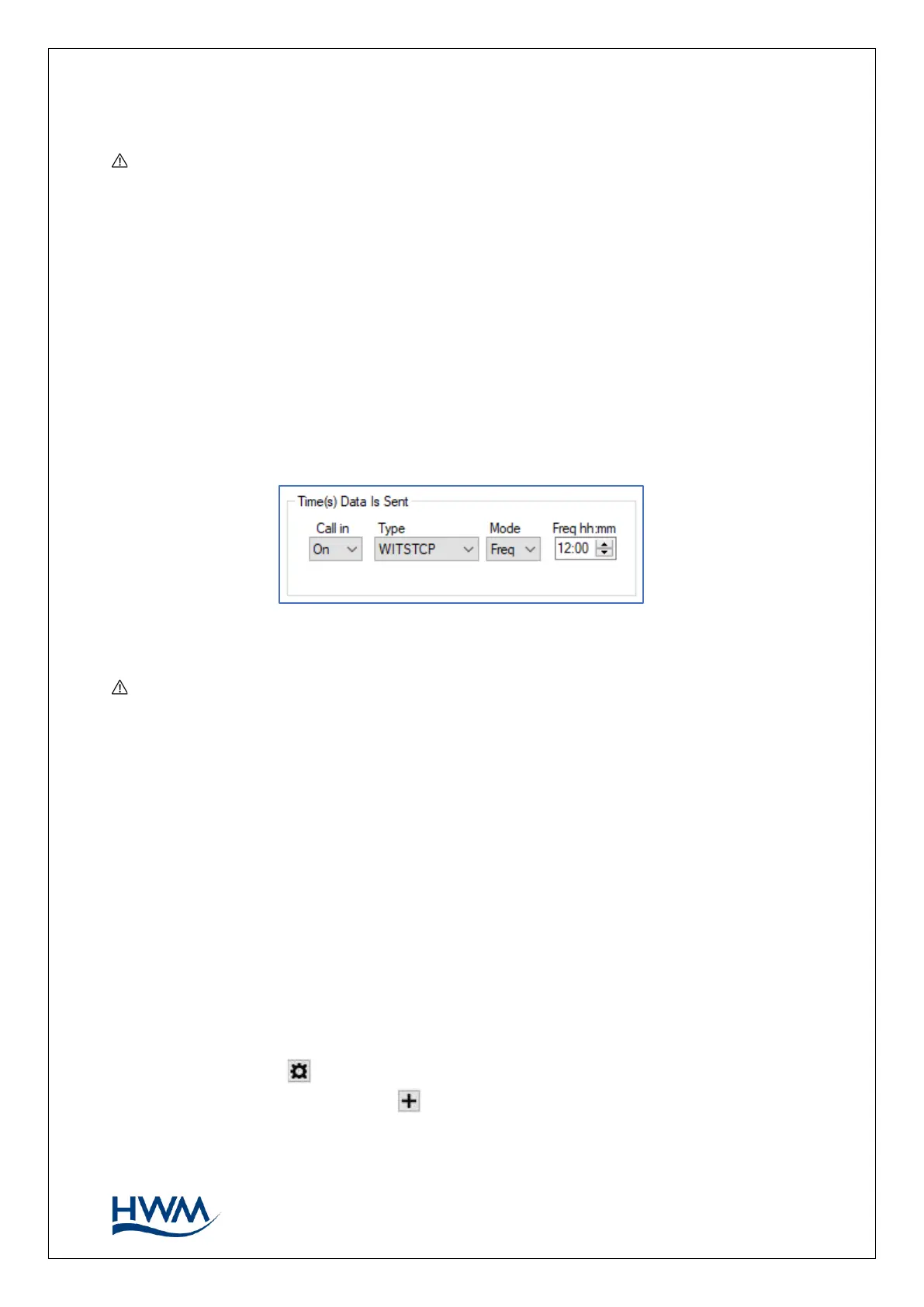
Set the logger to call-in to the server at the desired frequency (i.e., select a mode of
‘Freq’ and set the time interval between call-ins). Set the logger to use a protocol type of
‘WITSTCP’.
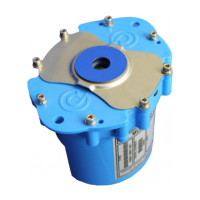
Note: Multilog 2 models that support WITS protocol will always require an external
battery pack to be fitted due to the additional communications overhead imposed by
the DNP3 protocol. Ensure the battery is connected. Connection of a battery pack will
de-activate the normal logger restriction of making no more than 2 calls per day,
without the need to enable the ‘Call Restriction Disable’ control. However, the
installer should limit the call-in frequency to avoid premature battery exhaustion.
3.6. LOGGING PARAMETERS
Configuring the data logging parameters in detail is covered by the IDT User Guide. This
supplementary guide summarises how to set a simple pressure and flow channels.
3.6.1. ACCESSING CHANNEL SETUP
Locate the ‘Logging Channels’ panel in IDT.
Click on the cog icon ( ) to configure an existing channel.
Alternatively, click on the plus sign ( ) to add another channel.



 To Next Page