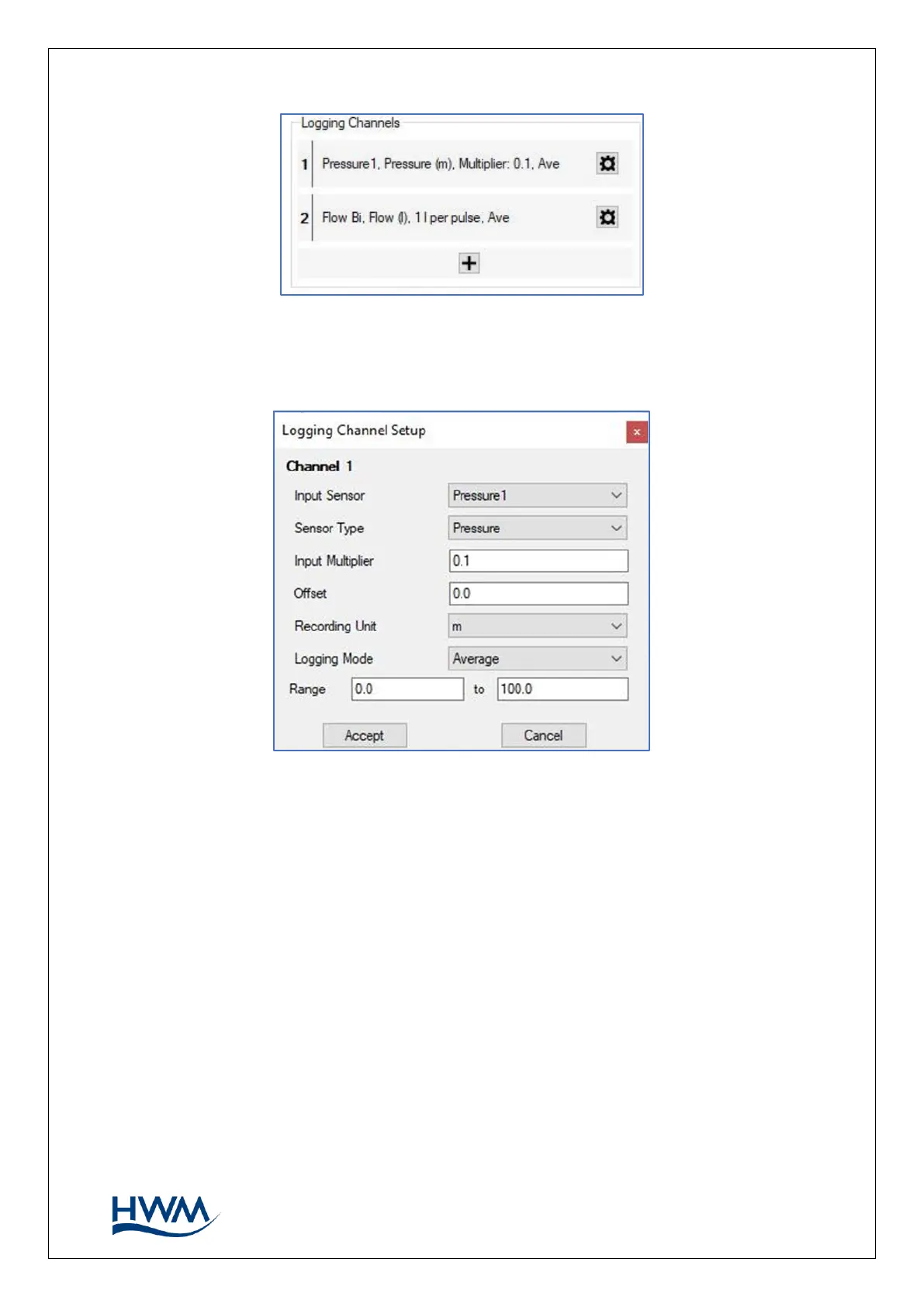
3.6.2. CHANNEL SETUP SUMMARY
The input multiplier is applied to raw sensor values to convert the output value into the
required unit of measure. You can (if needed) also apply a fixed offset after scaling with
the input multiplier.
The ‘logging mode’ should normally be set to determine how the data value of the
logged point is produced, (e.g., the average of several discrete samples). However, for
these models, the logger will disregard the setting as it produces a variety of outputs
(see section 3.8).
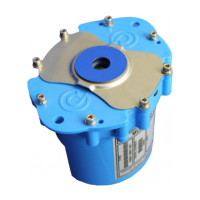
Ensure that the logger is calibrated to use the sensor. E.g., for a cabled pressure sensor,
where applicable, tick the ‘update cable values’ box and then enter calibration values
that are on the cable.



 To Next Page