3. INSTALLATION AND USE OF IDT
3.1. IDT INSTALLATION
Refer to the IDT user-guide for details on how to install the IDT software.
3.2. USING IDT FOR LOGGER CONFIGURATION
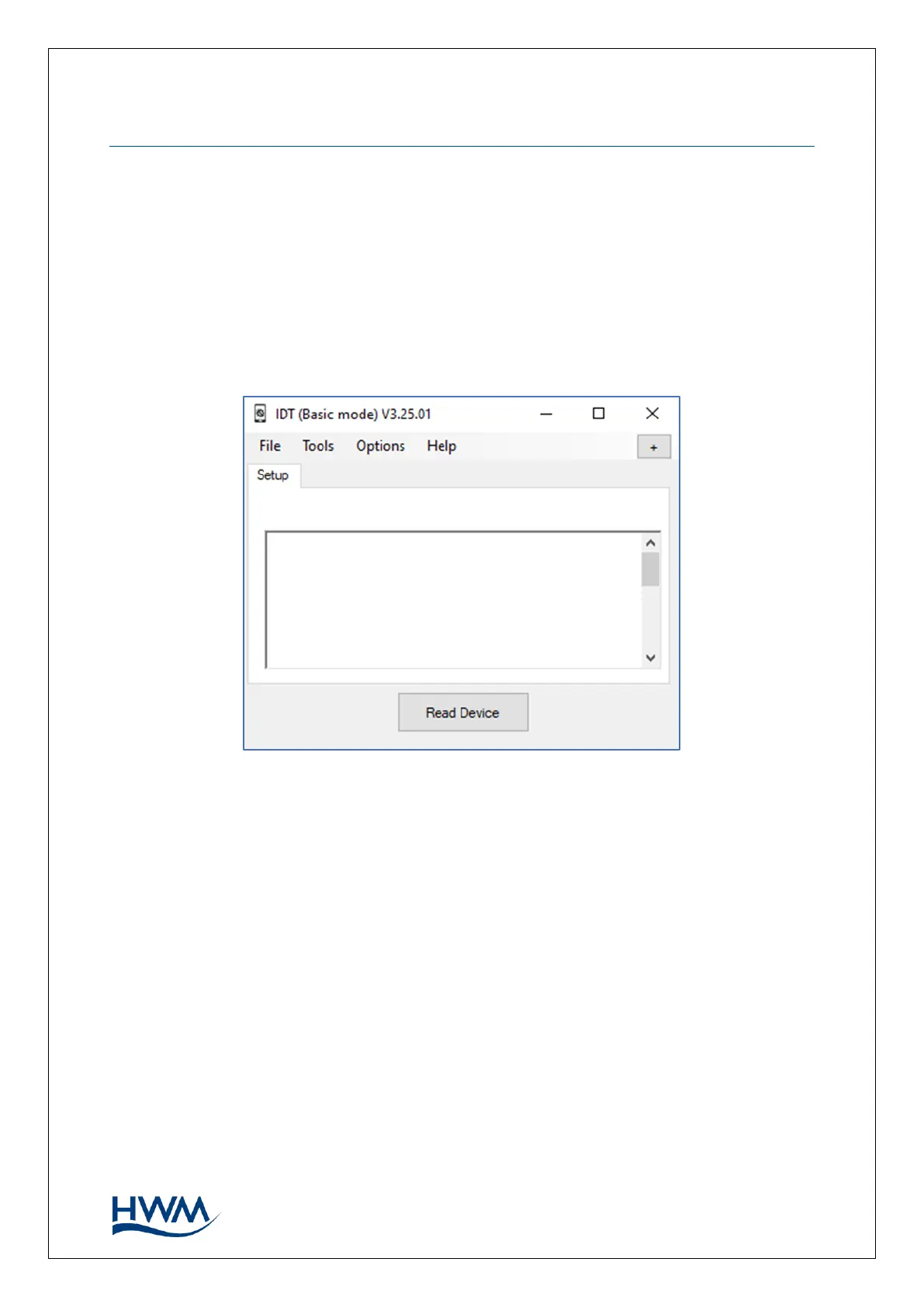
Connect the logger to the PC (USB port) using a Multilog 2 communications cable. Run
the IDT software and click the Read Device button.
3.3. PASSWORD ENTRY
After the logger configuration is read, IDT recognises the logger type, and the ‘Security
Passcode Entry’ box will appear.



 To Next Page