3.4. WITS STRINGS ENTRY
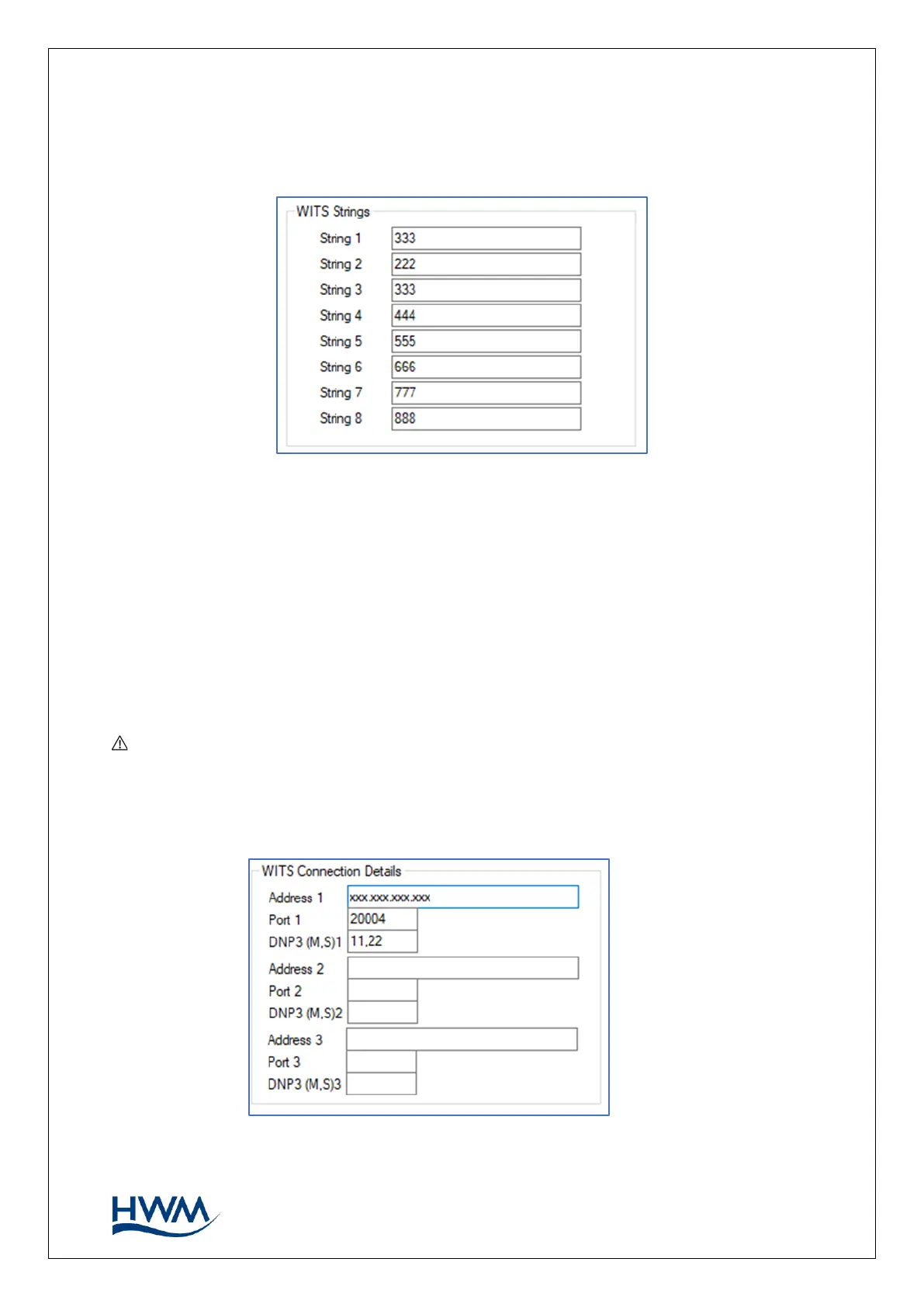
Locate the ‘WITS strings’ panel in the ‘Setup’ tab.
Enter the string (text) information required for the outstation. (See also section 3.8).
The content of each string depends on the string-use policy of the customer.
3.5. DATA DELIVERY
3.5.1. DATA DESTINATION
Set the data destination to be the WITS Master Station.
Note: Up to 2 extra WITS Master Stations can be specified. These act as backup
stations in case the logger has difficulties with communications to the primary
station.



 To Next Page