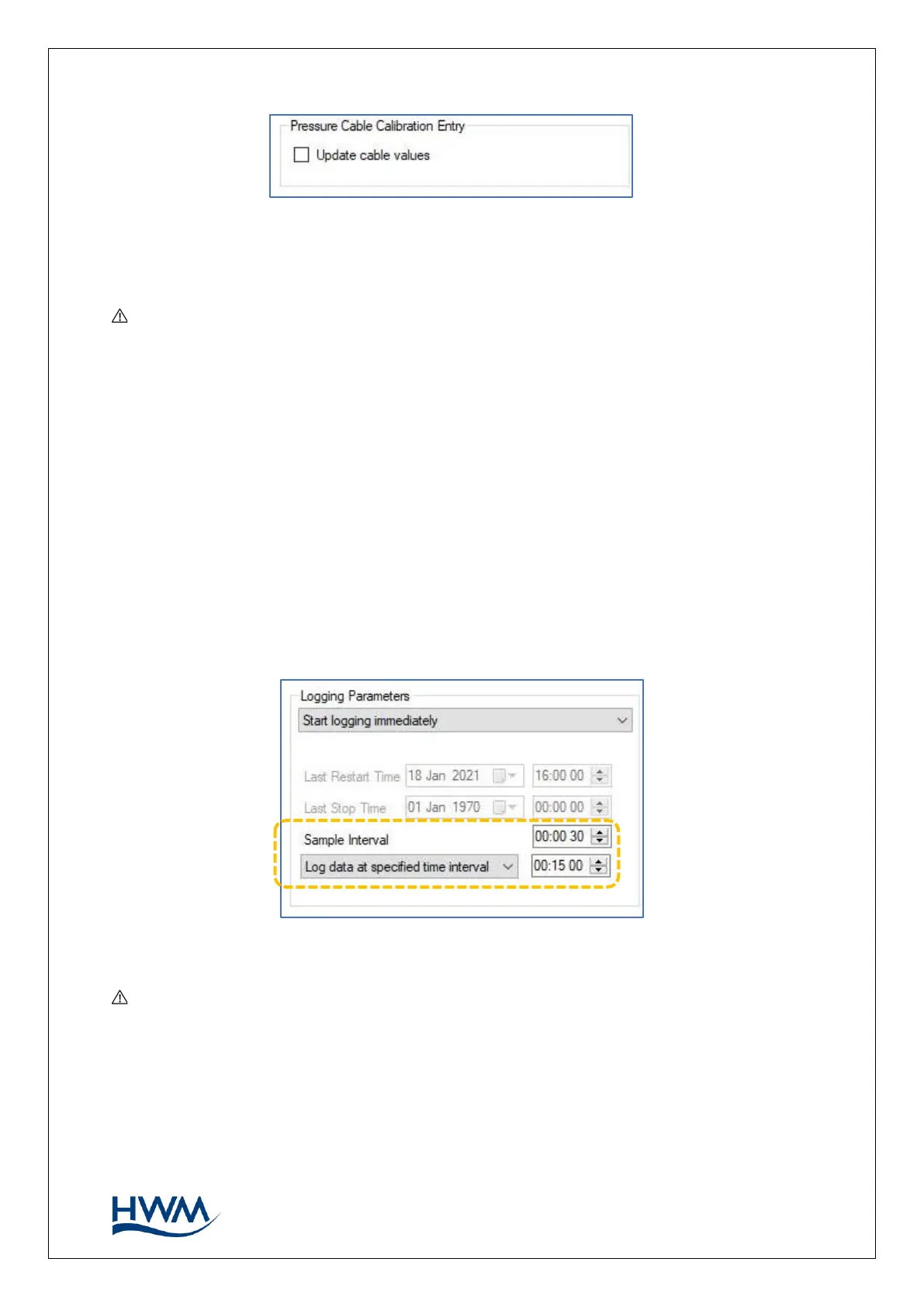
When finished, click on ‘accept’.
Note: Multilog 2 models that support WITS protocol have two ‘Range’ fields included
in the channel setup (see Figure 9). These should be set to the lower and upper range
of the expected values.
The parameters for flow channels follow the same pattern. Refer to the IDT user guide
for additional information.
3.6.3. CONFIGURE SAMPLE INTERVAL
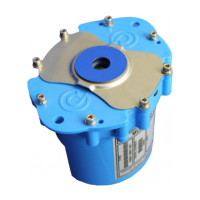
Locate the ‘Logging Parameters’ panel in IDT.
The Logging Parameters panel includes fields used to set the background sample
interval and the Logged datapoint creation interval (each logged datapoint is normally
the average of several discrete background samples).
Set the values as required.
Note: The period between samples (‘sample interval’ setting) also determines the
time between samples for any High Speed Sampled Data channels (see section 3.8).



 To Next Page