N.º de documento 480HX-HSCSW.A01
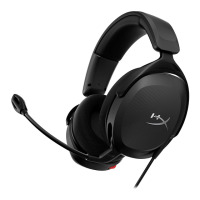
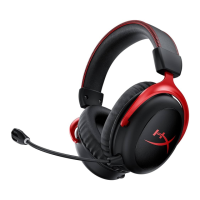
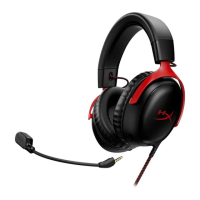
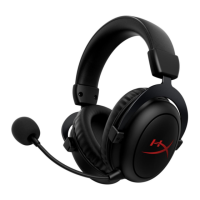
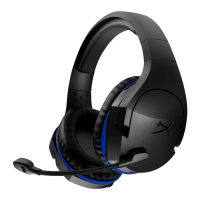
HyperX Cloud Stinger Wireless
TM
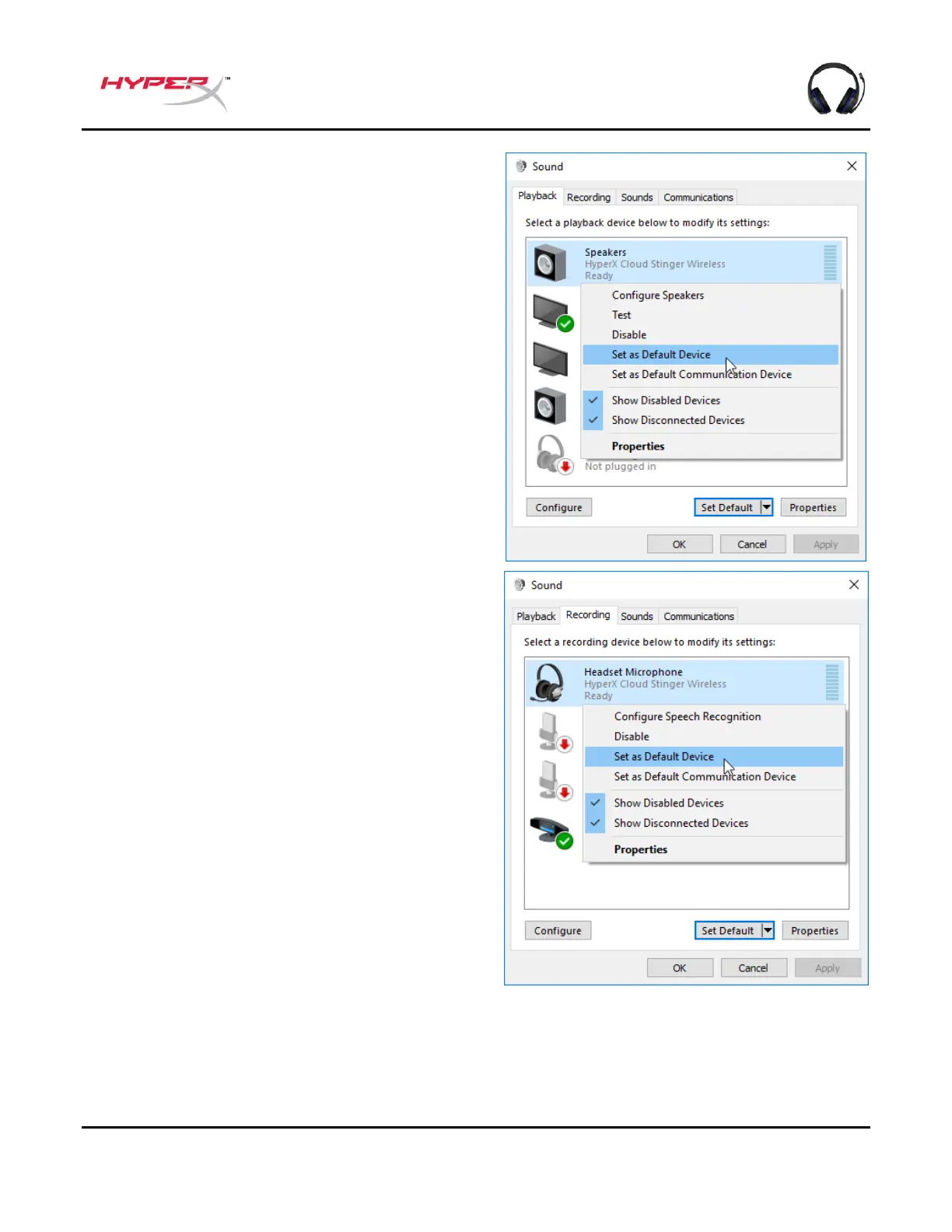
2. En la pestaña Reproducción, haz clic con el
botón derecho en Altavoces HyperX
Cloud Stinger Wireless y selecciona
Establecer como dispositivo
predeterminado.
3. En la pestaña Grabación, haz clic con el
botón derecho en Micrófono de
auriculares HyperX Cloud Stinger
Wireless y selecciona Establecer como
dispositivo predeterminado.



 To Next Page