15
Touch the User Settings button to proceed with entering the options settings
Display Example #4
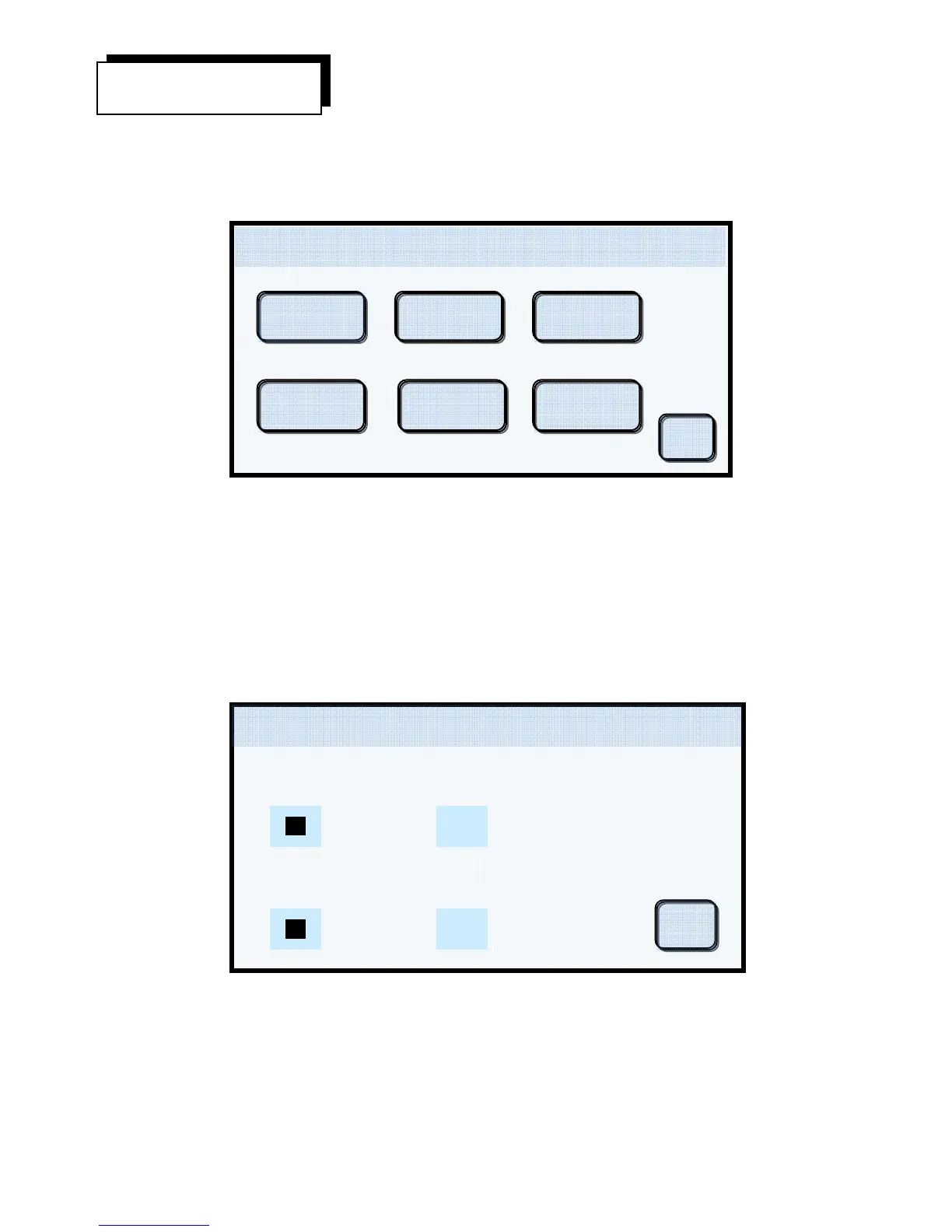
The User Settings Menu is where the user customizes the furnace operation. The menu picks are as
follows:
1. Format – Here you select the temperature display in °C or °F and the vacuum in cm or
inches. Any combination is permissible. When finished, touch the OK button to return to
the User Settings Menu.
Display Example #5
User Settings
Temperature
Pressure
cmHg
Celsius Fahrenheit
In
h
Format Prefs 450 C 0cmHg
08/13/12
04:15:45
OK
Ok
User Settings 450 C 0cmHg
08/13/12
04:15:45
Set Defaults
Night Mode
Features
Power Save
Volume
Format Prefs


 To Next Page