38
Skip Step is a powerful tool that allows the user to move or Skip ahead one or more steps from the
current step in a program.
NOTE! When starting a program, the processor runs several system checks before actually starting
the program. Upon completion of these tests an audible clicking of the vacuum vent valve closing will
be heard. Any attempts to Skip a step prior to this will be ignored. You can only skip forward. There is
no going back once a step has been skipped.
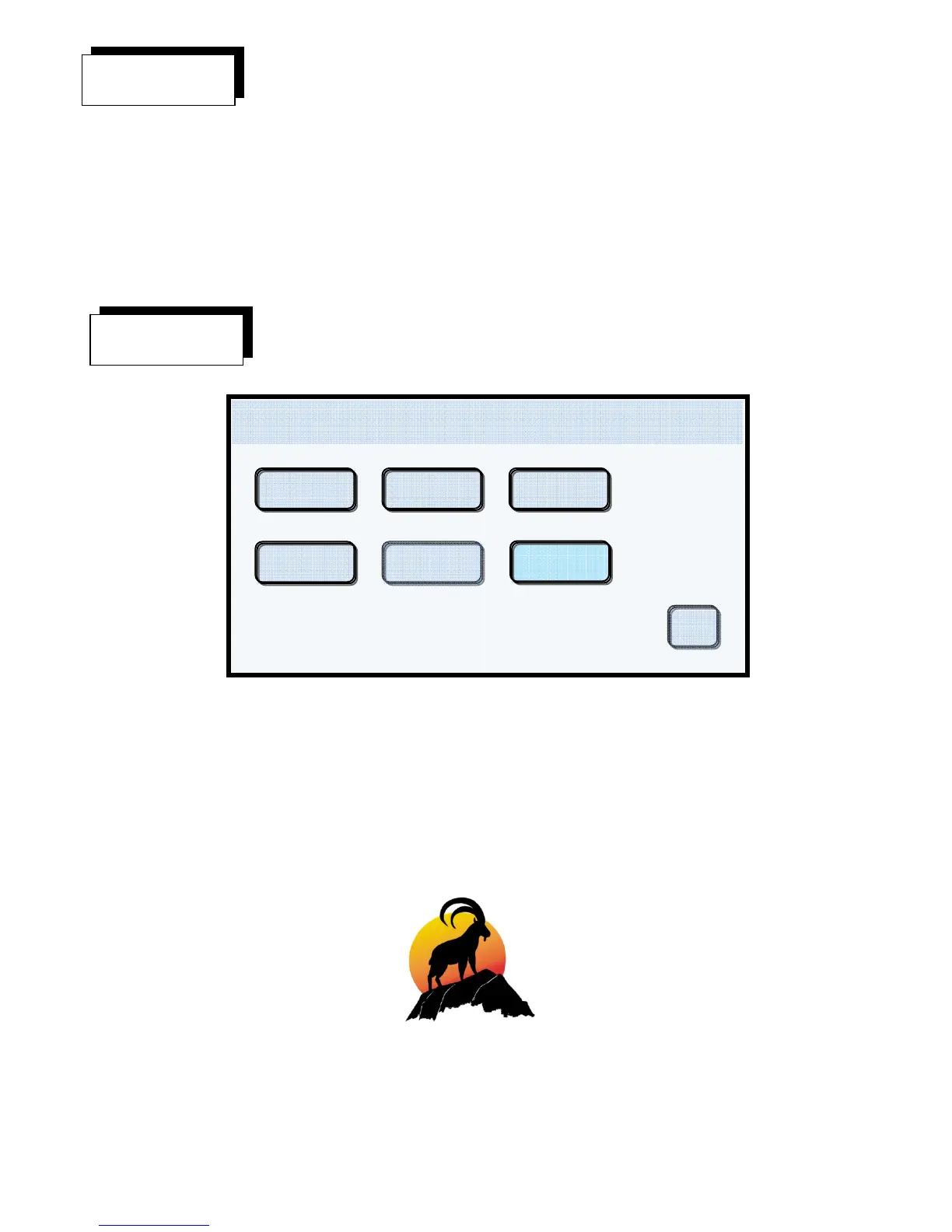
Display Example #38
Touching the Utilities button while running a program allows the user to access the Utilities menu as
shown above in Display Example #38. All Utilities features with the exception of Calibrate and Set
User Defaults are available. See the Utilities section starting on page 13.
Utilities 450 C 0cmHg
08/13/12
04:15:45
User settings
Import
Calibrate
Info Date/ Time
Export
Ok
Skip Step
Utilities


 To Next Page