33
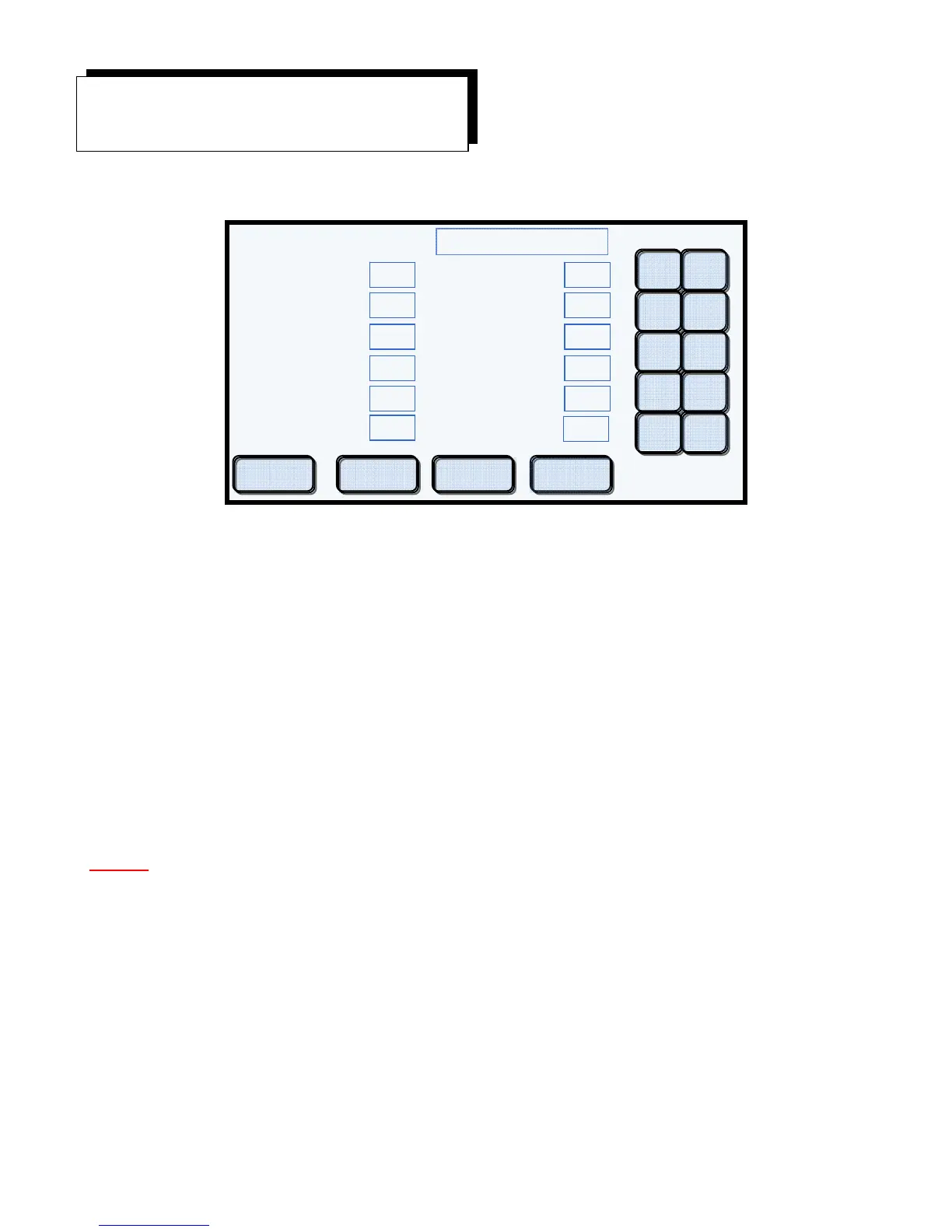
Display Example #32
Once a program has been created and saved, it is possible for you to modify or edit the program. From
the Select Program Screen, select the program to be modified. After selecting the program to be
modified, touch the Modify button. A screen similar to Display Example #32 will appear. It looks
almost identical to the Create Program screen. From here you can make all the changes needed to the
program, including its name and location. You can also make copies of the original program that you
wish to save in different memory locations.
Modifying or Editing a Program
Editing a program is very simple. Make all the changes that you need to as if creating a new program.
When you are finished, touch the Save button. All changes will be recorded to memory and the Select
Program screen will appear indicating that the edit process has been completed.
NOTE! Touch the Save button only after all the changes have been made.
Should you decide not to save your changes made during the edit process, touch the Cancel button. No
changes will be recorded to memory, and the program will retain all its original values. The Select
Program screen will appear indicating that the edit process has been cancelled.
Modify an Existing Program
Porcelain or Pressing
SAMPLE 1
Porcelain
Low Temp (C)
Preheat (mm:ss)
Heat Rate (C/min)
Vac Level (cmHg)
High Temp (C)
Vac Hold (mm:ss)
Hold Time (mm:ss)
2ndHold Temp (C)
2nd Hold Time (mm:ss)
Cool Time (mm:ss)
Start Vac (C)
Release Vac
C
1 2
3 4
5 6
7 8
9 0
05:00
60
7 73
890
450
0
00:00
03:00
550
01:30
00:00
880
Cancel Save Copy Move


 To Next Page