17
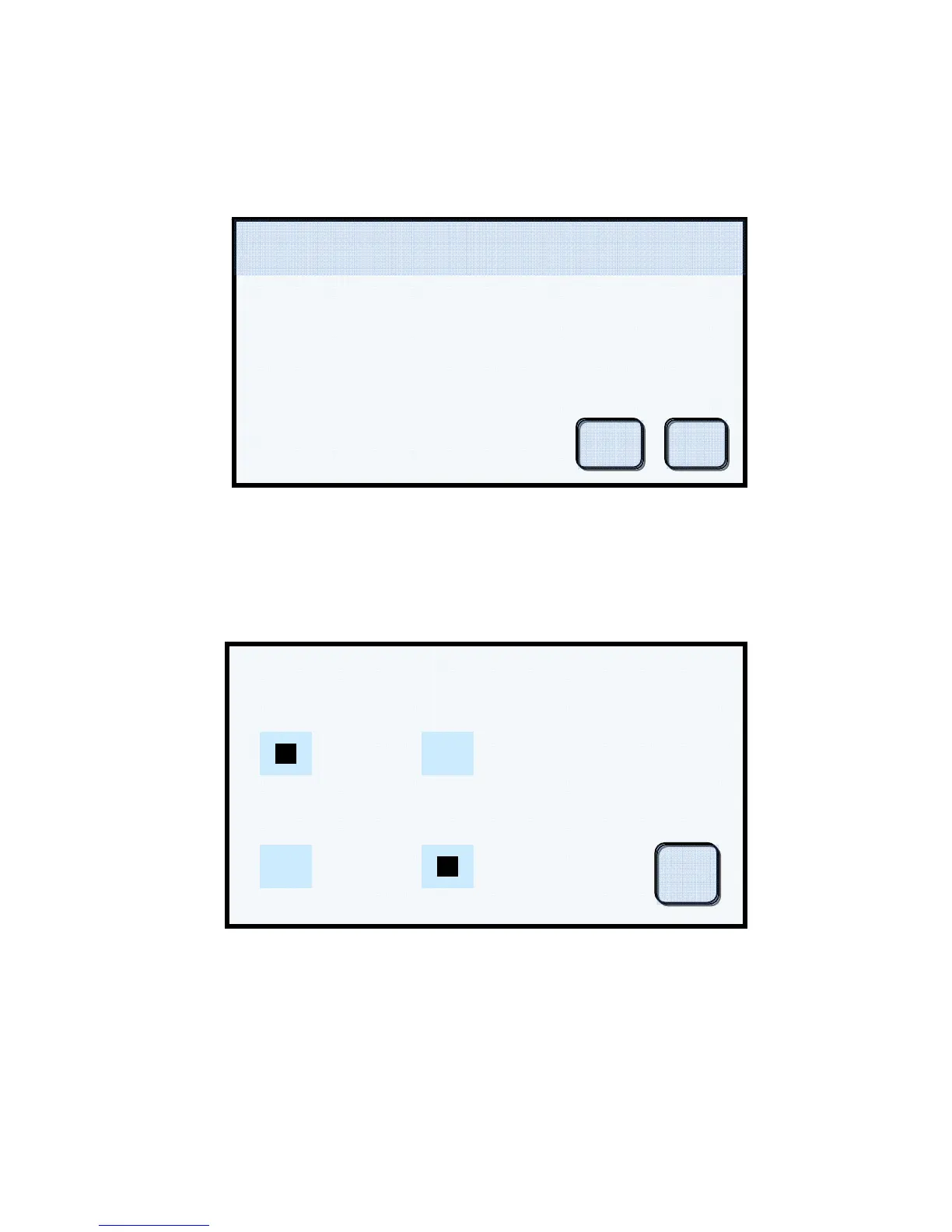
4. Set Factory Defaults – This button will reset all user settings to the factory defaults and
erase all porcelain and pressing programs. You will be prompted to verify that this is the
action you wish to take.
NOTE! This action should be taken only when experiencing erratic or irregular system
operation. It is strongly recommended that you contact Ibex Dental Technologies with a
detailed description of the symptoms prior to taking this action.
Display Example #8
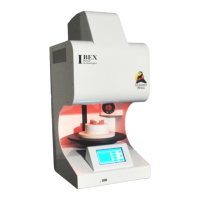
5. Features – This screen allows you to enable or disable the Night Mode and Cooling Fan
features of the furnace. The enable or disable aspect is global in nature, meaning that
regardless of any other parameters or settings, these features will be enabled or disabled.
Display Example #9
NOTE! The Night Mode button on the Main Screen overrides this setting and places the furnace into
Night Mode immediately.
NOTE! When running a pressing program in the Summit Press, the Quick Cooling Fan is always
disabled.
Enable / Disable Features
Night Mode
On
Off
Off
On
uick Coolin
Ok
Set Factory Defaults 450 C 0 cmHg
08/13/12
04:15:45
Reset all settings to Factory
Defaults? Warning! All current user
ro
rams and settin
s will be erased!
Yes No


 To Next Page