12 IBM Desktop System HMM
BIOS Configuration/Setup Utility
The Configuration/Setup Utility lets you review and
change important information about the computer and
its hardware.
Working with the Configuration/Setup
Utility Menu
Starting the Configuration/Setup Utility
Follow these steps to enter Setup when the computer
is off:
1. Turn on your monitor.
2. Press and hold
F1
.
3. Turn on the system unit.
If you have previously set a password, you are
prompted to type in the password after you press the
F1
key. Refer to the Configuration/Setup Utility Main
Menu below.
The following table lists specific keys on the keyboard
that will help you move through the Configuration/
Setup Utility Menus:
Keys Function
F1 Press this key if you want help for a
selected menu option.
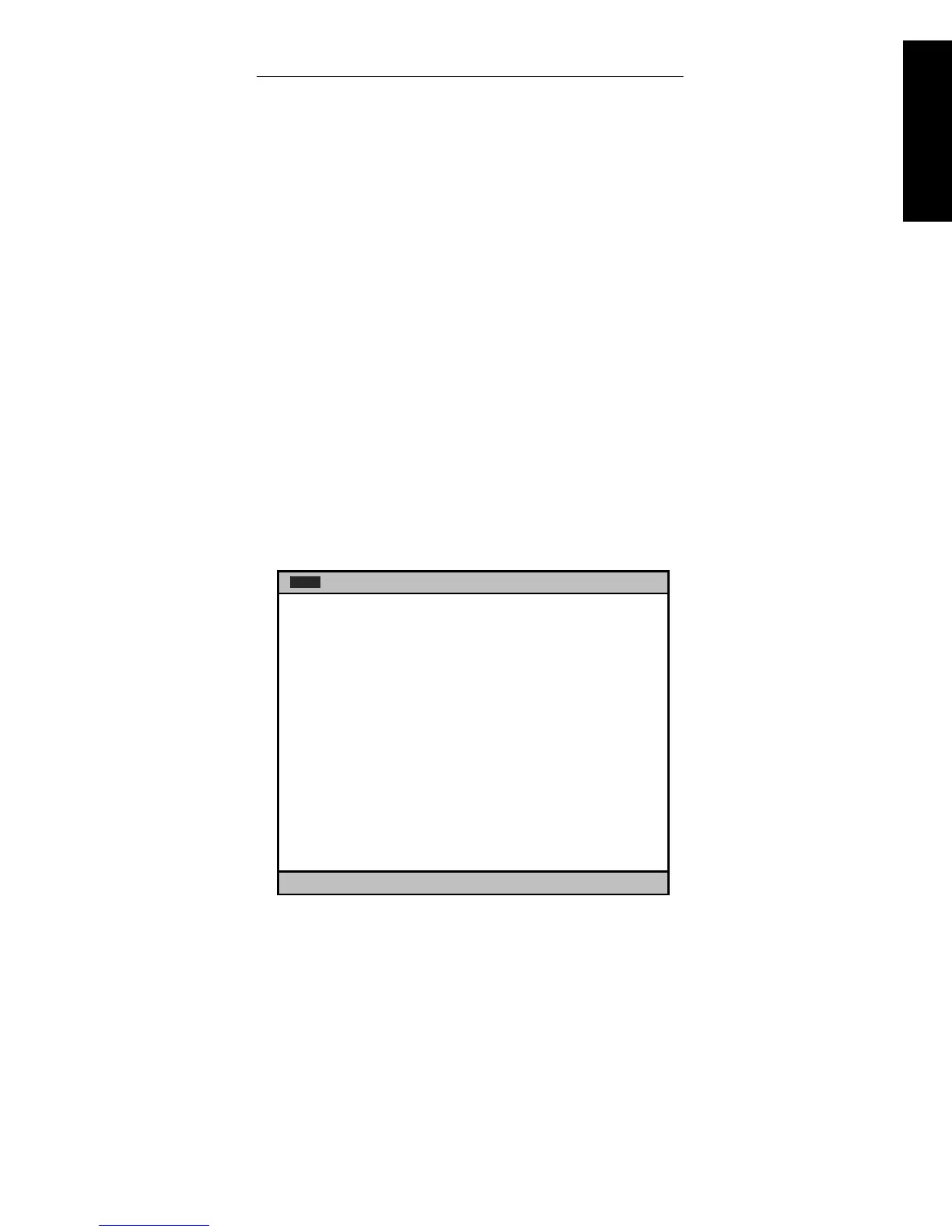
Main Advanced Security Power Boot Exit
IBM BIOS Version P9KT05AUS
Language: [English (US)]
System Time: [XX:XX:XX]
System Date: [XX/XX XXXX]
Legacy Diskette A: [1.44/1.25MB 3 ½”]
Legacy Diskette B: [Disabled]
♦
Primary Master [40982MB]
♦
Primary Slave [None]
♦
Secondary Master [CD-ROM]
♦
Secondary Slave [None]
System Memory: 127MB
F1:Help
↓
↓↓
↓↑
↑↑
↑
Up/Down Enter:Select Sub-Menu ESC:Exit
-/+:ChangeValues F9:Setup Defaults F10:Save&Exit
↵
↵↵
↵
Select Menu


 To Next Page
 Loading...






