29
Displayed error codes
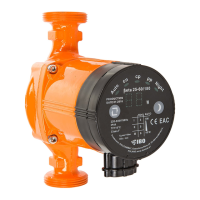
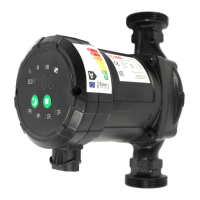
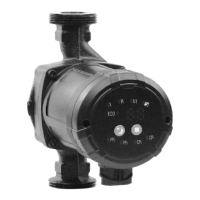
After the power supply is switched on, all of dispays will esh on after which the pump will
enter the last running mode before it is switched o. Pressing the main switch button once
changes the mode by the following order:
AUTO, PP1, PP2, PP3, CP1, CP2, CP3, III, II, I
For example, if the pump is operating in CP1 mode, pressing the button once will
cause switching to the next CP2 mode in the list. Entry into a given mode is signaled by
highlighting the appropriate indicator on the panel.
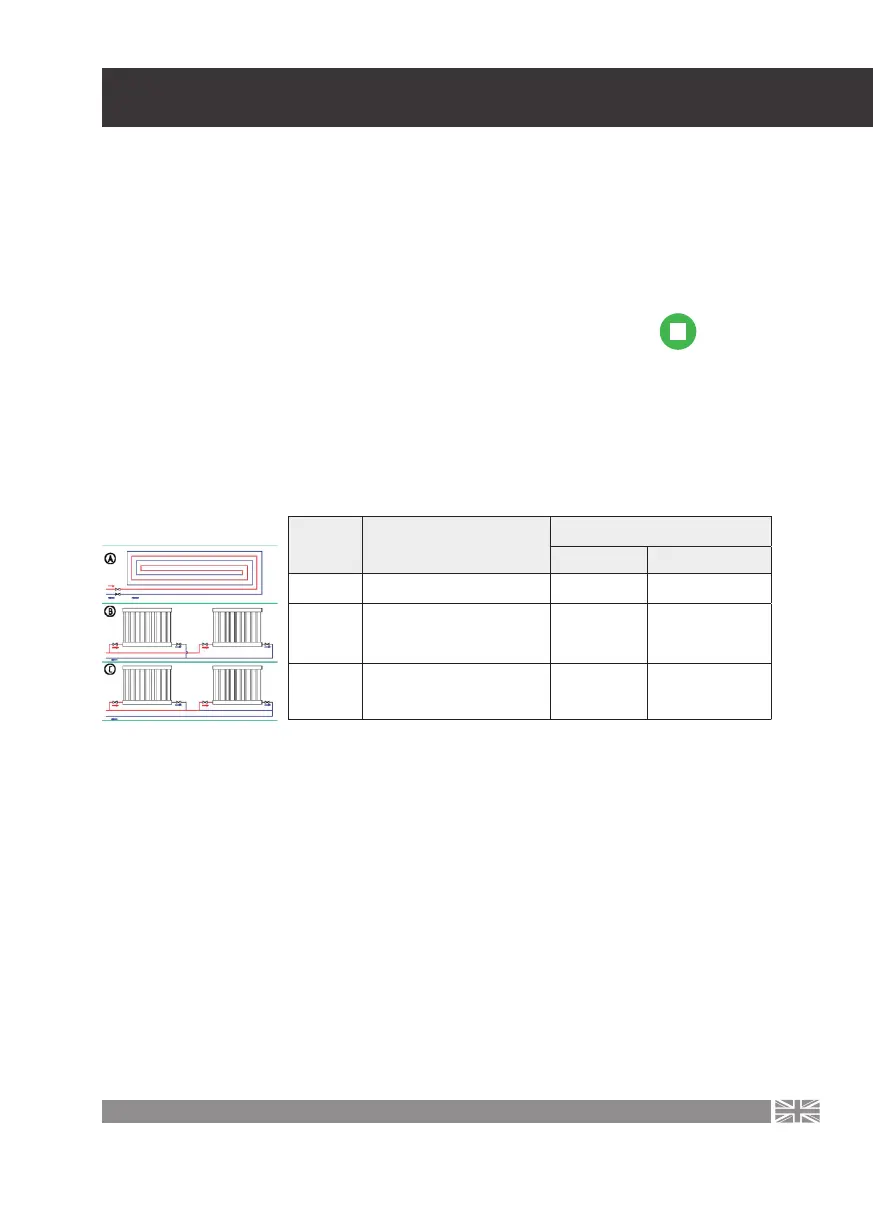
Operating mode selection depending on the central heating installation
Factory settings - AUTO (auto-adaptation mode depending on the central heating system
status). Recommended possible pump settings, depending on the heating system type.
•
AUTO/ECO (auto-adaptation) adjusts the pump eciency to the current system heat
demand. Since the eciency is regulated gradually, it is recommended to set the AUTO/
ECO (auto-adaptation) mode at least a week before changing the pump settings.
•
The pump settings change from the optimum settings to other optional settings. The
heating installation is a low eciency system, it is impossible to reach an optimum oper-
ating mode within several minutes or hours. If the optimum pump settings do not reach
ideal heat distribution in each room, change the pump settings
•
Dependency between the pump settings and the eciency curve, see chapter 9 -
(Dependency between pump settings and its operating parameters)
Symbol of
the above
diagram
System description
Pump setting
Optimum Other admissible
A Floor heating AUTO / ECO CP1/ CP2
B
Radiator system with separa-
te supply pipe and separate
discharge pipe
AUTO / ECO PP1/PP2
C
Radiator system with one
circumferential supply-
receiving pipe (series)
PP1 PP1/PP2
Operating mode selection


 To Next Page