24
Program Overview
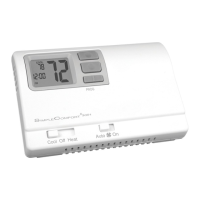
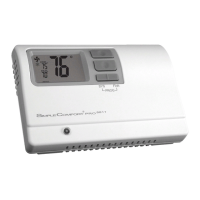
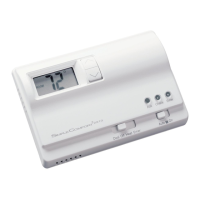
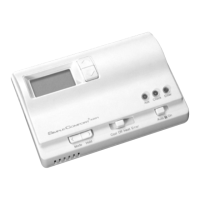
The SC3201 programmable thermostat has four periods (MORN, DAY, EVE, NITE) that are customizable
for each day of the week. Each period will have a set time, heat temperature, and cool temperature. The
SC3201 monitors the day and time, while maintaining the specific conditions you have chosen for each
period in your program.
1. Place System switch in OFF position.
2. Press the button for 6 seconds.
3. Press the button twice.
• Day is displayed (1-7)
4. Press the or button to change the day you want to program
(1=Monday, 2=Tuesday, etc.).
5. Press the button to advance to the next parameter.
Note: You can always press the button to return to the
previous parameter.
• Period is displayed (MORN, DAY, EVE, NITE)
6. Press the or button to change period of day.
7. Press the button to advance to the next parameter.
Programming






 To Next Page