57
6
FUNCTIONS FOR TRANSMIT
2001 NEW 2001 NEW
■
∂∂
TX function
The ∂TX function shifts the transmit frequency up to
±9.99 kHz in 10 Hz steps without moving the receive
frequency.
• See #2 on p. 4 for function description.
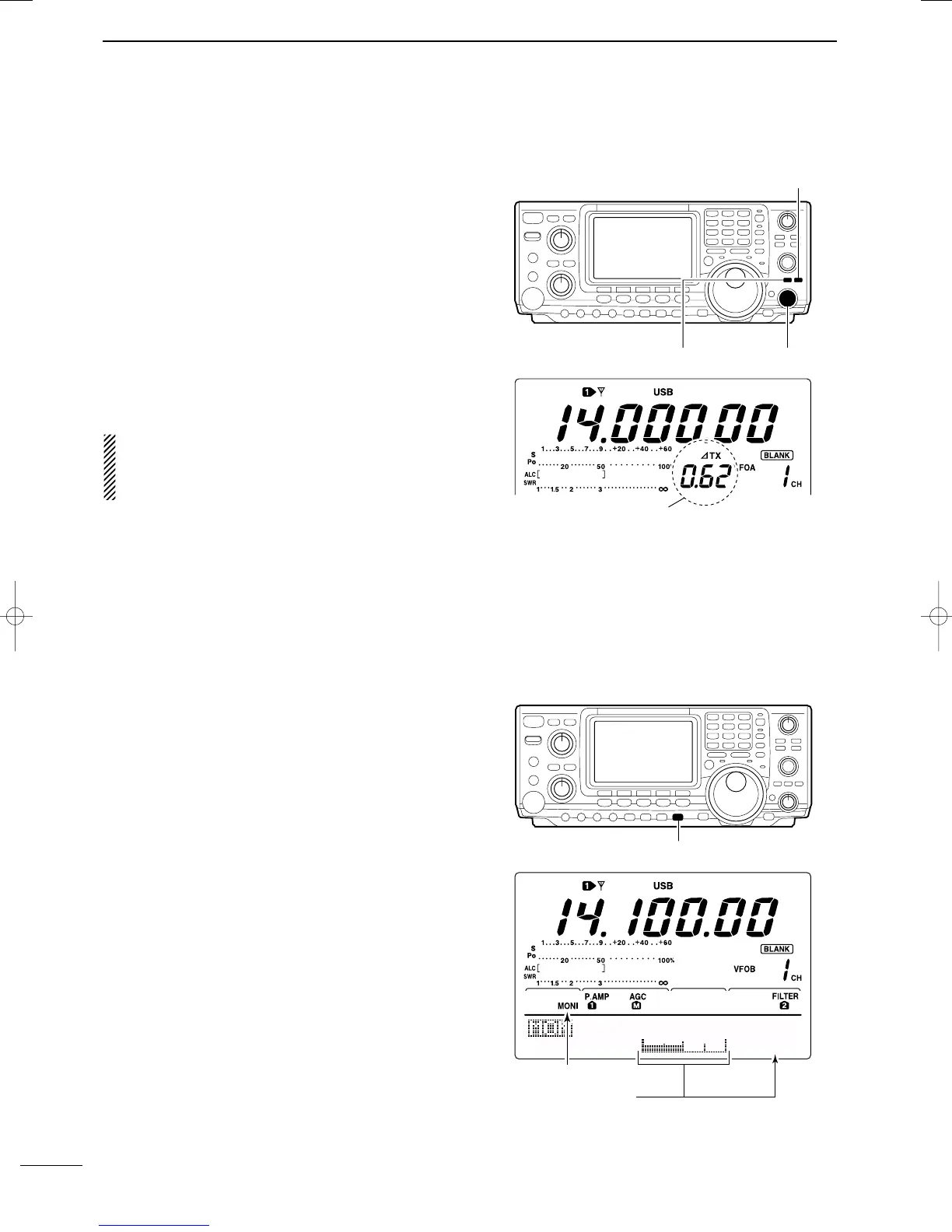
q Push the [∂TX] switch to turn the ∂TX function ON
and OFF.
•“∂TX” and shift frequency appear when the function is
ON.
w Rotate the [RIT/∂TX] control.
• To reset the ∂TX frequency, push [CLEAR] for 1 sec.
•Push [CLEAR] momentarily to reset the ∂TX frequency
when the quick RIT clear function is ON. (p. 86)
•To add or subtract the ∂TX frequency to the displayed
frequency, push [∂TX] for 1 sec.
When RIT and ∂TX are ON at the same time, the
[RIT/∂TX] control shifts both the transmit and re-
ceive frequencies from the displayed frequency at
the same time.
DD ∂∂
TX monitor function
When the ∂TX function is ON, pushing and holding
[XFC] allows you to monitor the operating frequency di-
rectly (∂TX is temporarily cancelled).
■ Monitor function
The monitor function allows you to monitor your trans-
mit IF signals in any mode through the speaker. Use
this to check voice characteristics while adjusting SSB
transmit tones. (p. 89) The CW sidetone functions re-
gardless of the [MONITOR] switch setting.
q Push [MONITOR] to switch the monitor function ON
and OFF.
•“MONI” appears when the monitor function is ON.
w Set the monitor level.
➥ Push [MONITOR] for 1 sec. to select monitor pro-
gram mode.
➥ Rotate the tuning dial for the clearest audio out-
put while pushing [PTT] and speaking into the mi-
crophone.
• Push [F3] for 1 sec. to select the default value.
e Push [MENU] to return to the previous menu.
[∂TX]
[CLEAR]
[RIT/∂TX] control
MONITOR
Level
Monitor indicator
Shows monitor level
5O%
IC-746PRO.qxd 02.4.2 11:31 Page 57



 To Next Page