19
4
BIIS OPERATION
4
Transmitting a call
■
A total of 3 ways for code selection are available—selecting
the call code from memory, entering the call code from the
keypad and calling back from the queue channel record.
Using call memory
D
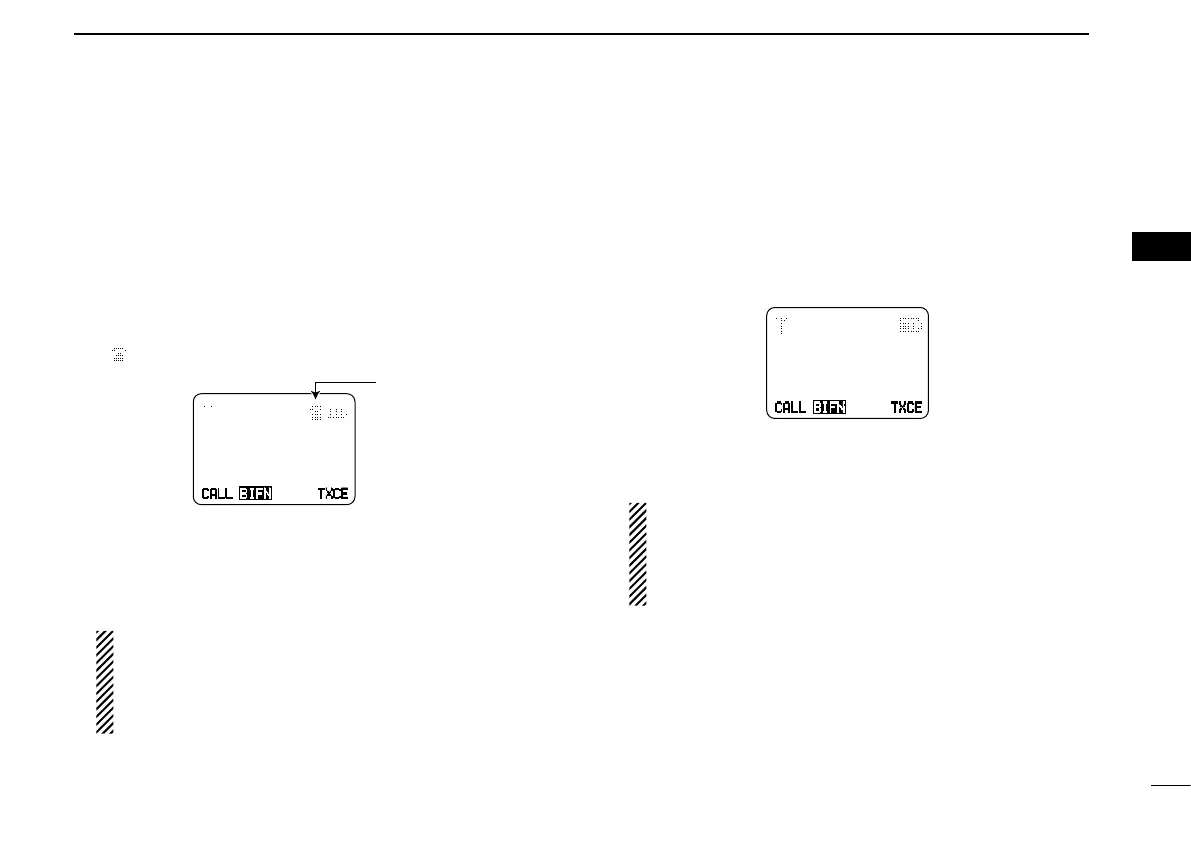
While in the standby condition, push [Digital Button] to en- q
ter the call code memory channel selection mode.
• “ ” appears.
TXCECALL
TXC
BIFN
CALL
I
NG
0500
Appears
Push [CH Up] or [CH Down] to select the desired call w
code.
Push [Call] or [PTT]* to call. e
* PTT call can be made only when PTT call capability is permit-
ted.
NOTE: When no answer back is received, the trans-
ceiver repeats the call 3 times (default) automatically,
and
“WAIT” is displayed during each call. However, an
error beep sounds and
“FAILED” is displayed when no
answer back is received after the calls.
Push [PTT] to transmit; release to receive. r
Push [Moni(Audi)] to send the ‘Clear down’ signal. t
Calling back from the queue channel
D
While in the standby condition, push and hold [Digital But- q
ton] for 1 sec. to enter the queue memory channel selec-
tion mode.
Push [CH Up] or [CH Down] to select the desired record. w
<
QUEUE
>
–QUEUE!–
TXCECALL
TXC
BIFN
Push [Call] or [PTT]* to call. e
* PTT call can be made only when PTT call capability is permit-
ted.
NOTE: When no answer back is received, the trans-
ceiver repeats the call 3 times (default) automatically,
and
“WAIT” is displayed during each call. However, an
error beep sounds and
“FAILED” is displayed when no
answer back is received after the calls.
Push [PTT] to transmit; release to receive. r
Push [Moni(Audi)] to send the ‘Clear down’ signal. t


 To Next Page
 Loading...