21
4
BIIS OPERATION
4
Receiving a message
■
Receiving a status message
D
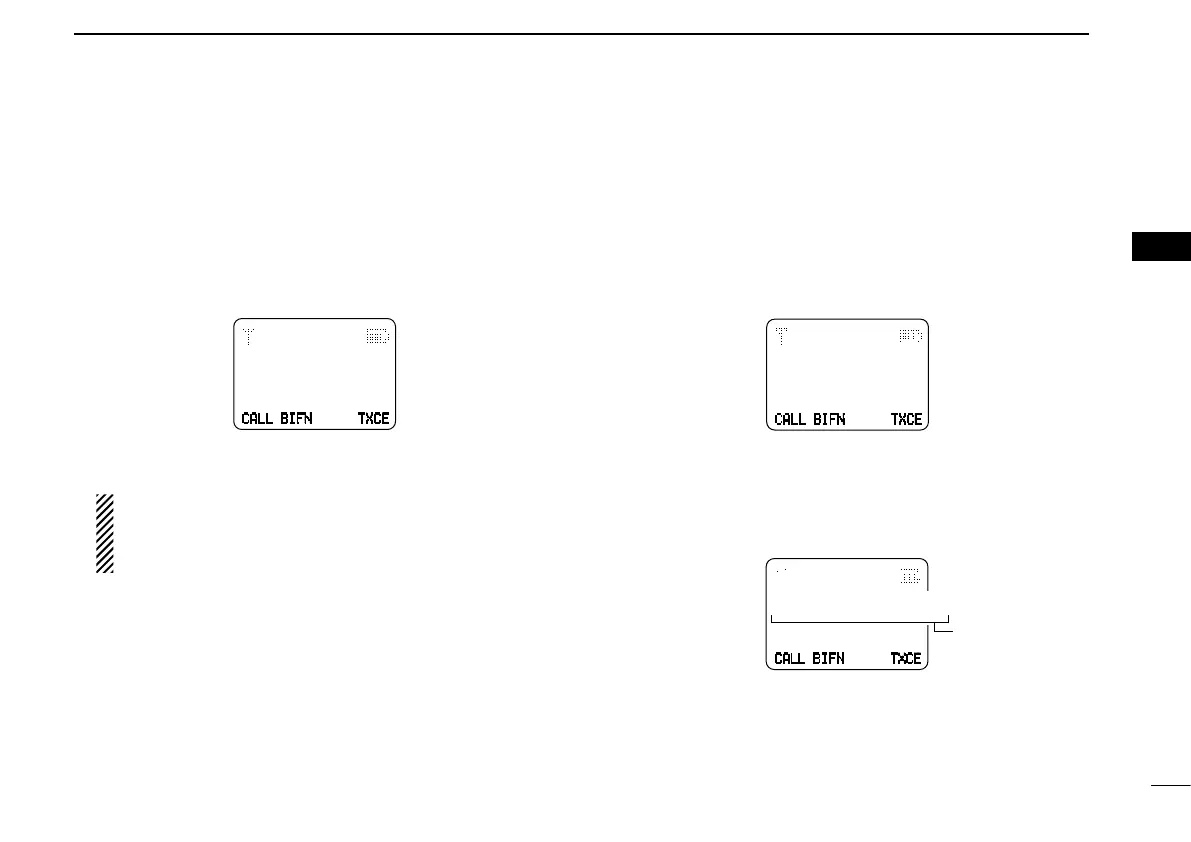
When a status message is received; q
• Beeps sound.
• The calling station ID (or text) and the status message is dis-
played alternately when the indication mode is 1 line, depending
on the setting.
TXCECALL
TXC
BIFN
RX Status 01
BASE
Push [Moni(Audi)] to return to the standby condition. w
NOTE: Only the calling station ID (or text) is displayed
(no message is displayed alternately) when the scroll
timer is set to ‘OFF.’ In this case, push [Status Up]/ [Sta-
tus Down] to display the status message manually.
Receiving an SDM
D
(Short Data Message)
When an SDM is received; q
• Beeps sound.
• The calling station ID (or text) and the SDM is displayed alter-
nately when the indication mode is 1 line, depending on the set-
ting.
TXCECALL
TXC
BIFN
Thank you!
BASE
When the received SDM includes more than 12 charac- w
ters, the message scrolls automatically, when the auto-
matic scroll function is activated.
• Push [Status Up]/[Status Down] to scroll the message manu-
ally.
X
TXCECALL
TXC
BIFN
How about you?
BASE
Scrolls
Scrolls
Push [Moni(Audi)] to return to the standby condition. e


 To Next Page
 Loading...