26
TROUBLESHOOTING
9
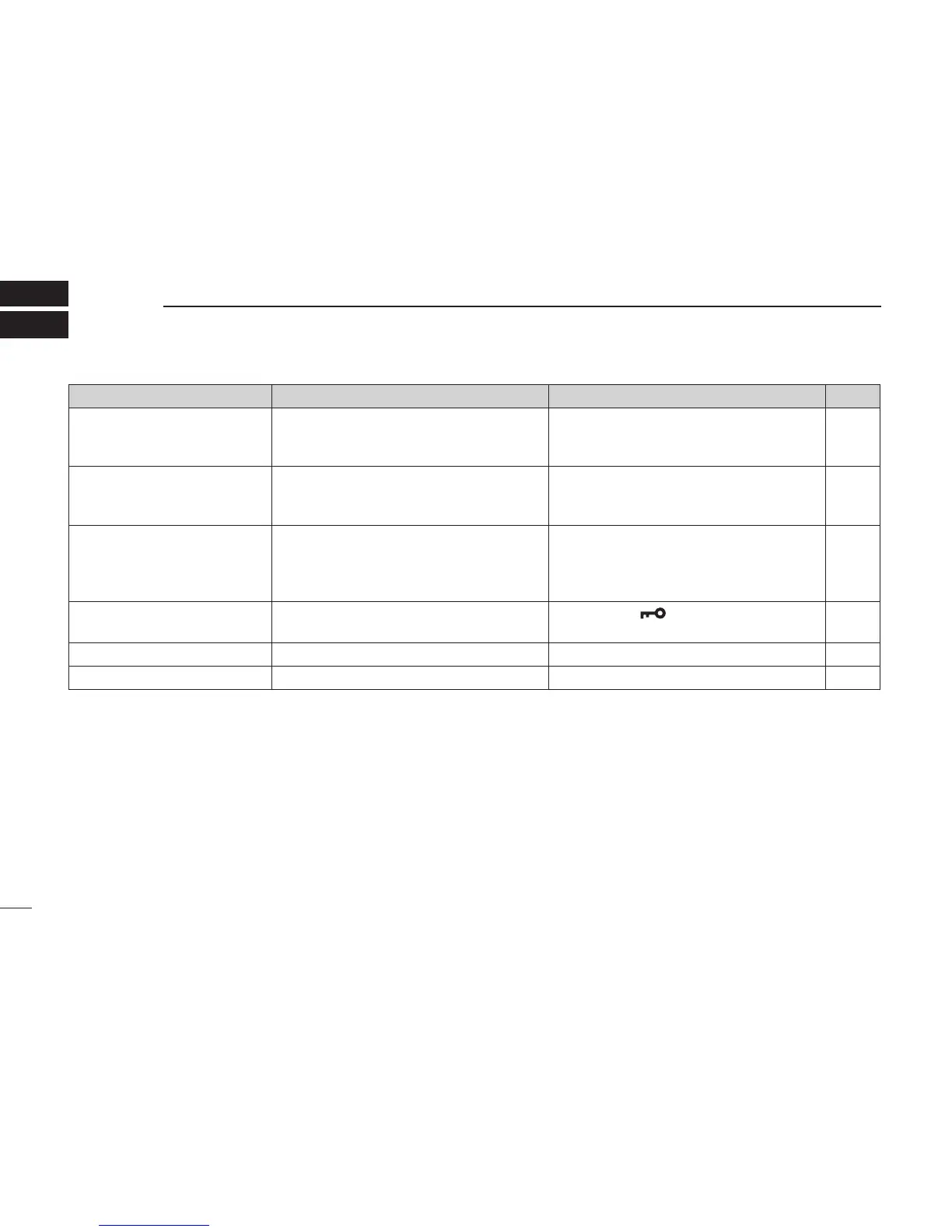
PROBLEM POSSIBLE CAUSE SOLUTION REF.
The transceiver does not turn
ON.
• The battery is exhausted.
• The battery pack is not correctly in-
serted.
• Recharge the battery pack.
• Correctly insert the battery pack.
p. 23
p. 3
No sound from speaker. • The squelch level is too high.
• Volume level is too low.
• Speaker has been exposed to water.
• Set the
squelch
level to the
threshold
level.
• Adjust the audio level to a suitable level.
• Remove water from the speaker grill.
p. 10
p. 10
p. 13
Transmitting is impossible,
or high power can not be se-
lected.
• Some channels are limited to low power
or only receive.
• The output power is set to low.
• The battery is exhausted.
• Change the channel.
• Push [Hi/Lo] to select high power.
• Recharge the battery pack.
pp. 8,
9, 27
p. 11
p. 23
The displayed channel cannot
be changed.
• The Lock function is activated. • Hold down [
] (Hi/Lo) for 1 second to
turn OFF the function.
p. 13
Scan does not start • “TAG” channels are not programmed. •
Set desired channels as “TAG” channels.
p. 15
No beep sounds. • Beep Tone function is turned OFF. • Turn ON the Beep Tone in the set mode. p. 18



 To Next Page