12
6
SET MODE
■ SET mode programming
SET mode is used to change the conditions of 6 transceiver
functions: the beep tone function, the automatic backlighting,
weather alert function, normal/priority scan, scan resume
timer and power save function.
q Turn power OFF.
w While pushing [SQL], turn power ON and continue push-
ing [SQL] until “bP” appears.
e Release [SQL].
r Push [SQL] to select the desired item, if necessary.
t Push [ ]/[ ] to select the desired condition of the item.
y To exit SET mode, turn the power OFF, then ON again.
■ SET mode items
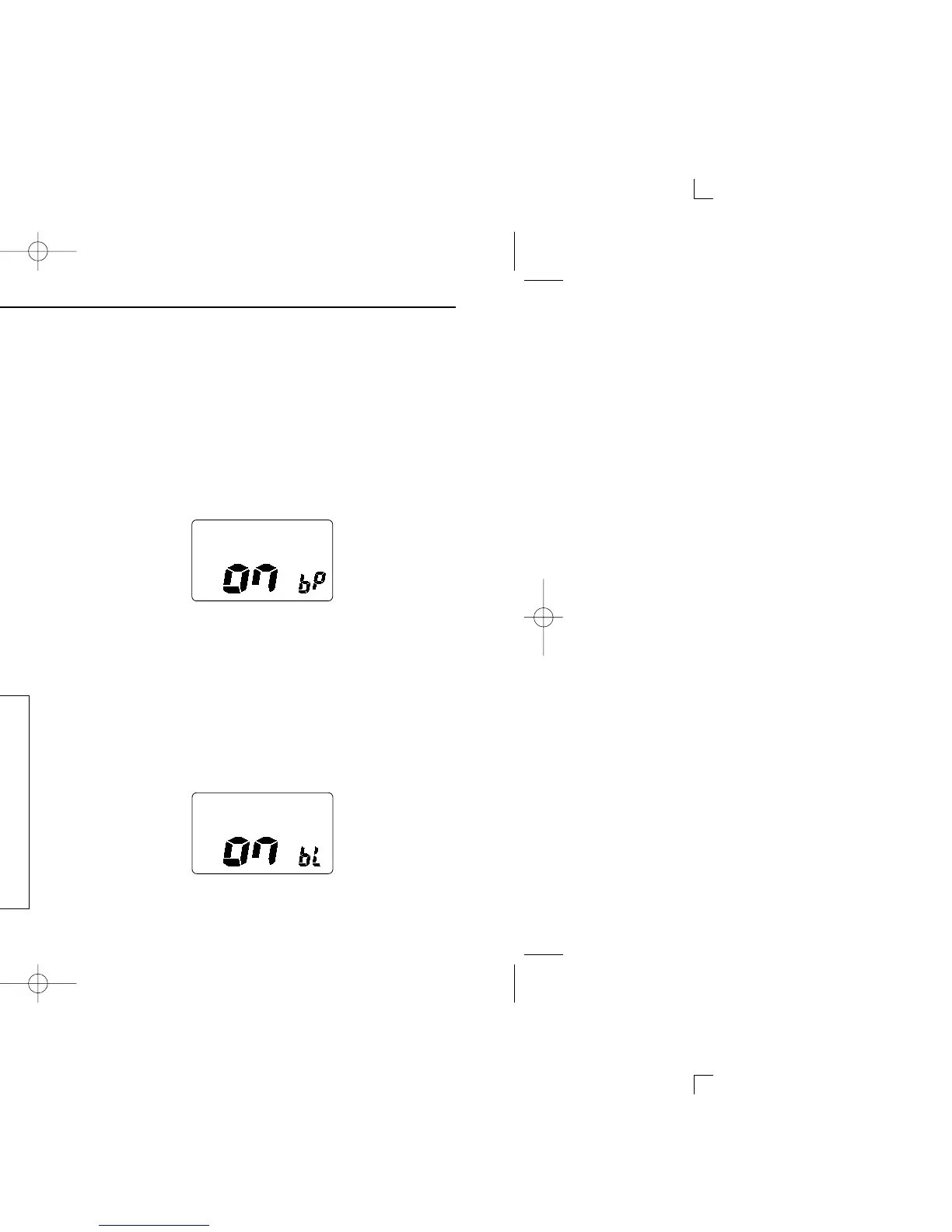
D Beep tone “bP”
You can select silent operation by turning beep tones OFF or
you can have confirmation beeps sound at the push of a
switch by turning beep tones ON. The beep tone volume is
linked with [OFF/VOL].
D Automatic backlighting “bL”
This function is convenient for nighttime operation. The auto-
matic backlighting turns the backlighting ON when pushing
any key except for [PTT].
• The backlighting is automatically turned OFF after 5 sec. of inactiv-
ity.



 To Next Page