6
CONNECTIONS AND MAINTENANCE
26
■ Antenna
A key element in the performance of any communication sys-
tem is an antenna. Ask your Dealer about antennas and the
best places to mount them.
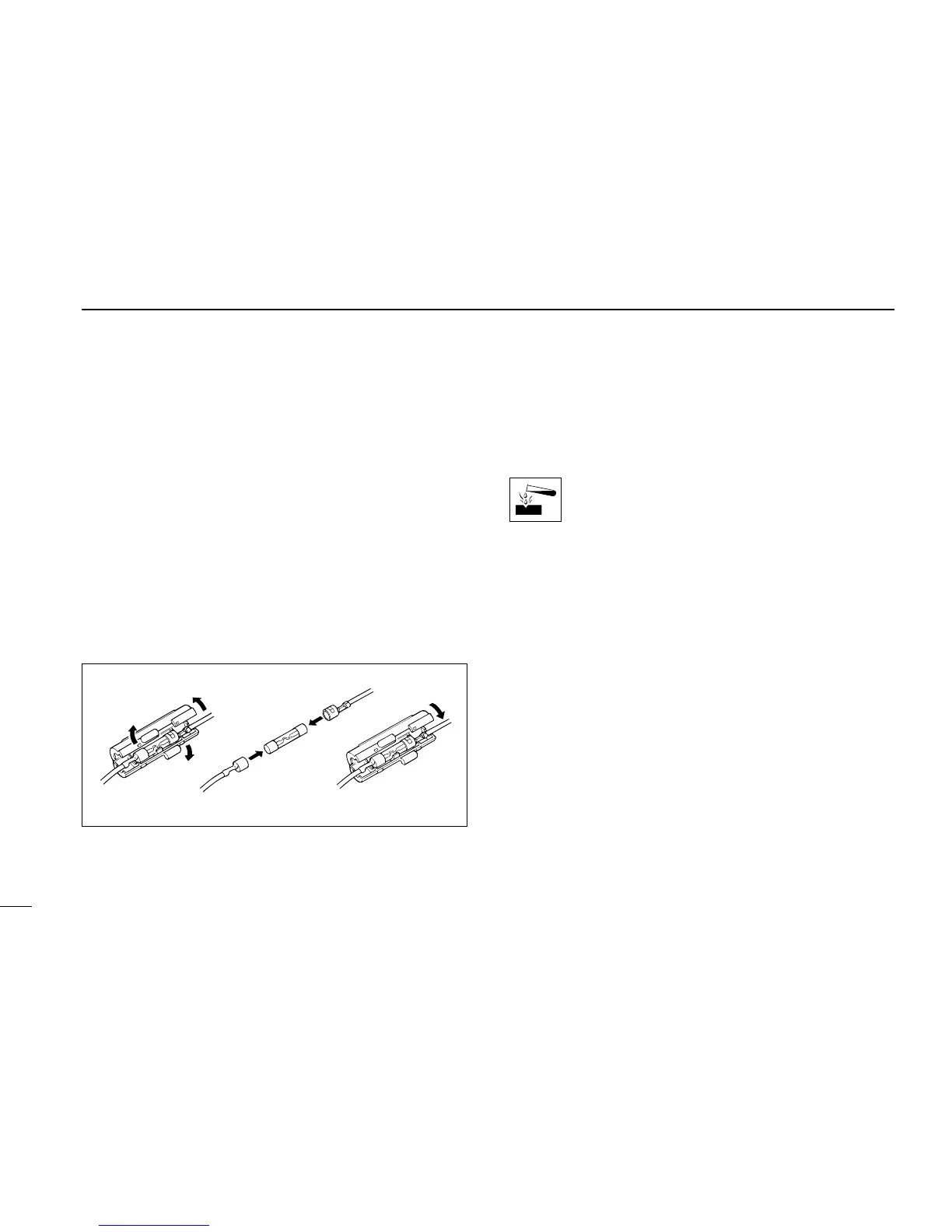
■ Fuse replacement
Two fuses are installed in the supplied DC power cable. If a
fuse blows or the transceiver stops functioning, track down
the source of the problem, if possible, and replace the dam-
aged fuse with a new, rated one.
☛ Fuse rating: 10 A
■ Cleaning
If the transceiver becomes dusty or dirty, wipe it clean with a
dry, soft cloth.
AVOID the use of solvents such as benzene or al-
cohol, as they may damage transceiver surfaces.
■ Optional unit installations
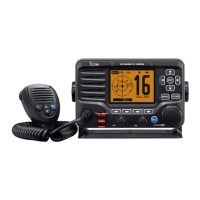
In order to add the DSC or voice scrambler functions to the
IC-M59, the following optional units must be installed.
UX-120: DSC functions
OPC-457: GPS connection when UX-120 is installed
UT-79: Voice scrambler function
➀ Turn the transceiver power OFF and disconnect the DC
power cable.
➁ Unscrew 4 screws from the rear panel, then remove the
transceiver cover. (fig. 1)
➂ Install the desired unit. (fig. 2 to 4)
➃ Replace the transceiver cover and tighten the screws.
• 4 to 6 kg of torque MUST be applied to ensure water resistance.


 To Next Page