25
Assigning DAW mode (Mackie Control/HUI)
or self dene MIDI functions with iMap
TM
There are two different methods for setting your PlatformNano depending on
your needs. In general, it would be much simpler and faster to set the device
with Mackie Controll, Logic or HUI protocol depended on your DAW.
Or you could dene each control element on your PlatformNano with your own
MIDI messages as provided on the iMap’s function pull-down menu. However,
unless you are fully understand the MIDI structure of your DAW otherwise this
could be a real hassle to set up. Actually we STRONGLY recommend you use the
Mackie Control, Logic or HUI control mode as they are programmed according to
the most common user preferences and it will most likely suit your needs.
Esc
F1
F2
F3
F4
F5
F6
F7
F8
F9
F10
F11
F12
Prtsc
sysrq
pause
Break
Lns
Del
Home
Pgup
PgDN
End
$
~
`
!
1
··
2
3
4
5
6
7
78
9
0
)
)
*
—
-
+
=
#
¥
%
*
#
#
Q
W
E
R
T
Y
U
I
O
P
{
}
|
A
S
D
F
G
H
J
K
L
:
;
Z
X
C
V
B
N
M
<
>
?
Tab
CapsLook
Shift
Ctrl
Alt AltGr
Ctrl
Backspace
[
]
|
Enter
Shift
intel
2
1
3
(1)
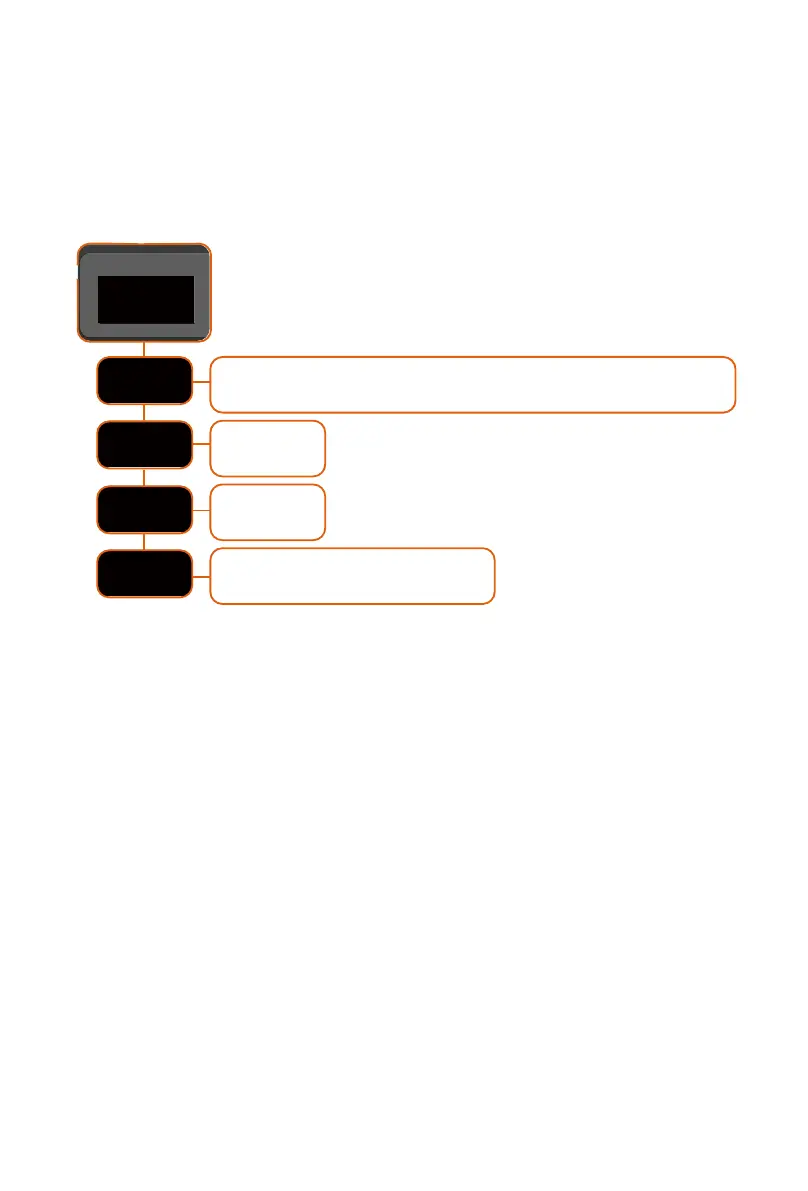
MCP
Nuendo/Cubase; Digital Performer; FL Studio; SamplitudePro;
Reaper; Studio One; Bitwig; Reasons; Sonar; Audition; Ableton Live
Logic Pro
User self mapping with iMap


 To Next Page