iData 50 User Manual
- 20 -
4.6 Synchronization
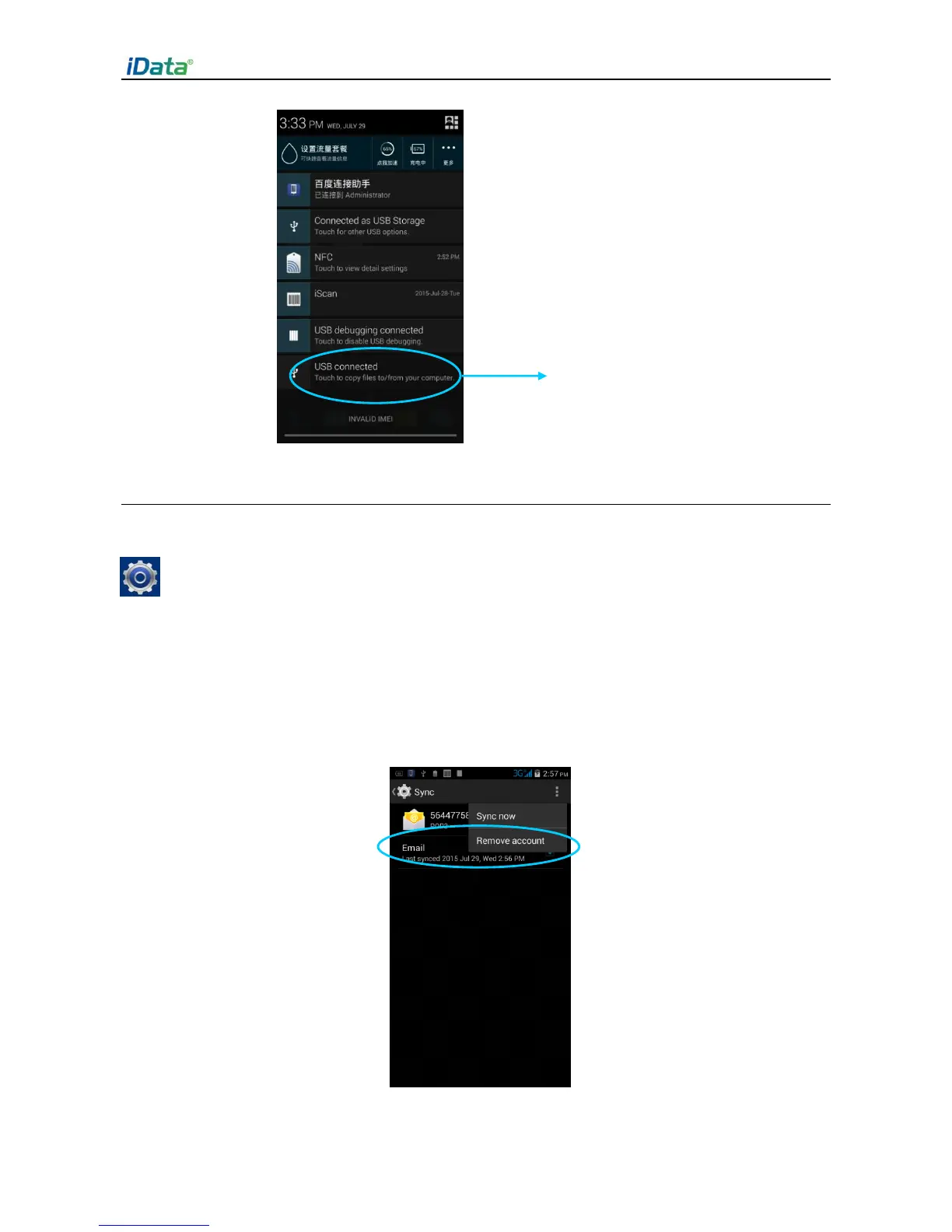
1. Find the following icon.
2. Select
Settings
>
Accounts & sync
.
3. Click
Add account
to set a new account.
4. Select
Company
or
Email
, enter the email address and password, click
Next
and wait
until the connection is complete (for details about email setting, see 3.4 “Email”).
5. Click
Accounts
. On the synchronization setting page, perform setting as required.


 To Next Page