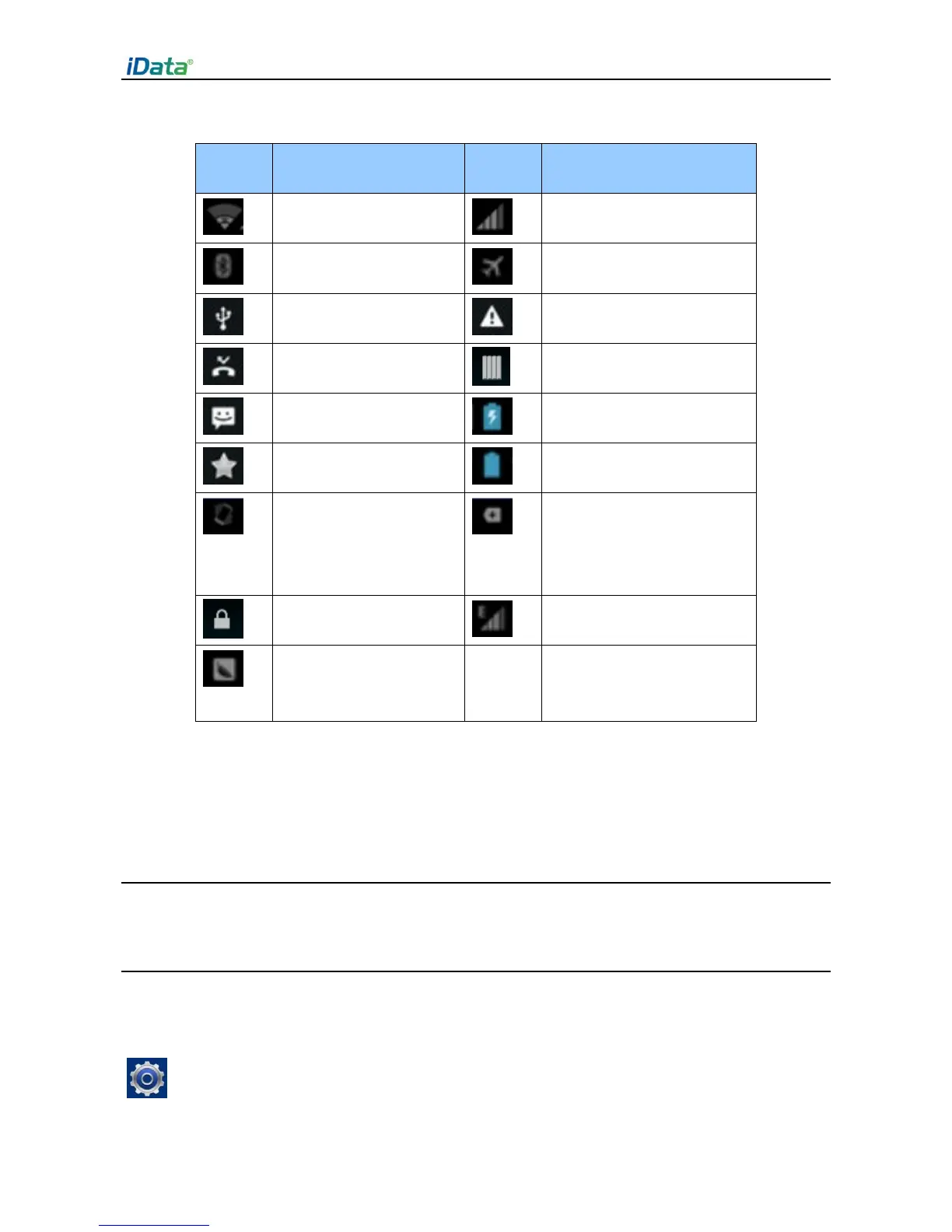
Multiple notification icons,
which are beyond the scope
of display
★ Note
As software is upgraded continuously, status indicators may be different from those
displayed on the iData 50. The actual status indicators prevail.
2.6 Basic Settings
2.6.1 Date and Time Settings
To change the date and time in the iData 50, do as follows:
1. Find the following icon.



 To Next Page