iData 50 User Manual
- 22 -
6 Enabling the NFC Function
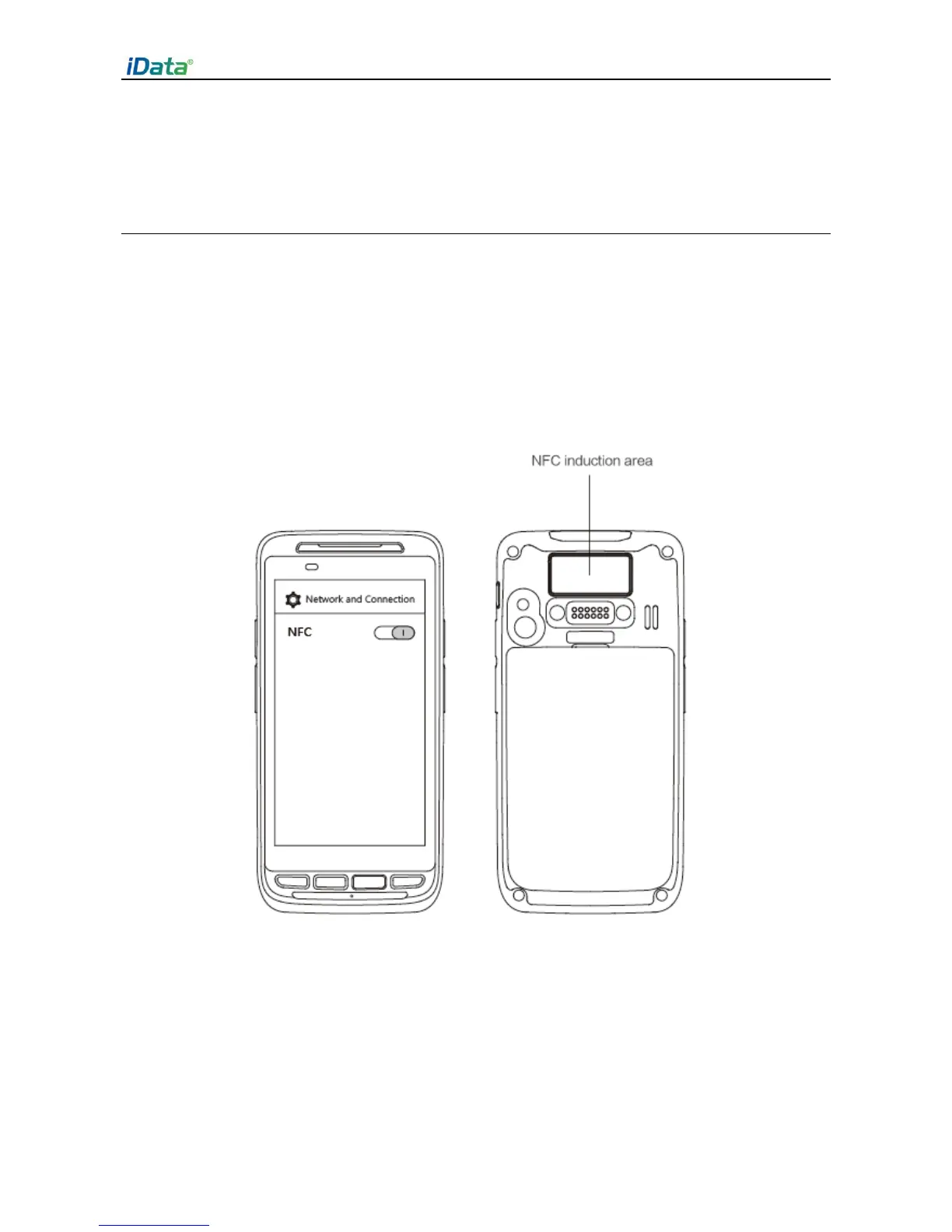
6.1 To enable the NFC function, do as follows
1. Click the Settings icon on the menu page.
2. Select WIRELESS & NETWORKS/More > NFC.
3. Click the blue slider on the right to enable NFC (if you click the blue slider again, NFC is
disabled).
4. Put an NFC card close to the back of the iData 50. After a beep is heard, the card is read
successfully.


 To Next Page