iData 50 User Manual
- 24 -
7.3 Managing Applications
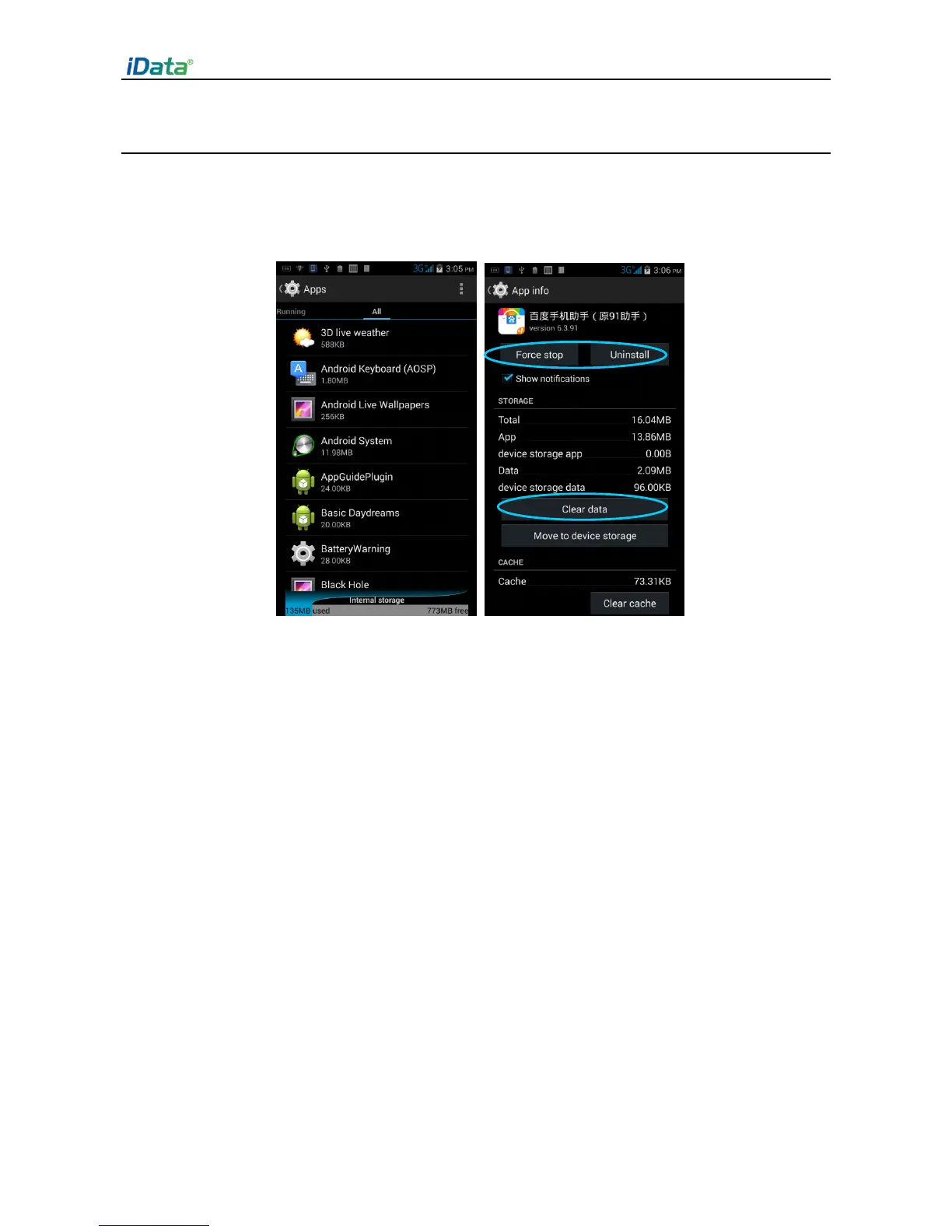
Select Settings > App. On the application management screen, you can view application
status in the options such as Downloaded, SD Card and Running, click an application,
access the application information screen, and perform operations such as forcibly
stopping, uninstalling and stopping an application.



 To Next Page