iData 50 User Manual
- 4 -
1.6 Charging
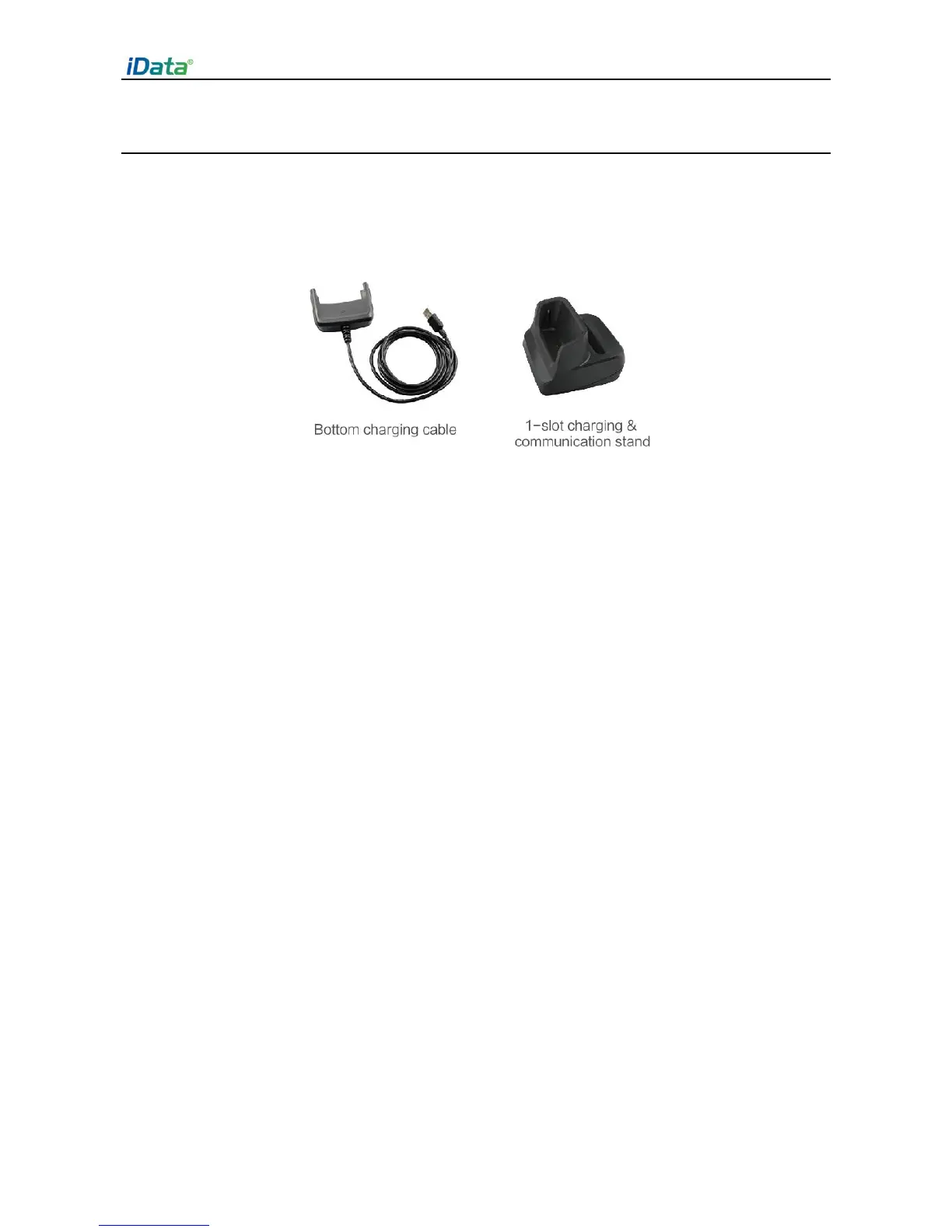
You can charge a battery in the following ways:
1. Bottom charging cable;
2. 1-slot charging & communication stand (to be purchased separately).
Description of charging indicator:
When the battery is in the charging status, the charging indicator is in red.
When the battery is fully charged, the charging indicator is in green.
When the battery volume is low,
(1) a message indicating that the battery volume is less than 20% is displayed on the
screen.
(2) the iData 50 gives out a low battery prompt tone.
(3) the charging indicator blinks in red.
★ Tips
The following operations help obtain a longer standby duration of the iData 50.
Shorten the time to sleep by selecting Settings > Display > Sleep.
Set the screen brightness to a small value by selecting Settings > Display > Brightness.
Disable functions that are not frequently used, for example, GPS, Bluetooh, Wi-Fi and 3G
communication.


 To Next Page