iData 50 User Manual
- 6 -
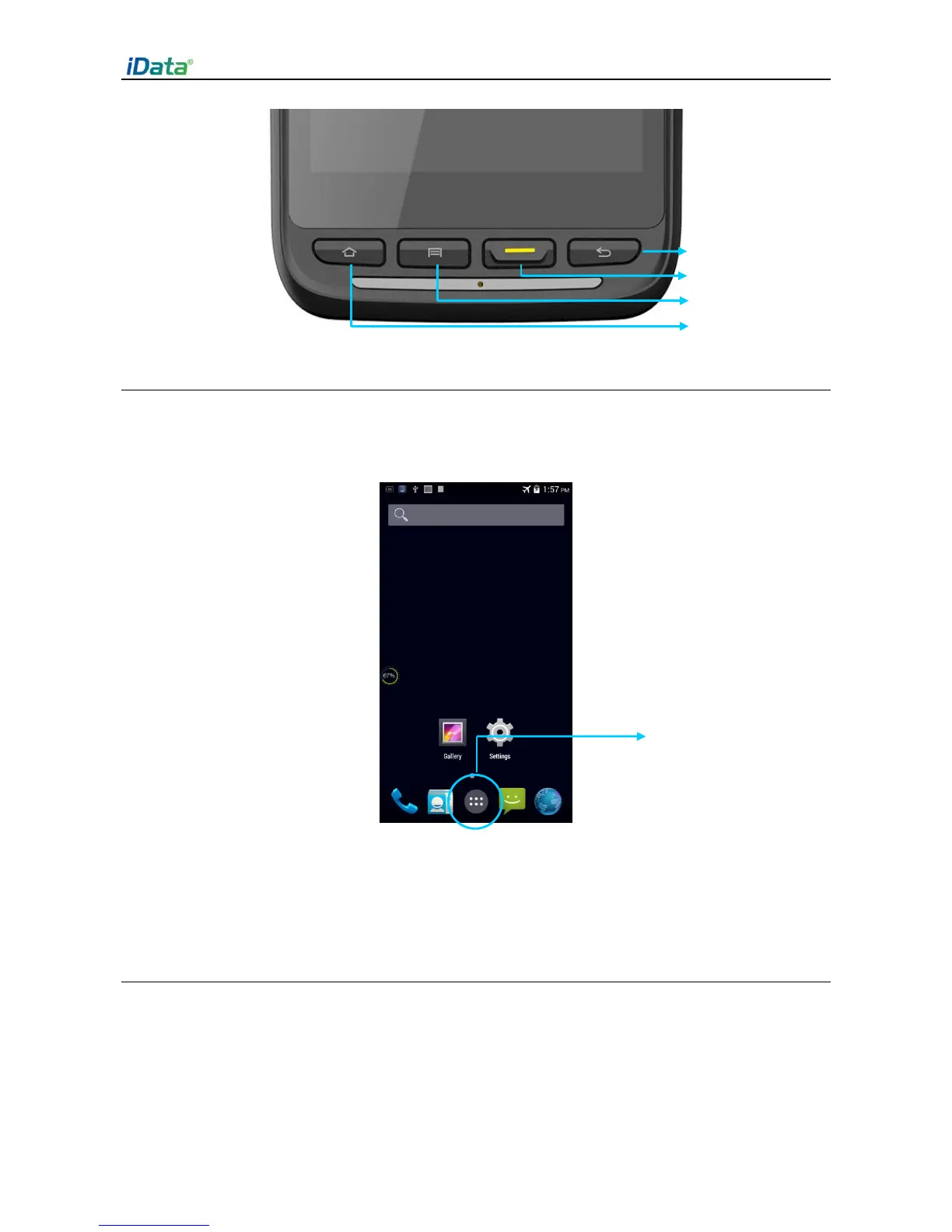
2.4 Home Screen
By default, the iData 50 has one home screen. You can add home screens by placing
applications to the home screen and slide to the left or right to switch to another home
screen. On the home screen, click the icon of any application to open the application.
★ Tips
You can freely add or delete the icon of an application in the blank of the home screen.
If you click the application tray, all applications can be viewed.
2.5 Status Icons and Indicators
Status icons and indicators are in the status bar at the upper part of the screen and show
device status and notifications.


 To Next Page