25
Installation and Servicing
SECTION 2 - INSTALLATION
DISPLAY FUNCTIONS - CONT’D
F
F9
I I
P
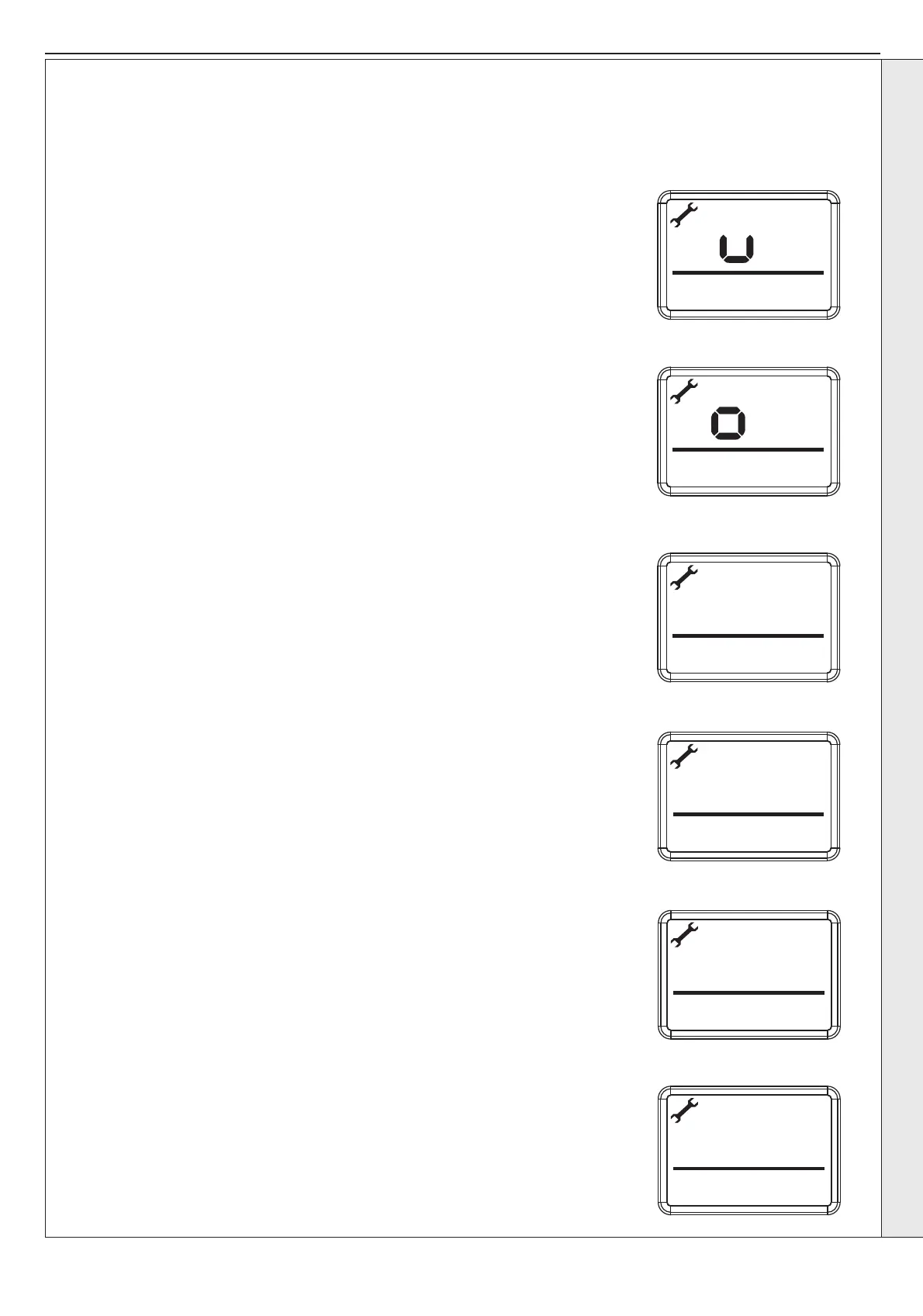
Turn off the power to the HIU, turn the power back on, then press and hold the reset and the menu
buttons together for 5 seconds until 'uP' is shown:
Press the reset button within ve minutes.
Power off and power on, the display will cycle through the last 3 faults.
Press the -/+ button:
Press the -/+ button to cycle through the following options:
II = Indirect/indirect
dI = Direct/indirect
It = N/A
Dt = N/A
Press the Menu button when the correct option is selected.
Press the -/+ button to cycle through the following options:
Indirect (II) 30, 40, 50, 60, and 70.
Direct (dI) 30, 40, 50 and 60.
Press the Menu button when the correct option is selected.
Press the -/+ button to adjust the CH ow temperature.
Range 45 - 85°C
Press the Menu button to resume normal operation.
2.12.3 SET CH TEMPERATURE 45°C - 25°C
The maximum ow temperature is defaulted to 45°C, this can be adjusted and limited, up to a maximum of 85°C by following
the procedure below:
50
45
INSTALLATION


 To Next Page