46
Installation and Servicing
SECTION 3 - SERVICING
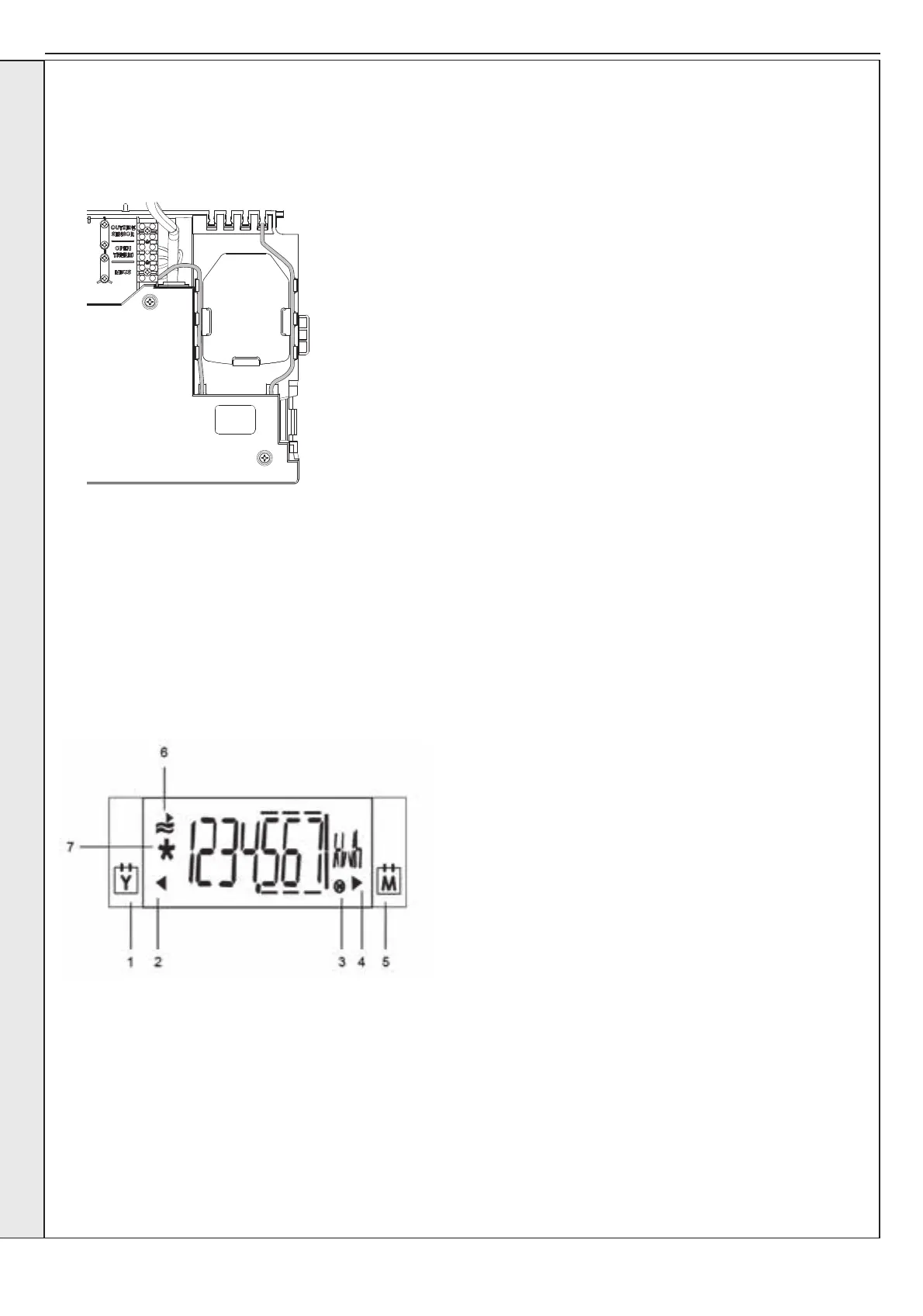
14. Lower the control panel and gather up the excess wires and cable tie them inside the front return lip of the right-hand side
panel.
15. Connect the MBUS to the additional MBUS communication device if tted. Secure the excess metering cable to the plastic
retention clips behind the heat meter body, using cable ties if required.
16. Rell the primary HIU circuit as per Section 2.5 and check for leaks.
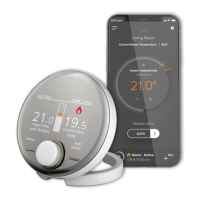
17. Activate the meter and follow the heat meter instructions provided to commission and setup the meter.
18. Ensure control box cover can move freely and the front panel can be secured without trapping any cables.
19. Run the MBUS cable from the building management system through one of the rubber strain relief grommets and screw into
the terminal strip labelled MBUS. Secure this cable using the plastic cable retention bracket.
20. Operate the unit and ensure the heat meter is functioning (refer to the Heat Meter user instructions).
The Heat Meter instructions can be found online at:
https://www.bmeters.com/en/bm_product/hydrosonis-ulc/
SERVICING


 To Next Page