22
xtra
- Installation & Servicing
INSTALLATION
Info Mode
25
STANDARD CONTROLS ACCESS CONT'D
I N F O
P A R A
Press Display
I N F O
Actual Flow Temperature T1 (
o
C)
Press Display Description
Actual Return Temperature T2 (
o
C)
1. 2 1
2. 2 1
3. - 3 6
OUTSIDE Temperature T4 (
o
C)
(-36 displayed if outside sensor kit not fitted)
4. - 3 6
DHW Temperature T3 (
o
C)
(-36 displayed if tank sensor kit not fitted)
FLUE GAS Temperature T5 (
o
C)
Set Flow Temperature (
o
C)
5. 7 0
6. 8 2
7. 0. 0
Rate of Return Temperature Rise (
o
C/s)
8. 0. 0
Rate of Flow Temperature Rise (
o
C/s)
9. 0. 0
N/A
A. - 3 6
Rate of DHW Temperature Rise (
o
C/s)
Flashing
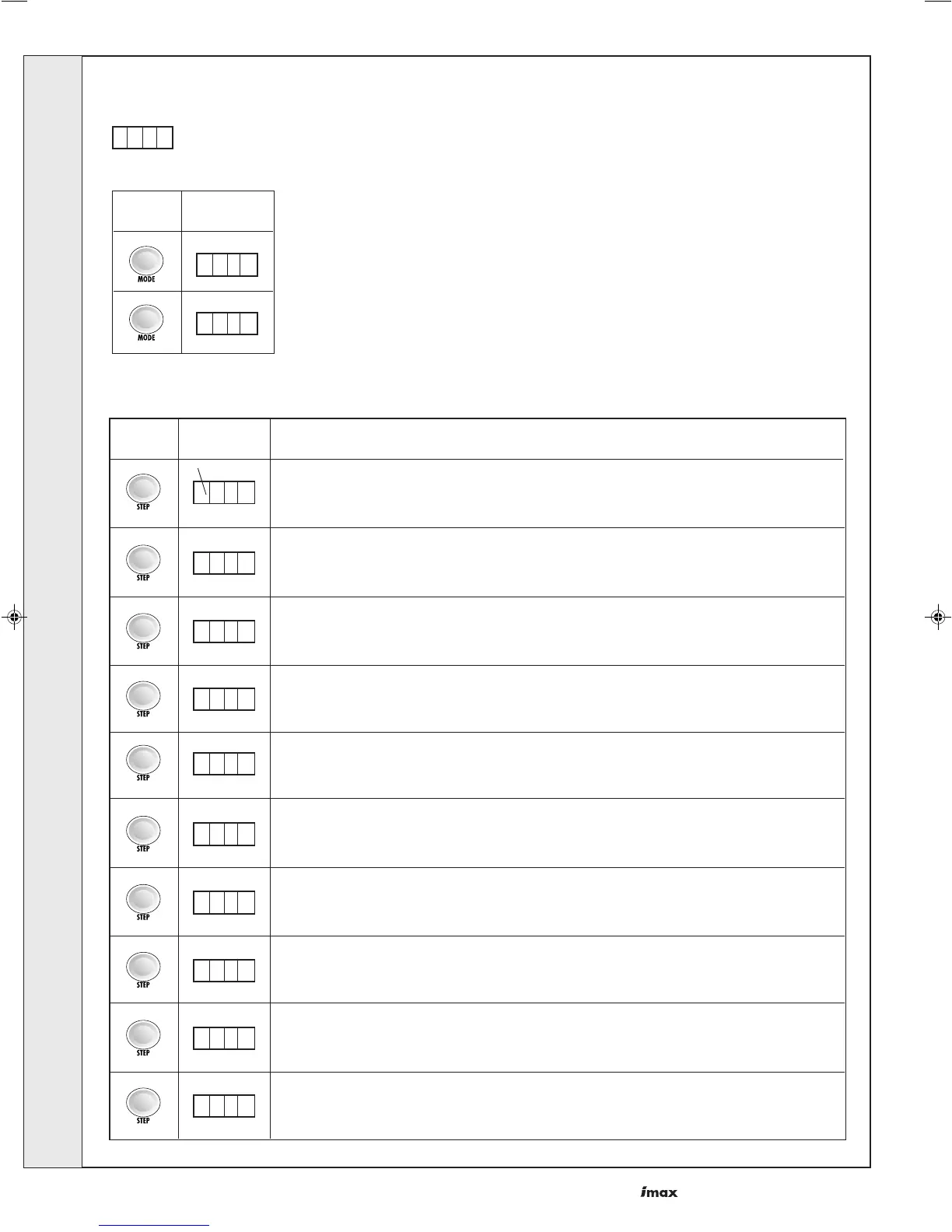
Info mode is entered from standby mode by pressing the 'mode' button twice.
Press the step button until the desired information is displayed. The dot after the 1st digit will be flashing indicating
the boiler is in 'info' mode. No settings can be changed in 'info' mode.
continued...........
INSTALLATION



 To Next Page