16
①
Press to page your handset(s).
Use during registraon mode
②
Press to turn the answering machine on or o.
③
Press <REPEAT> to repeat the playing message.
Press <REPEAT> twice to play the previous
message.
④
Press <SKIP> to skip to the next message.
⑤
Press once Play/STOP will play the message
Press once again Play/STOP due playing the
message will be stop
⑥
Press to delete the playing message
When the phone is not in use, press twice to delete
all previously reviewed messages.
⑦/⑧
/
Press to adjust the volume during message playback.
When the phone is not in use, press to adjust the
telephone base ringer volume.
⑨
TAM indicator
light
- On when TAM is ON
- Flashes if new TAM messages are recorded, or when
TAM is being used.
⑩
CHARGING
CRADLE
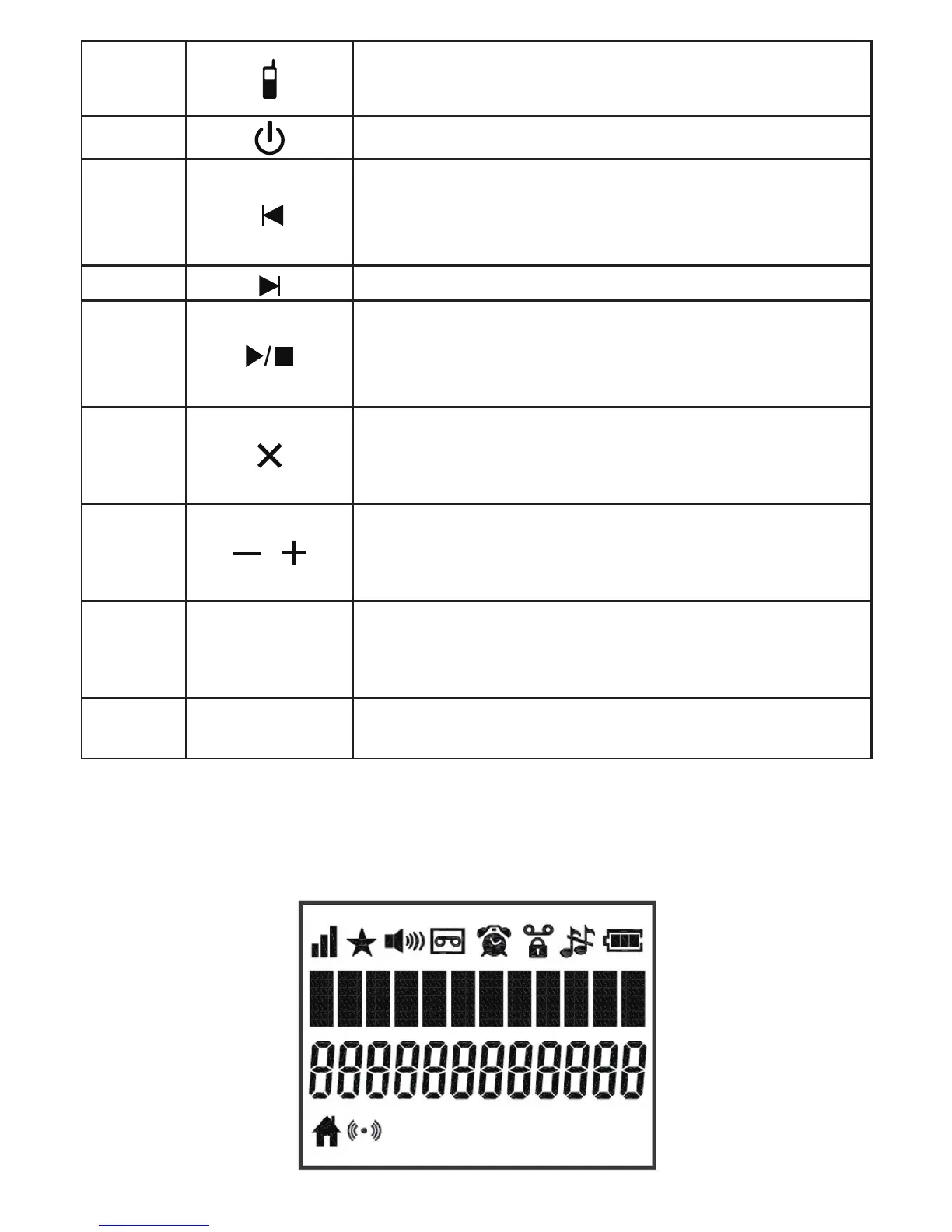
3.3 Handset LCD Display Icons and Symbols
The LCD display gives you informaon on the current status of the
telephone.



 To Next Page