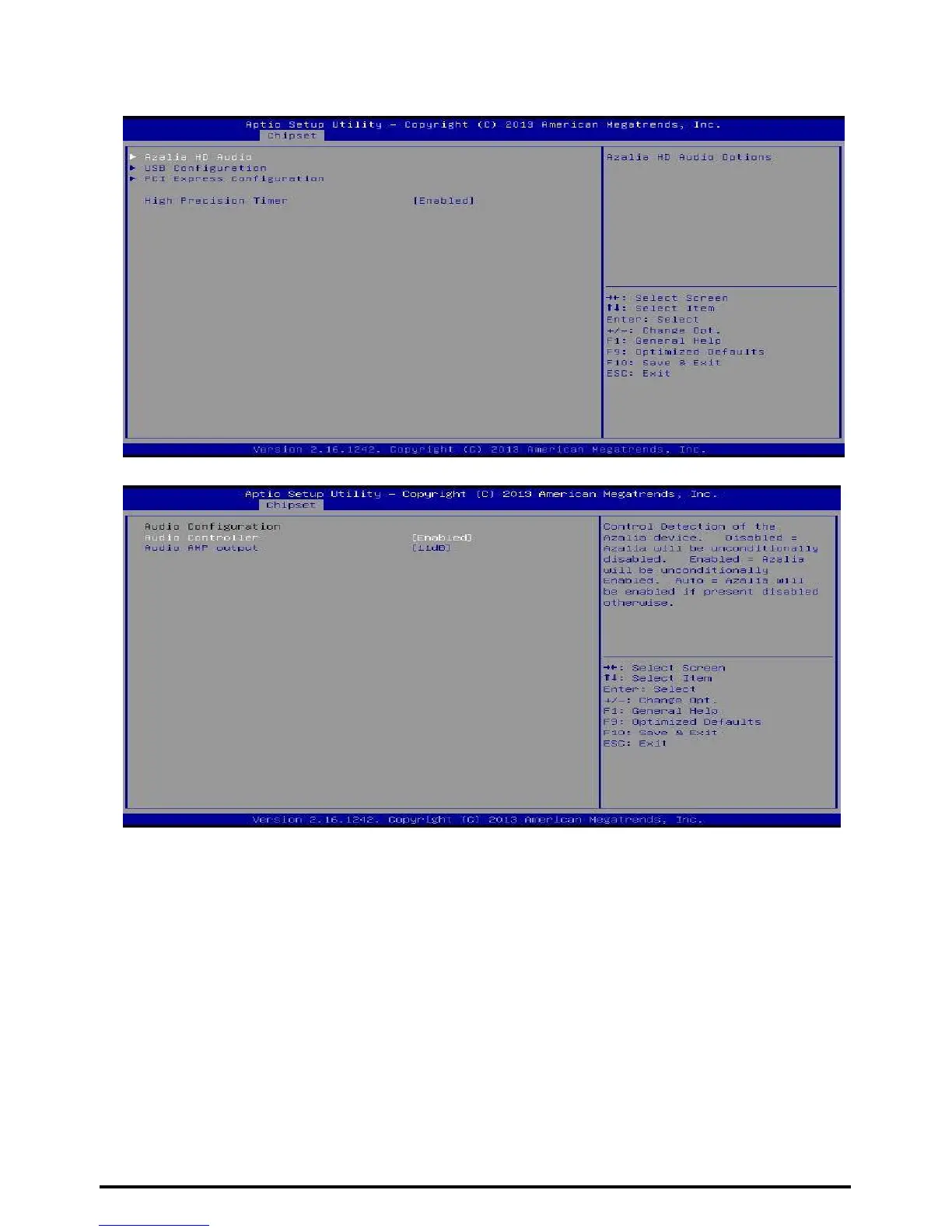
South Bridge
Azalia HD Audio
Azalia Controller
This item controls detection of the Azalia device. Disabled = Azalia will be unconditionally
disabled. Enabled = Azalia will be unconditionally Enabled. Auto = Azalia will be enabled
if present, disabled otherwise.
Options: Enabled (Default) / Disabled
Audio AMP output
This item selects Audio AMP output dB value.
Options: 11dB (Default) / 14dB / 19dB / 25dB
38 | Chapter 3: BIOS Setup



 To Next Page