Part 1 - Getting Started
18
Apply/Cancel Buttons
While in Camera Registration mode, select Apply to
register all changes.
Select Cancel to exit Camera Registration mode without
applying the changes.
It is not possible to register a camera that has already
been registered to a dierent NVR.
Diagnosis Process
When the camera is registered to the NVR, Self-
diagnosis runs automatically for the new registered and
changed cameras.
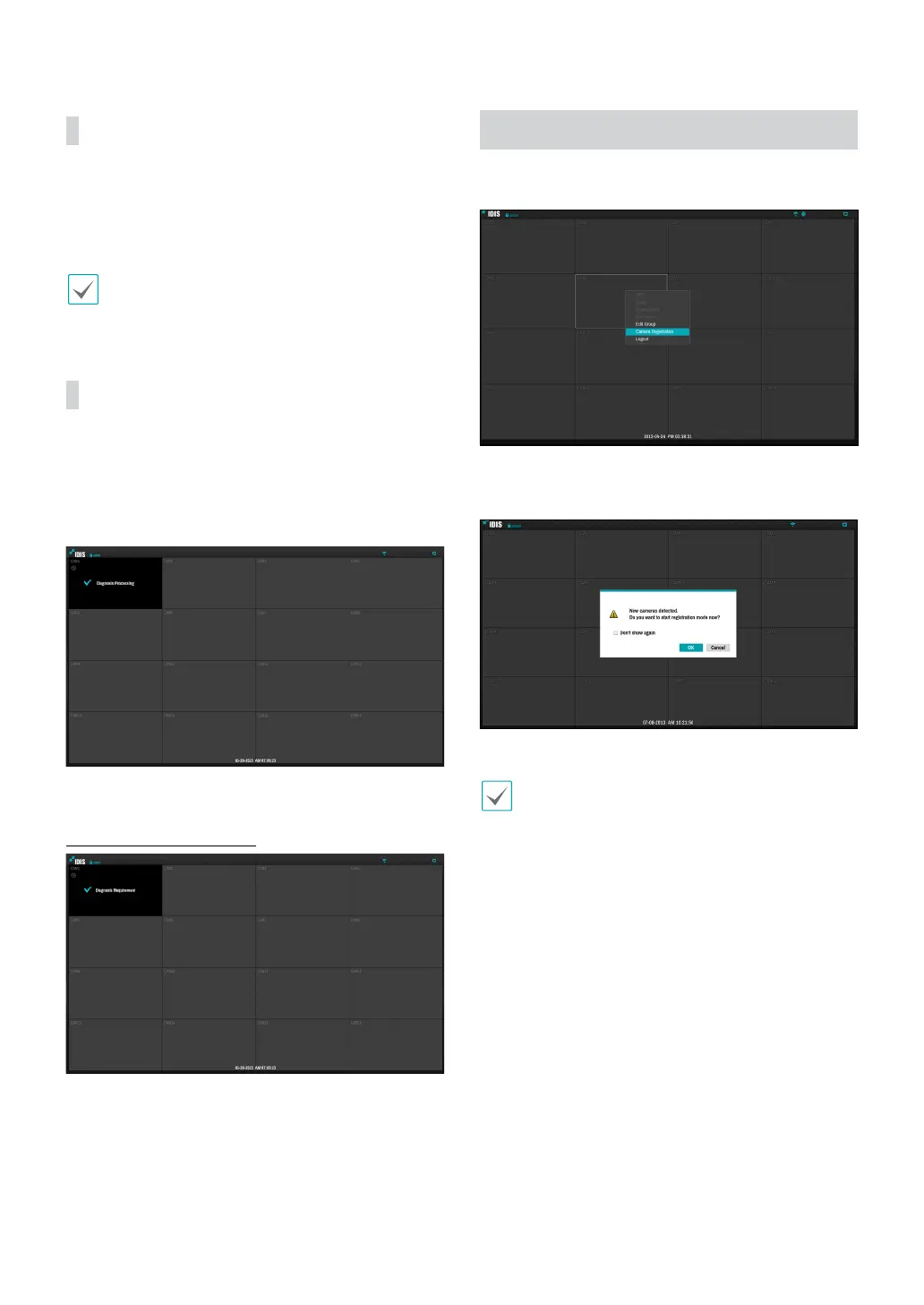
If Self-diagnosis is processing, Diagnosis Processing
message will be displayed.
If Self-diagnosis is failed, Diagnosis Requirement
message will be displayed. In this case, you can run Self-
diagnosis manually. For more information, refer to the
Self-Diagnosis on page 35.
Camera Registration Mode
While in Live mode, right-click and select Camera
Registration.
If Auto Detection has been enabled, a message will
appear while in Live mode when a new camera is
detected.
Select OK to enter Camera Registration mode.
Auto Detection should be disabled if no more camera
connections are expected.



 To Next Page