Part 2 - Conguration
48
Advanced Mode Options
Select to congure event types and video proles.
● Type: Event-specic and time recording icons are as
follows:
Time Lapse
(Time)
Audio Detection
Alarm-In Trip Zone
Motion
Detection
Tampering
Video Loss Text-In
Recording Fail Fan Error
Face Detection
● Video Prole: Congure the prole to use for
recording.
● Dwell: Specify how long to record for after a
corresponding event occurs.
• Upper-tier schedule's settings apply to
uncongured channels.
• If multiple events take place on a specic channel
and dierent Video Prole and Dwell Time settings
apply, highest settings apply to all event-linked
recordings.
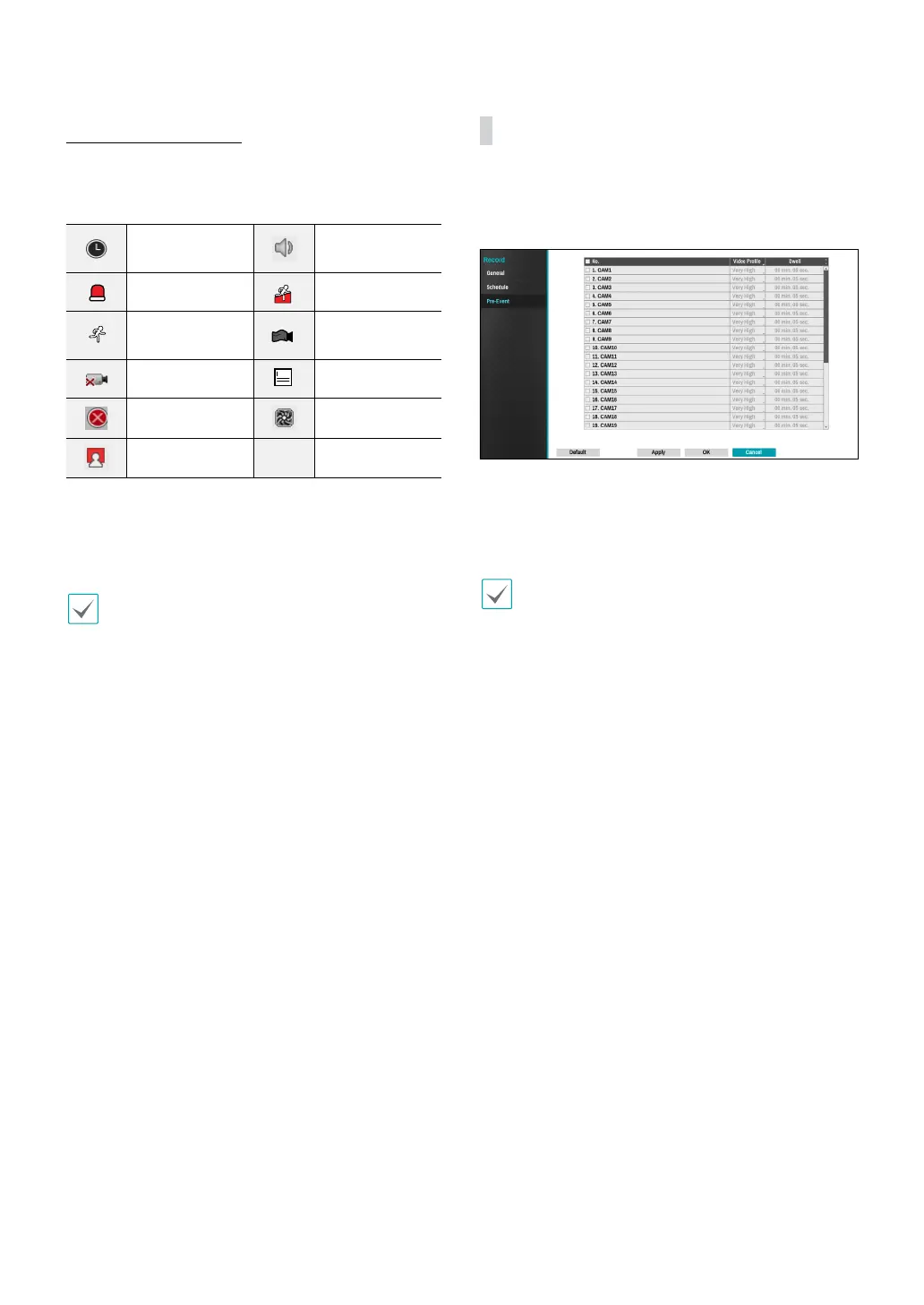
Pre-Event
When an event occurs, enabling this option includes
the specied duration prior to the event in the event-
triggered recording.
● No.: Select which cameras to apply Pre-Event to.
● Video Prole: Select a video prole for the recording.
● Dwell: Specify the duration of pre-event recording
data.
• If no event mode schedule exists in the schedule, a
warning message prompting you to add an event
mode schedule will be displayed.
• The warning message will appear even in Time &
Event mode.



 To Next Page