Part 2 - Conguration
40
and zoom settings.
6 Home Position: Specify the camera’s home position.
● Default: Uses the factory-default position as the
camera’s home position.
● Custom: Uses the user-dened position as the
home position.
● Select Set to change the home position.
7 Auto Run: Specify which action to take if the camera
has not been controlled for the specied duration of
time.
8Auto Pan: Specify the camera’s panning direction.
When Auto Pan is selected from a remote program,
the camera pans in the direction selected here.
9 Auto Flip: Automatically ips the image when the
camera tilts past 90° to prevent the objects from
appearing upside down.
● Digital: Flips the image left to right or top to
bottom.
● Mechanical: Automatically pans or tilts the
camera.
● O: Disables Auto Flip.
0 Tilt-Range: Specify the camera’s tilting range.
⑪Restore: Specify whether to restore the camera to
its last position or function. Enabling this option
restores the camera to its last position or function
after being restarted.
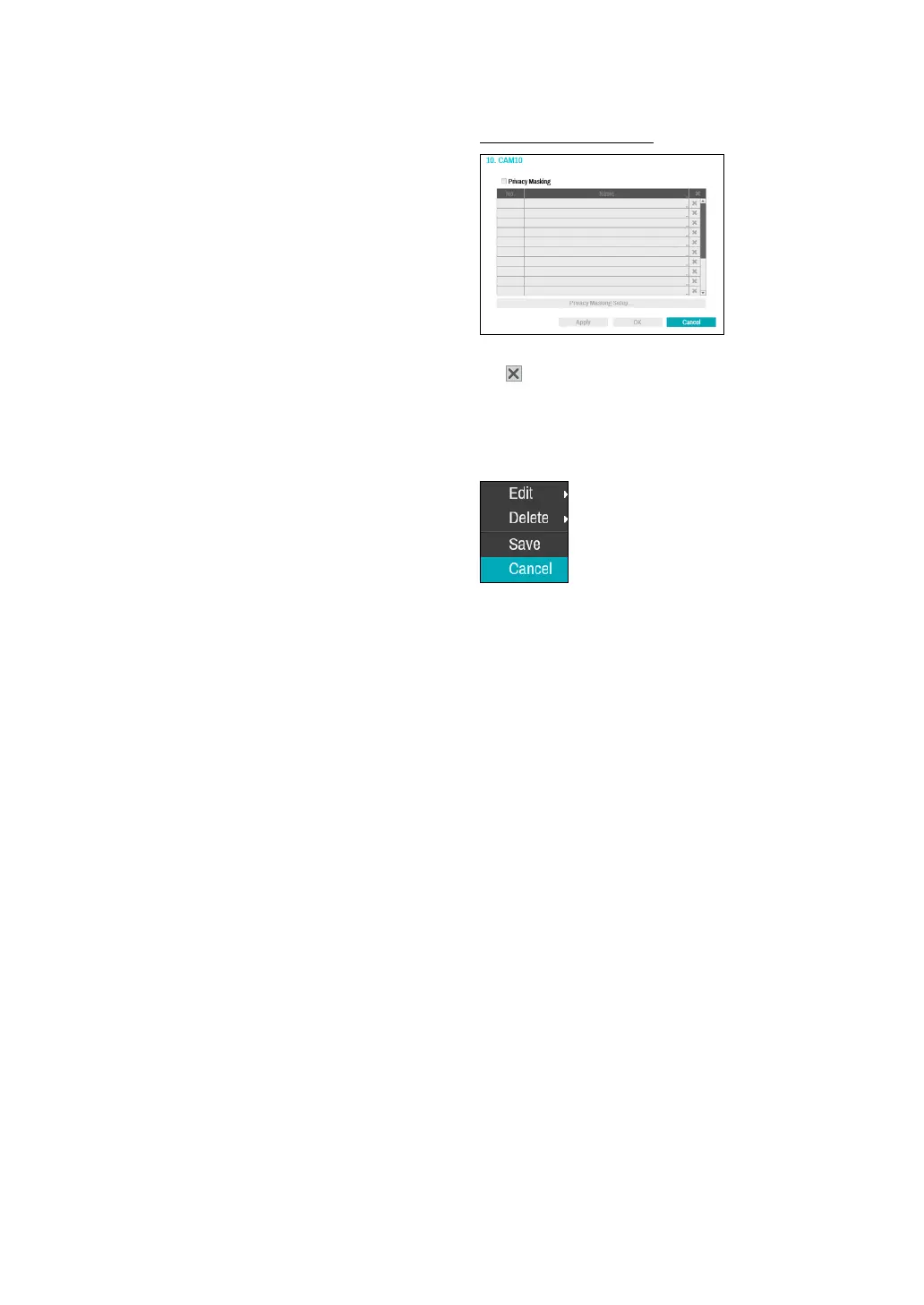
Privacy Masking Options
Select Name to rename the privacy masking area. Select
the
icon to delete the existing privacy masking area.
Select Privacy Masking Setup to display additional
privacy masking area options. You can drag on the area
with the mouse to resize it or add up to 16 dierent
areas.
● Edit: Rename the selected privacy masking area.
● Delete: Delete the selected privacy masking area.
● Save: Save the changes and exit the privacy masking
area options screen.
● Cancel: Exit the privacy masking area options screen
without saving the changes.



 To Next Page