Part 2 - Conguration
59
Remote Control
● Port: Select None, or RS232. Click the Setup button
and then select the correct Baud Rate, Parity, Data
Bits and Stop Bits for the device you are connecting
to the NVR. You can select the device from the
Remote Control Product list. If the RS232 port and
RS485 port are in use for PTZ control, networking
or text input, the remote keyboard cannot be
congured. A warning message window will appear
when other devices are using the same port, such as
PTZ control, networking or text input. The message
warns that you cannot use another device because
the ports overlap.
Network Setup
Refer to the Menu Use on page 27 for basic
information on using the Setup menus.
General
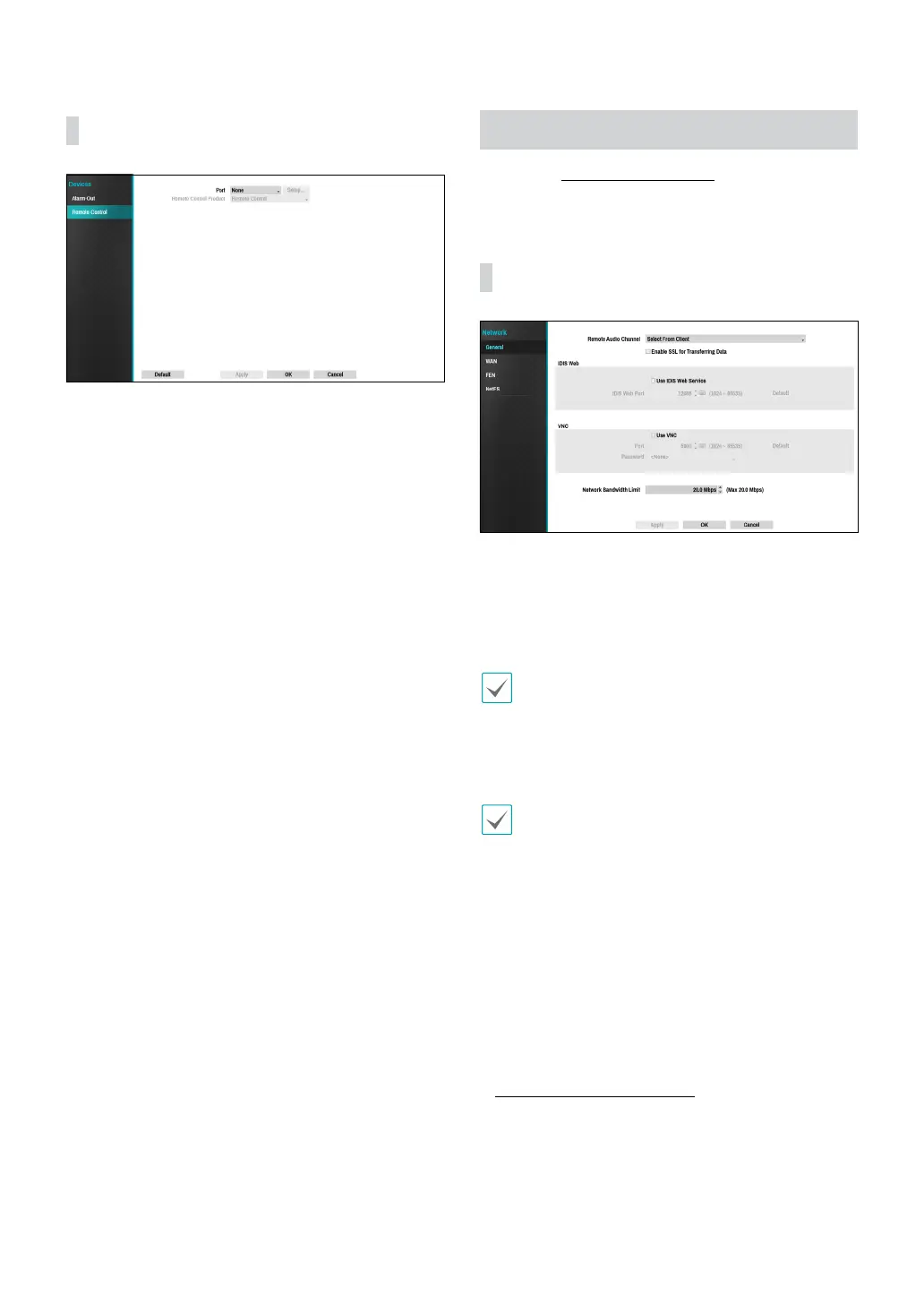
● Remote Audio Channel: Transmits the selected
channel’s audio to the remote program. Select Select
From Client to stream audio of the channel selected
on the remote program.
Audio skipping and sync issues can occur under poor
network conditions.
● Enable SSL for Transferring Data: Applies SSL
(Secure Sockets Layer) protection on remote viewing
and recording data transmissions.
• If using the SSL feature, it will not be possible to
connect to the NVR from a remote program or a
network keyboard that does not support SSL.
• Changing the SSL setting temporarily severs all
remote connections to the NVR in order to apply the
change.
• This product contains content developed by
OpenSSL Project for use in Open SSL Toolkit (http://
www.openssl.org/).
● IDIS Web: If you wish to use IDIS Web, select IDIS Web
- Use IDIS Web Service. Select IDIS Web - IDIS Web
Port and choose a port number between 1024 and
65535. For more information on IDIS Web, refer to the
Part 4 - IDIS Web on page 81.



 To Next Page