Part 2 - Conguration
33
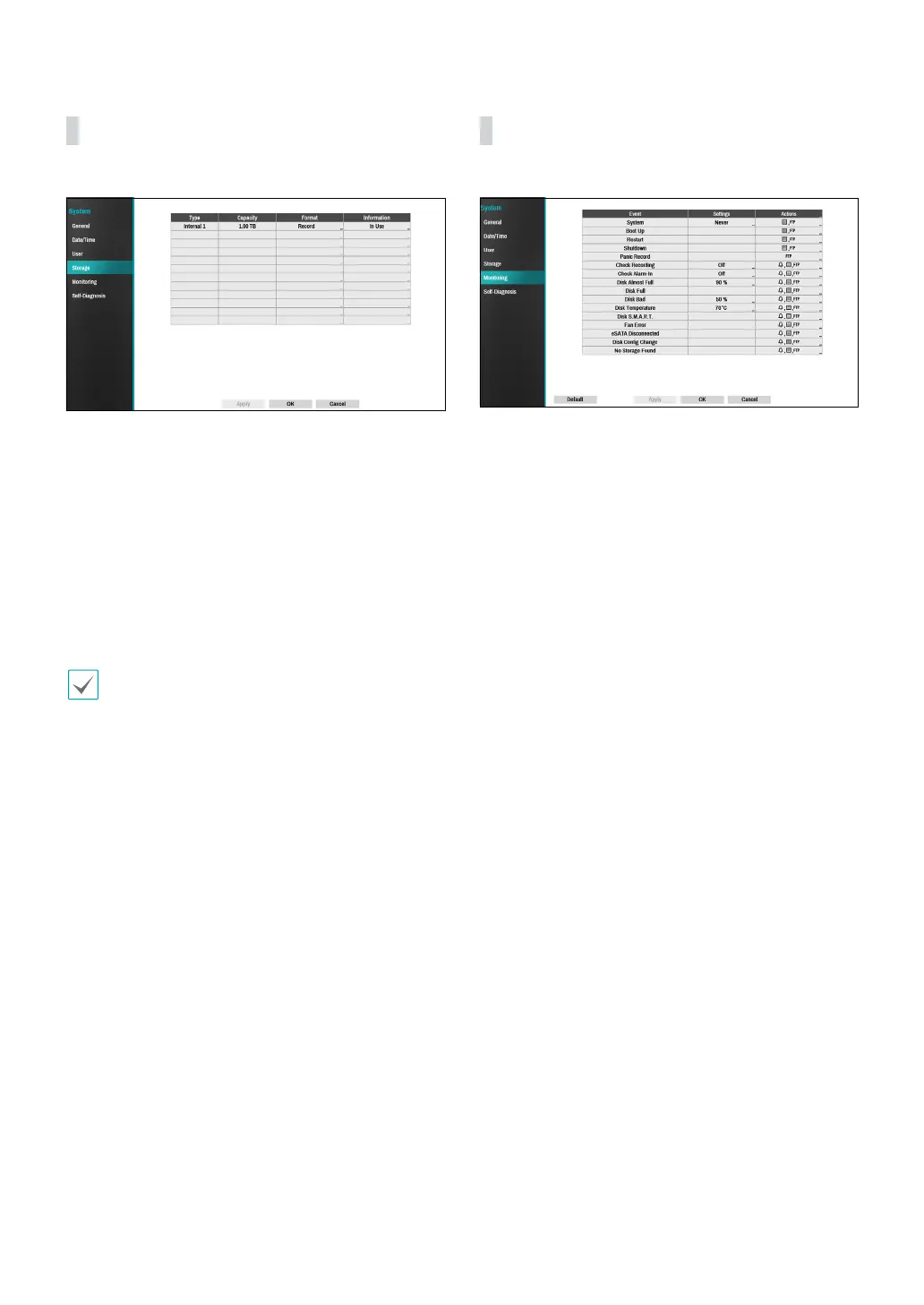
Storage
Use this option to congure storage settings.
Type: Indicates the type of the installed disk.
● Capacity: Indicates the disk’s capacity.
● Format: If the disk has been formatted, indicates
either Record or Not Using. If you have connected an
unformatted storage device, the Use As value will be
indicated as Not Formatted.
Information: Indicates if the disk is being used for
recording purposes. Disks that were used in dierent
systems will show up as Other. Select Information to
check the saved data’s time information or select Delete
to erase the data.
• Select Format to prepare the disk as a storage for
data recording.
• Disks formatted with Use As set to Not Using will
not be used for data recording.
• This NVR supports SATA2 HDDs.
Monitoring
Use this option to congure Monitoring settings.
● Settings: Congure when and what the system
should monitor for.
● Actions: Congure alarm-out (NVR alarm-out
channel, NVR beep, camera alarm-out channel) and
notication (email, LAN1 through 5, SNS, push, alert
window) settings.



 To Next Page