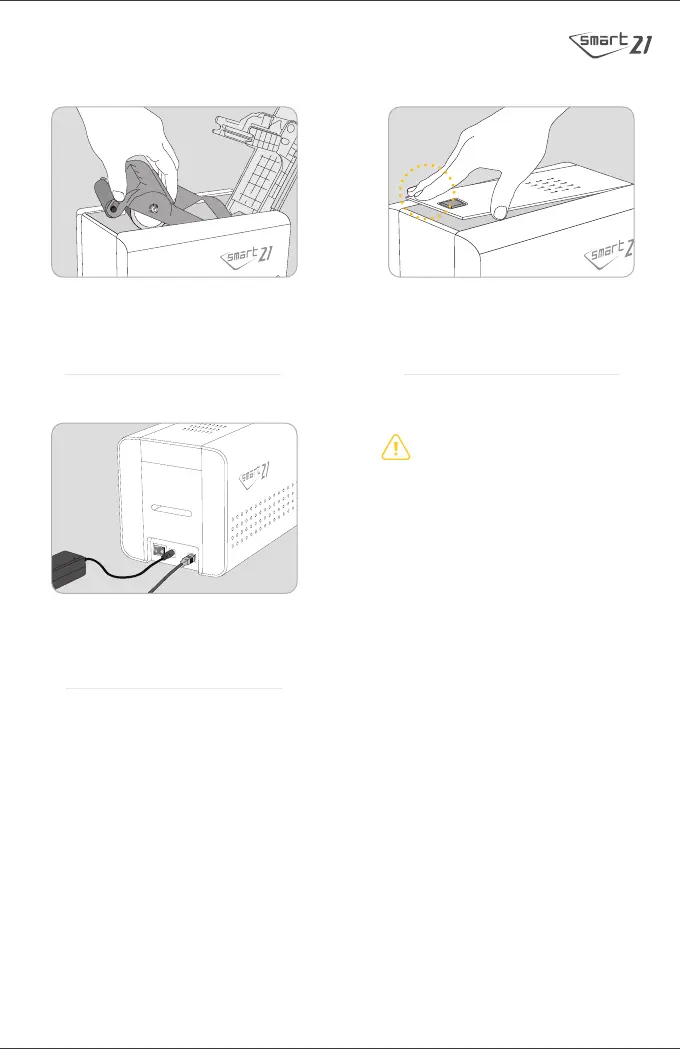
7. Insert the ribbon cartridge. 8. Close the top cover of the Printer by
pressing the indicated point.
9.
Connect the power adapter and USB cable.
Use only the power adapter provided
with the printer.
Do not connect the USB cable to the computer
and do not turn on the printer at this time as it
may interfere with the successful installation
of the driver.
It will be prompted during the following
instructions on when to turn
on the printer.


 To Next Page