EasyManua.ls Logo

idp SMART-31R - User Manual

idp SMART-31R
83 pages
Print Icon
To Next Page IconTo Next Page
Loading...
1
User Manual
SMART Series
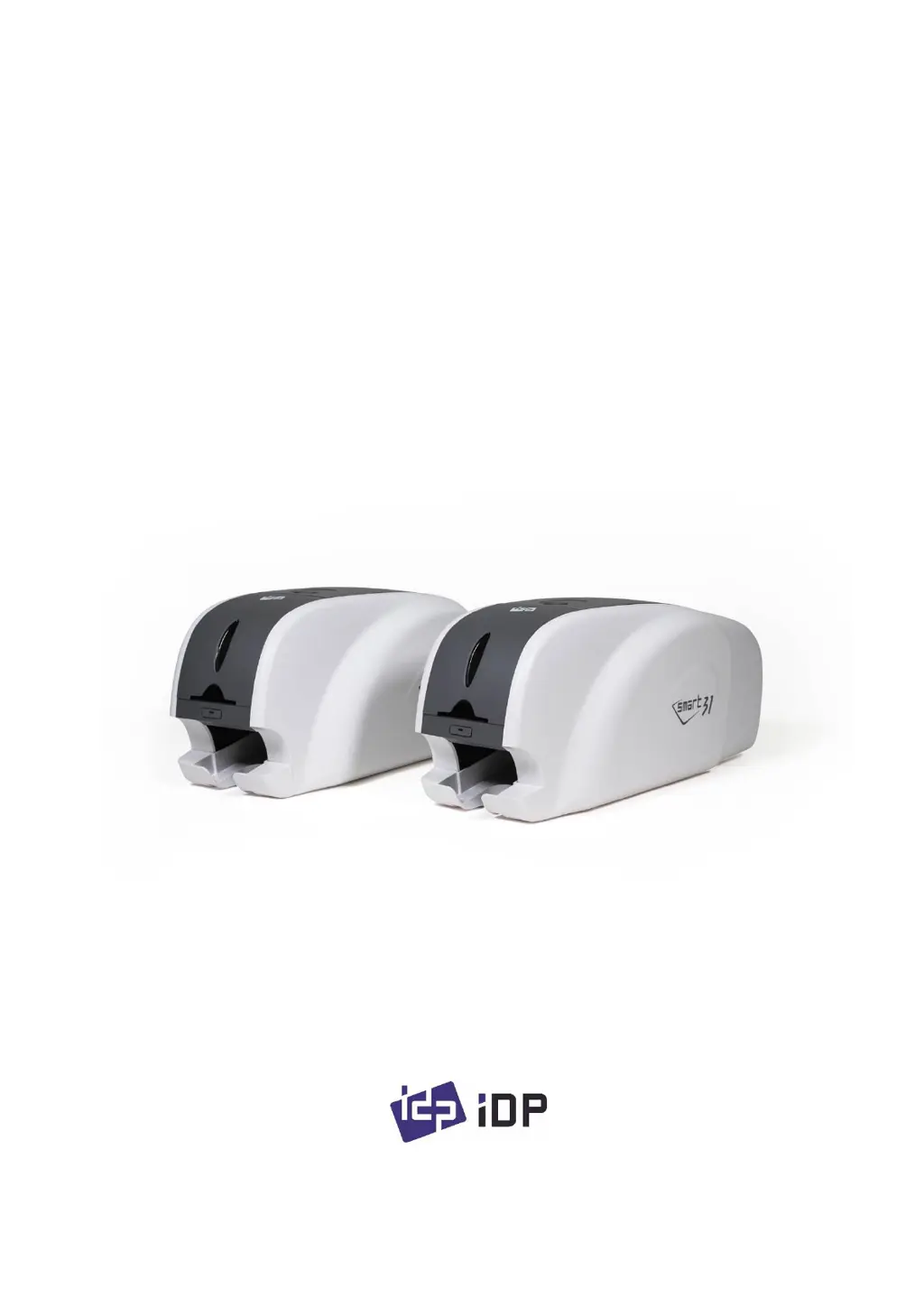
SMART-31S, SMART-31D, SMART-31R

Table of Contents

Questions and Answers

Summary

Introduction to SMART-31 Printer

Printer Exterior Features

Details the external components and their functions on the SMART-31 printer.

Printer Interior Components

Explains the internal parts of the SMART-31 printer, including the ribbon.

Ribbon Cartridge Details

Describes the features and compatibility of the SMART-31 ribbon cartridge.

Status Indicators and Controls

Explains how the printer's status is displayed and controlled via LEDs and buttons.

Printer Installation Guide

Connecting Power and USB

Step-by-step instructions for connecting the printer's power and USB cables.

Installing the Ribbon Cartridge

Guide on how to install the ribbon and cleaning roller into the printer.

Loading Plastic Cards into Printer

Instructions on how to properly load plastic cards into the input hopper.

Removing Printed Cards

Describes how to retrieve printed cards from the output stacker.

Windows Driver Installation

Comprehensive guide for installing the printer driver on Windows 7, 8, and 10.

Driver Configuration Options

Printer Properties Configuration

How to access and adjust general printer settings and preferences.

Advanced Driver Settings

Detailed configuration options for print quality, color, and position.

Printer Sharing and Port Settings

Configuration for printer sharing, ports, security, and service options.

Printer Utilities and Tools

Card Printer Configuration Utility

Using the utility to adjust printer settings, density, and area.

Network Setup and Configuration

Steps for connecting the printer to a network and configuring IP settings.

Printer Function Testing

How to use the CardPrinterTest utility to verify printer functions.

Updating Printer Firmware

Procedure for updating the printer's firmware using the provided software.

Optional Device Driver Installation

Contact Smartcard Reader Drivers

Guide for installing drivers for contact smartcard readers.

Contactless Smartcard Reader Drivers

Guide for installing drivers for contactless smartcard readers.

Troubleshooting Printer Issues

Troubleshooting Error Messages

Lists common error messages and their countermeasures for the printer.

Printer Cleaning Procedure

Instructions on how to clean the printer using a cleaning card.

Thermal Print Head Replacement

Step-by-step guide for replacing the printer's thermal print head.

Card Movement Troubleshooting

Solutions for problems related to cards not entering or moving within the printer.

Printing Quality Troubleshooting

Addresses issues like spots, lines, unclear prints, and color alignment.

Magnetic Stripe Encoding Troubleshooting

Solutions for errors encountered during magnetic stripe encoding.

General Operation Issues

Addresses common operational issues like snapped ribbons and printer not operating.

Printer Specifications

idp SMART-31R Specifications

General IconGeneral
Print TechnologyDye-Sublimation
Print CapabilitySingle-sided
Card Capacity (Input)80 cards
Card Capacity (Output)25 cards
Resolution300 dpi
Memory32MB RAM
Print Resolution300 dpi
Print Speed (Monochrome)Up to 720 cards per hour
Card SizeCR80 (85.6 x 54 mm)
InterfaceUSB 2.0
Operating SystemWindows
Print Speed180 cards/hour
ConnectivityUSB, Ethernet
Supported Barcode Types1D/2D barcodes
Supported Media TypesPVC cards
Weight4.5 kg

Related product manuals