EasyManua.ls Logo

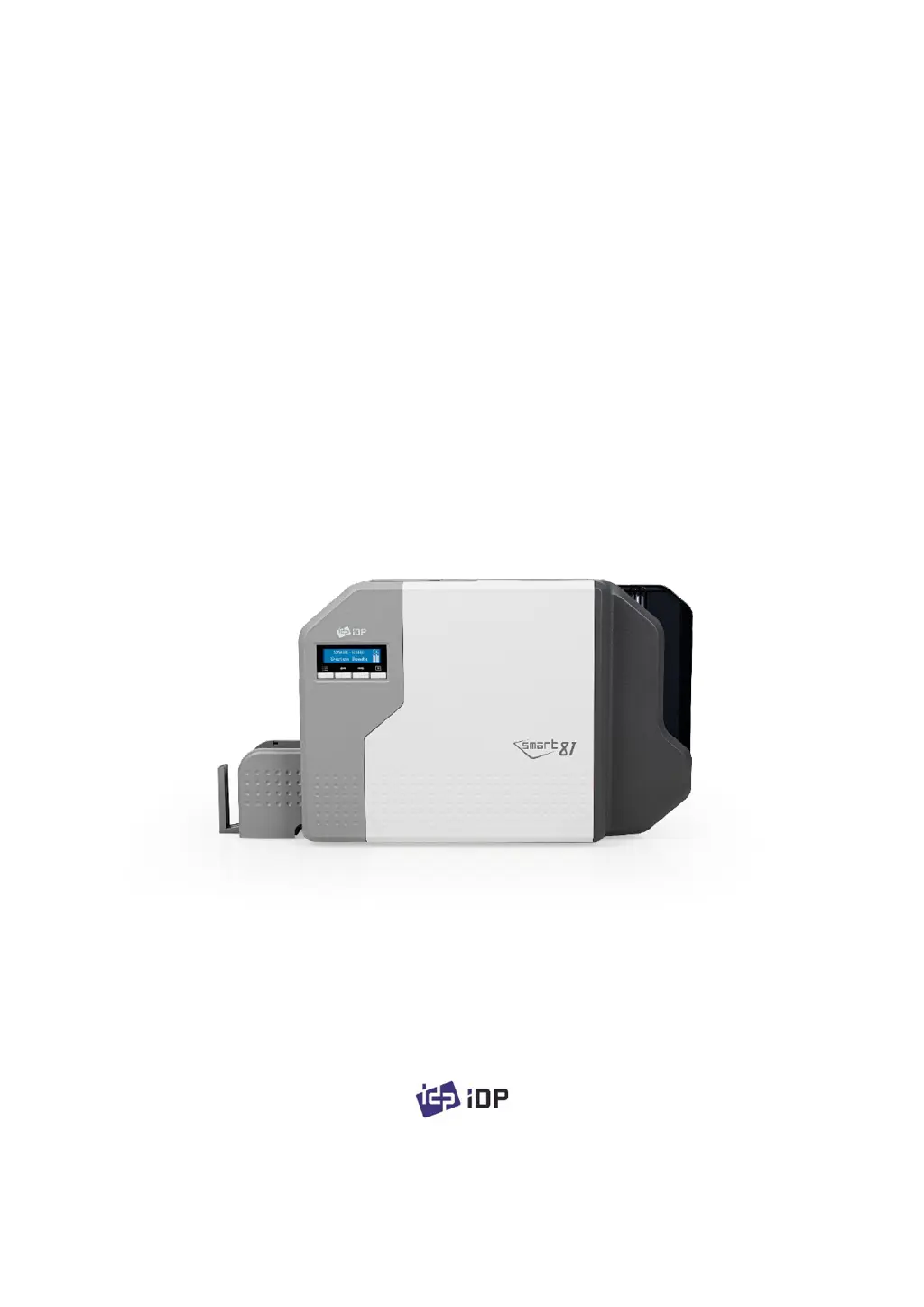
idp SMART-81 - User Manual

idp SMART-81
104 pages
Print Icon
To Next Page IconTo Next Page
Loading...
1
SMART-81
User Manual
Retransfer Card Printer

Table of Contents

Questions and Answers

Summary

Basic Information

Printer Exterior Features

Details external components and features of the SMART-81 printer.

Printer Interior Components

Describes internal parts of the SMART-81 printer, including cartridges and heads.

Control Panel Display and Buttons

Explains the LCD screen and control buttons on the printer's interface.

Printer Installation

Power and USB Cable Connection

Guides on connecting the printer's power supply and USB communication cable.

Consumables Installation (Film, Ribbon, Roller)

Step-by-step instructions for installing film, ribbon, and cleaning roller.

Loading Cards into the Hopper

Procedures for properly loading cards into the printer's input hopper.

Card Stacker Installation

Instructions on how to install the external card output stacker.

Printer Driver Installation (Windows OS)

Comprehensive guide for installing the SMART-81 printer driver on Windows systems.

IC;RF Module Installation

Steps for installing the IC (Integrated Circuit) and RF (Radio Frequency) modules.

Laminator Option Installation

Instructions for installing the optional laminator module onto the printer.

Driver Configuration

Printer Properties Configuration

How to access and configure printer properties through the driver settings.

Advanced Driver Settings

Details advanced graphic and document processing options within the driver.

Additional Printer Settings

Covers sharing, port settings, advanced configurations, and color management.

Utilities

Card Printer Configuration Utility

Guide to using the CardPrinterConfig utility for advanced printer settings.

Network Configuration and Setup

Instructions for connecting and configuring the printer on a network.

Card Printer Test Utility

How to use the CardPrinterTest program to verify printer functions.

Firmware Update Procedure

Steps for updating the printer's firmware using the provided utility.

Troubleshooting

Printer Error Messages and Solutions

Lists common LCD error messages and their troubleshooting steps.

Printer Air Filter Cleaning and Replacement

Instructions on how to clean or replace the printer's air filter.

Printer Cleaning Procedure

Guide on performing periodic cleaning of the printer using a cleaning card.

Thermal Print Head (TPH) Replacement

Steps for replacing the printer's Thermal Print Head (TPH).

Card Movement Issues and Solutions

Troubleshooting common problems related to card feeding and transfer.

Printing Quality Troubleshooting

Addresses various issues affecting print quality and their resolutions.

Magnetic Stripe Encoding Troubleshooting

Troubleshooting errors related to magnetic stripe encoding operations.

General Operation Issues

Addresses common operational issues like ribbon snapping and "Ribbon Not Found".

Specifications

idp SMART-81 Specifications

General IconGeneral
Card Capacity (Input)100 cards
ConnectivityUSB, Ethernet
Resolution300 dpi
Power SupplyAC 100-240V, 50/60Hz
Print TechnologyDye sublimation
Print CapabilitySingle or Dual Sided
Print Speed720 cards/hour (Monochrome)
Card Capacity (Output)40 cards
Card Thickness0.38 mm to 1.00 mm
Card SizeISO CR80 (54 mm x 86 mm)

Related product manuals