73
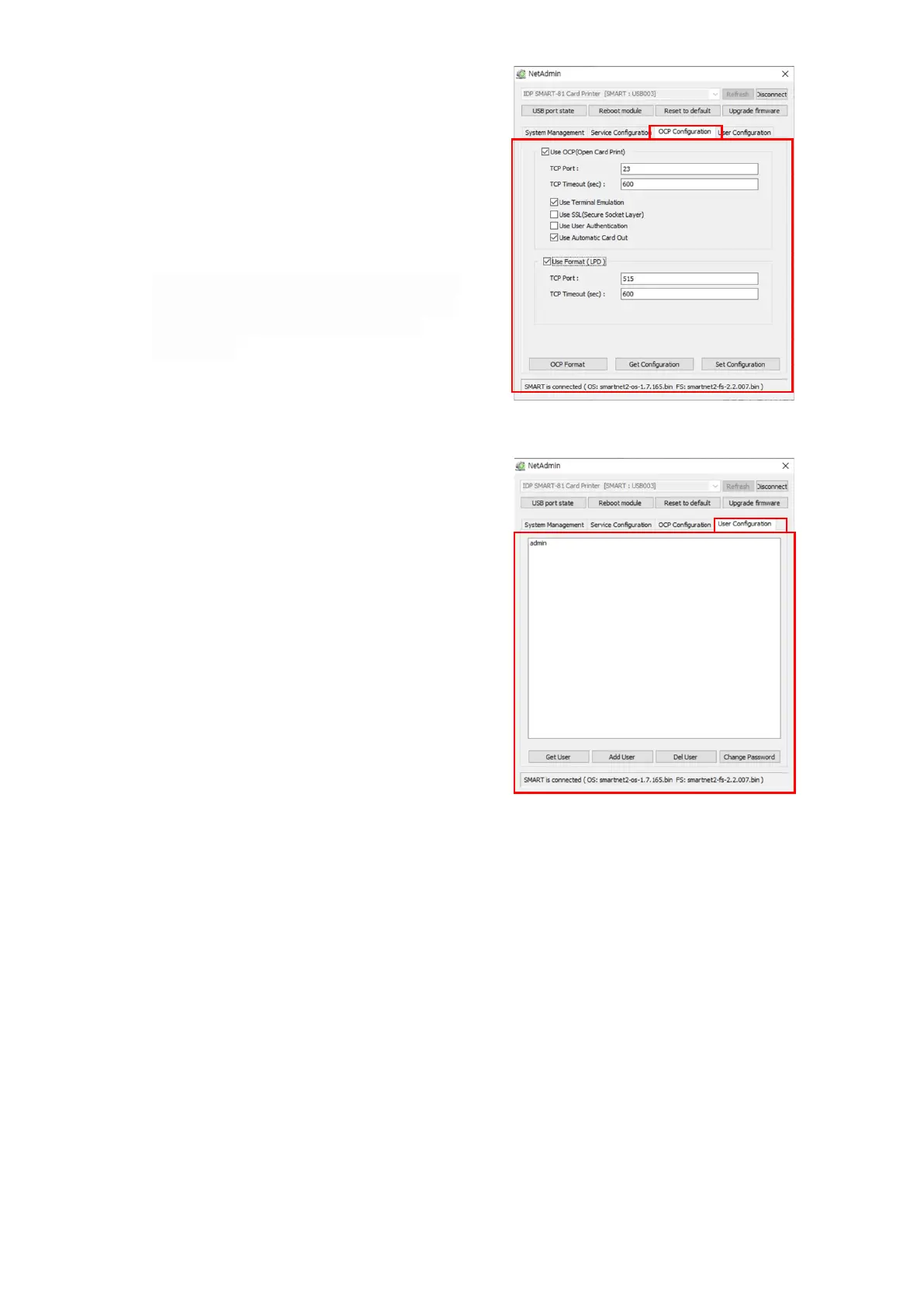
(13) OCP (Open Card Printer) Function
This function is for send commands and
print through network card regardless of
OS.
“Use Terminal Emulation” is value for
getting echo according to the commands
through terminal. For security, it supports
SSL and User Authentication.
"Use Format" prints the transferred data
in the form specified as "OCP Format".
Refer to the OCP manual for more
information.
Click “Set Configuration” to save the
configuration value and reboot the
printer.
Figure 77 OCP configuration
“Admin” is administrator and you can’t
delete this account. Please don’t forget
password for “admin”.
“Get User”: shows available users.
“Add User”: makes new user.
“Del User”: deletes selected user.
“Change Password”: changes password.
Figure 78 Network service configuration



 To Next Page