68
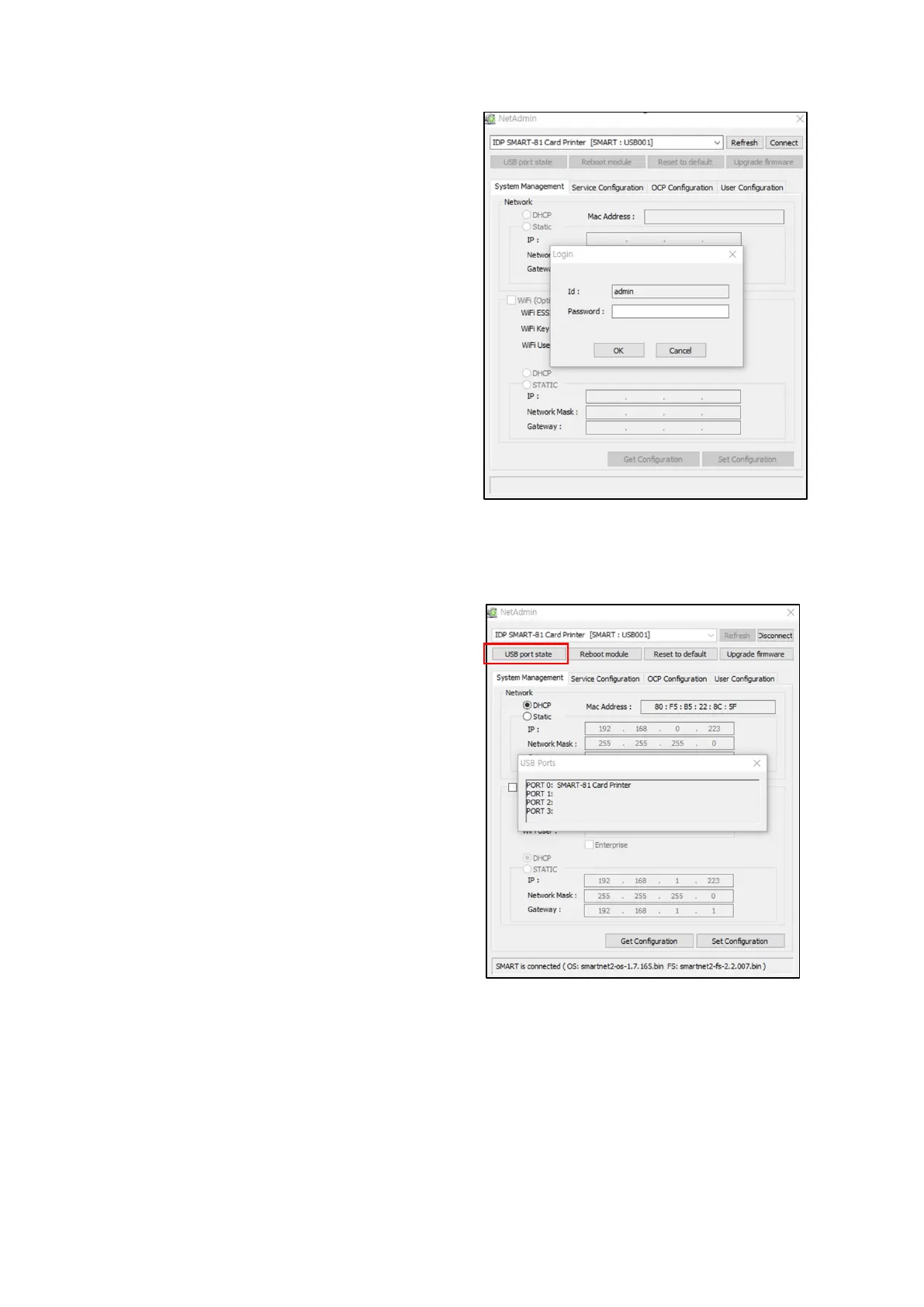
Please select a proper printer and click
“connect”. Please enter password and
click “OK”.
Default password is “admin”.
Figure 67 NetAdmin Log-in
USB port state
Click “Use Port State” to show device s
connected to USB hub of network
module.
Network module has 4 USB port.
Network module supports PC/SC.
When you install the encoders that
support PC/SC on
can recognize the status of encoders.



 To Next Page