51
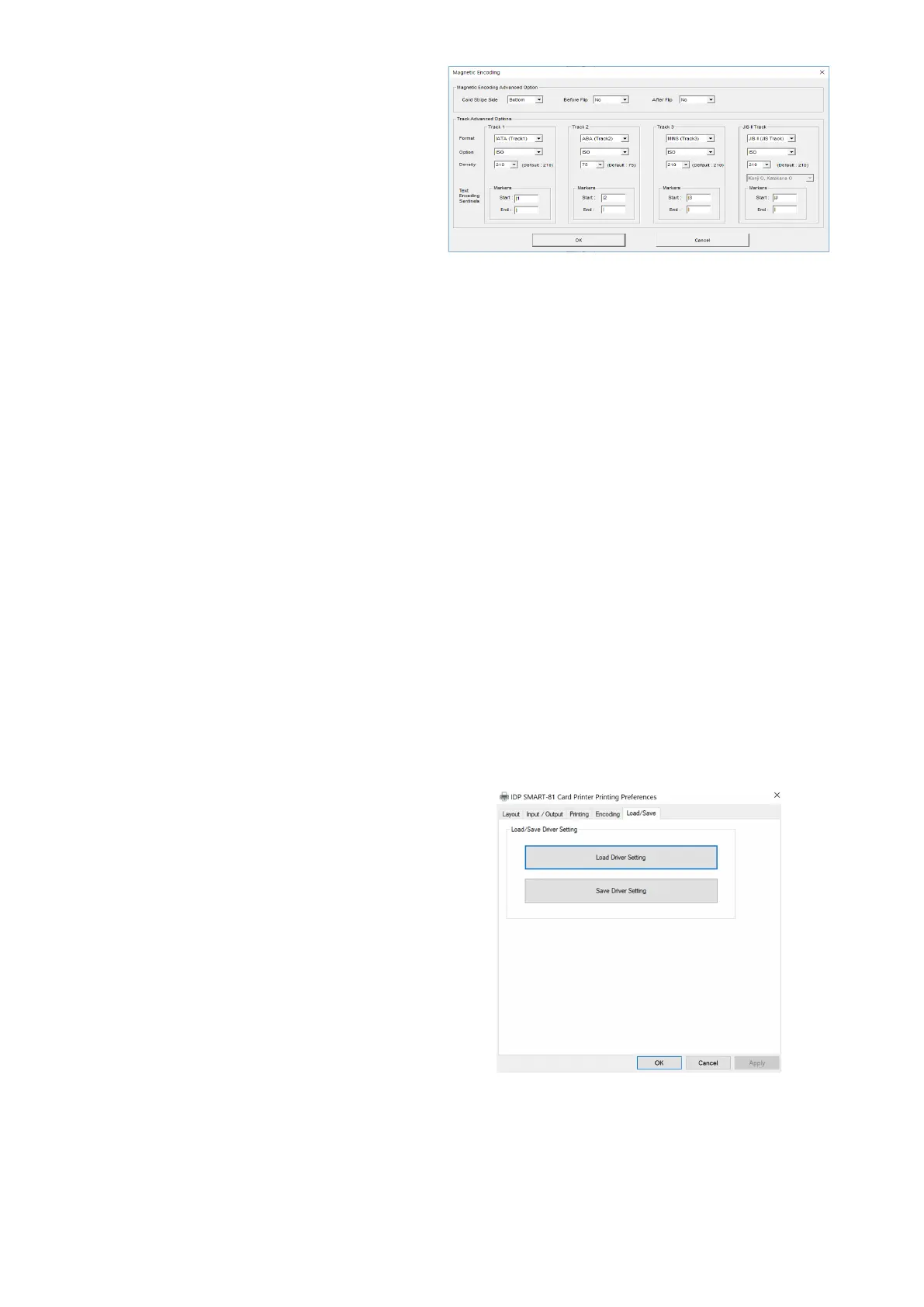
Encoding Advanced Option
Card Stripe
Side: the location of magnetic
Flip: Do flipping before encoding
Flip: Do flipping after encoding [No /
Options:
Encoding format (IATA, ABA,
Track 1: (default) IATA
Track 2: (default) ABA
Track 3: (default) MINS
JIS II Track: (default) JIS II
MS encoding density (210, 75)
Only Track 2’s default is 75
Sentinels: Start, End,
Marker for text magnetic encoding
.
Start Marker.
End Marker.
Figure 51 Encoding advanced Setting
Load/Save Option
Load Driver Setting: Load the saved driver
configuration file
.
Save Driver Setting: Save the current driver
configuration to the file
.
Figure 52 Load/Save Setting



 To Next Page