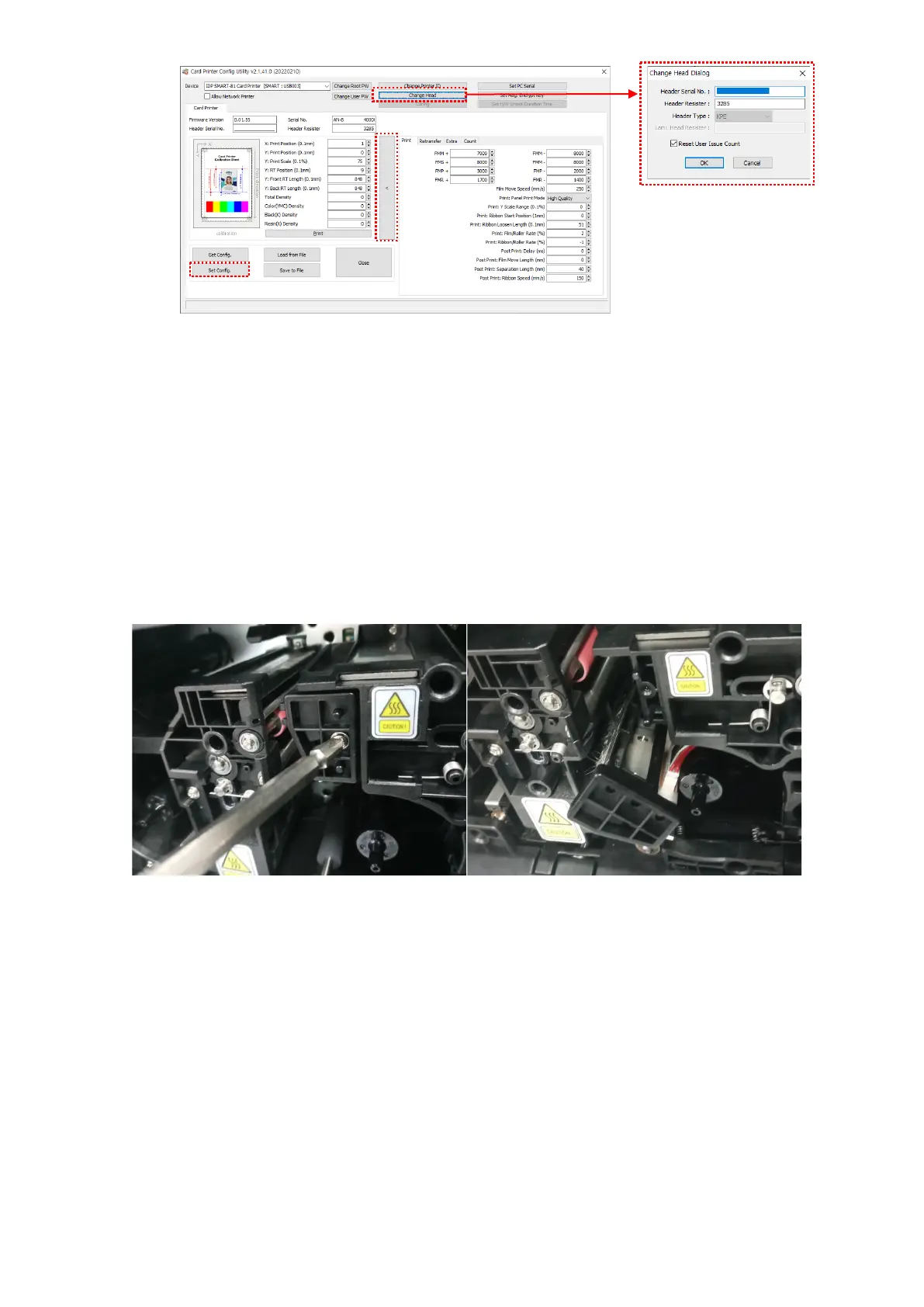
94
Figure 94 Printer head setup
3. Replacing the new Print Head
Step 1: Remove the old printer head from the top cover.
(1) Turn off the print and open the top cover.
(2) Remove the ribbon cartridge first, and release the screw, hold the head with one
hand, and remove it.
Figure 95 Printer head disassemble
(3) After separate head, disconnect print head wire carefully.
(Caution : Print Head is possible to HOT)
Step 2: Installing the new printer head.
(1) Connect new printer head to the Print Head Wire.
(2) hang the Head and tighten the screws.



 To Next Page